28 Chapter 4: Setup and Operation
Audio and Battery
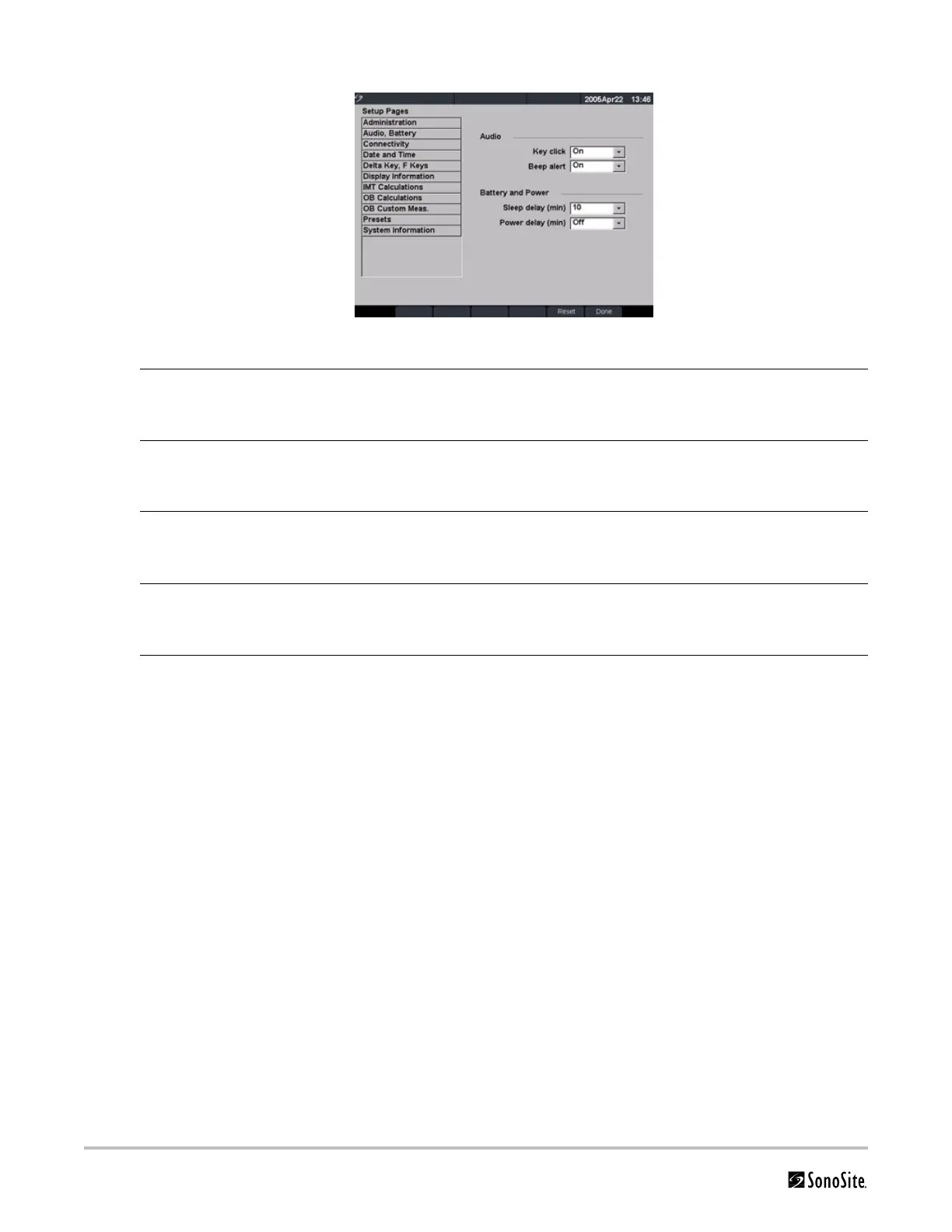
Figure 9 Setup Screen: Audio, Battery
Key Click 1 Press the Setup key.
2 Select Audio, Battery.
3 In the Key click list, select On or Off.
Beep Alert 1 Press the Setup key.
2 Select Audio, Battery.
3 In the Beep alert list, select On or Off.
Sleep Delay 1 Press the Setup key.
2 Select Audio, Battery.
3 In the Sleep delay list, select Off, 5, or 10 minutes.
Power Delay 1 Press the Setup key.
2 Select Audio, Battery.
3 In the Power delay list, select Off, 15, or 30 minutes.
Reset Select Reset from the on-screen menu to return settings for this setup page to
factory default.



 To Next Page