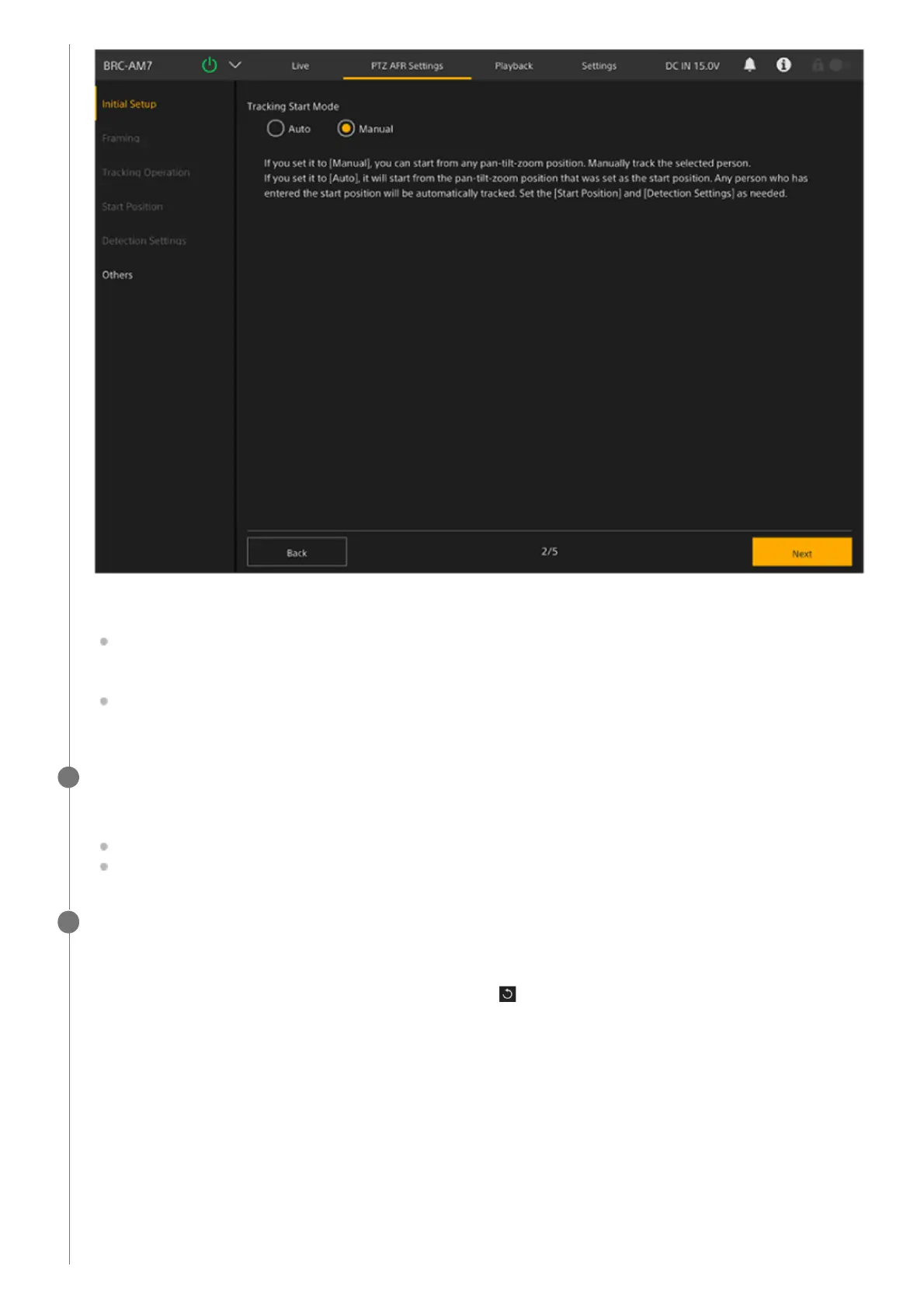
Sets the tracking start mode.
[Auto]: In this mode, tracking a person automatically starts when a person enters the specified detection area in the
field of view configured for the start position (auto tracking start mode). When this setting is selected, configuration
on the [Start Position] screen and [Detection Settings] is required.
[Manual]: In this mode, tracking does not start until you manually specify the person to track (manual tracking start
mode).
When finished configuring, press the [Next] button.
The next setup screen appears.
When [Auto] is selected, go to step 7.
When [Manual] is selected, go to step 11.
6
Set the start position for auto tracking on the [Start Position] screen.
Configure the start position used when PTZ auto framing is in auto tracking start mode. This setting is not required for
manual tracking start mode.
The camera will return to the start position when you press the
(Restart) button on the live operation screen or if
tracking of the person you were tracking is lost.
7



 To Next Page