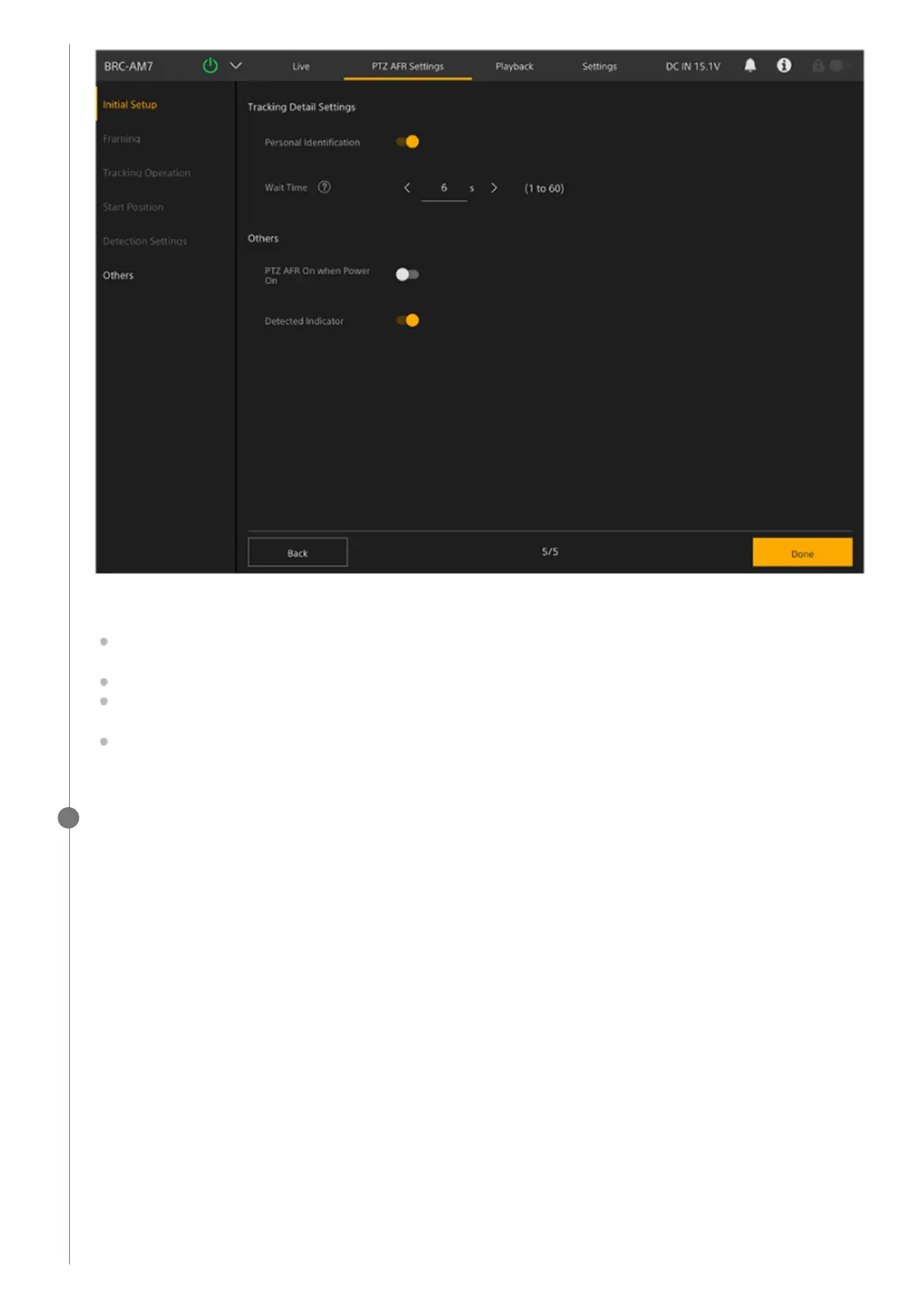
Configure the following settings, as required.
[Personal Identification]: Set to the on position for normal operation. Set to the off position if you want the camera to
automatically track someone at all times without identifying them.
[Wait Time]: Set the time to stop pan/tilt/zoom operation and wait when the tracking target is lost.
[PTZ AFR On when Power On]: Set to the on position to start with PTZ auto framing enabled when the unit is turned
on.
[Detected Indicator]: Set to the on position to display a frame around a detected person’s face as a target or
candidate for auto tracking. It also displays the detection range for the start position.
When finished configuring, press the [Done] button.
The following completion screen appears.
12



 To Next Page