Help Guide
Color Video Camera
BRC-AM7
Adjusting the Focus Manually Using the Web App
You can adjust the focus manually, for example, in the following cases.
Subjects partially obscured by water droplets
Subjects with low contrast against the background
Subjects further away than nearby subjects
Note
Manual focusing cannot be controlled from the Web App while zoom operation is in progress.
Hint
You can also use auto focus when manual adjustment is the main method of operation. For details, see “Setting the Auto Focus Target
Manually (AF Assist) Using the Web App.”
Related Topic
Setting the Auto Focus Target Manually (AF Assist) Using the Web App
TP1001804514
5-065-326-11(1) Copyright 2024 Sony Corporation
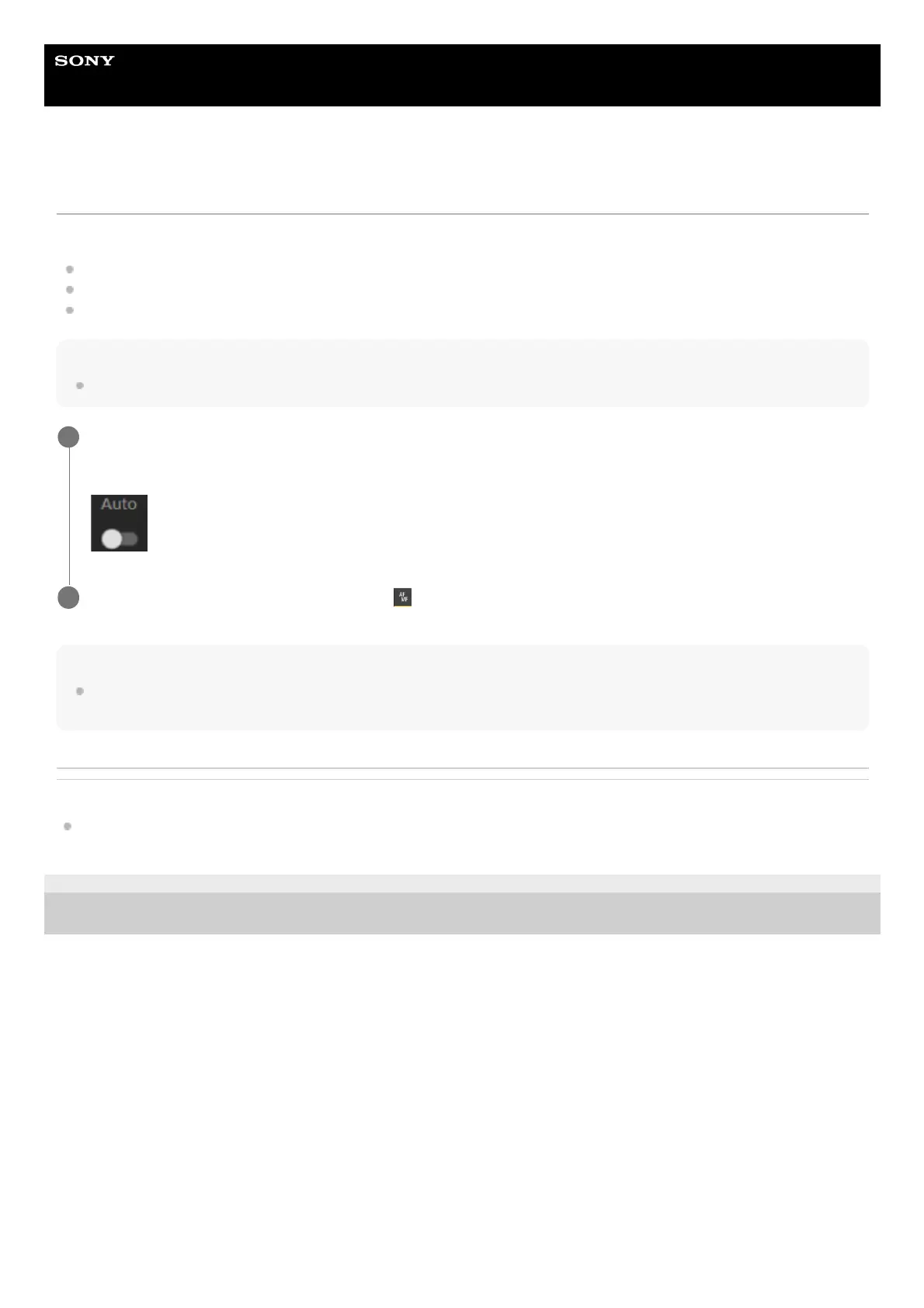
Slide the [Auto Focus] switch to the left position in the camera control panel to turn auto focus off.
Manual focus mode is activated.
(MF)
1
Adjust using the slider at the bottom of the
(Focus) tab.
2



 To Next Page