Help Guide
Color Video Camera
BRC-AM7
Moving the Focus Area Frame Using Touch Operation (Touch Focus Area)
You can change the position of the focus area by pressing an assignable button assigned with [Focus Setting] to change the
focus area display to orange, and then move the focus area frame using touch operation in the camera image panel.
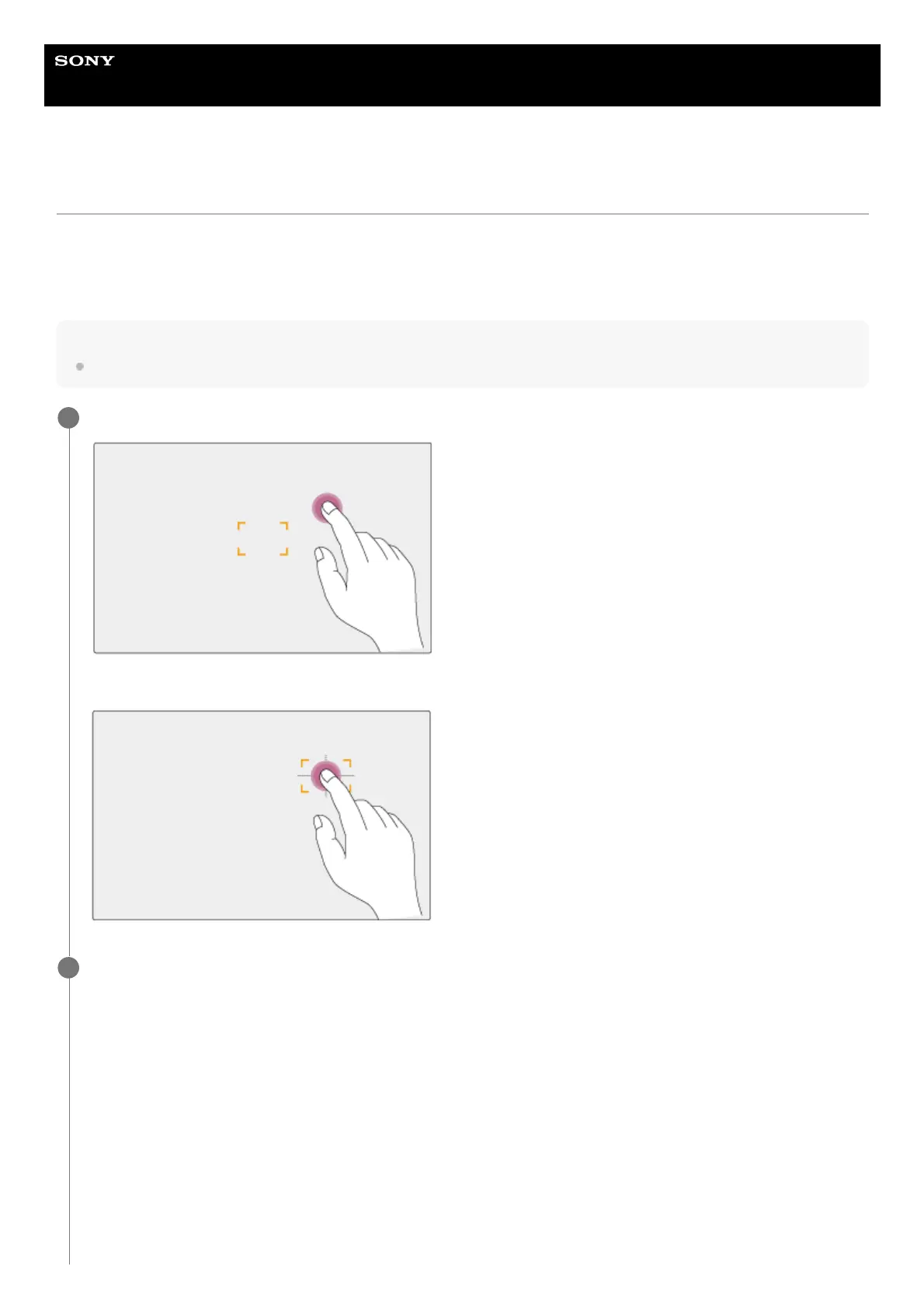
Tap the screen to move the focus area, with the focus area centered on the tapped position. Drag on the screen to move the
focus area to the position traced by your finger.
Hint
You can enable/disable the touch focus area on the shooting screen using an assignable button assigned with [Focus Setting].
Tap any position.
The tapped position becomes the center of the focus area.
1
Drag to move the focus area, tracing your finger position.
2



 To Next Page