Note
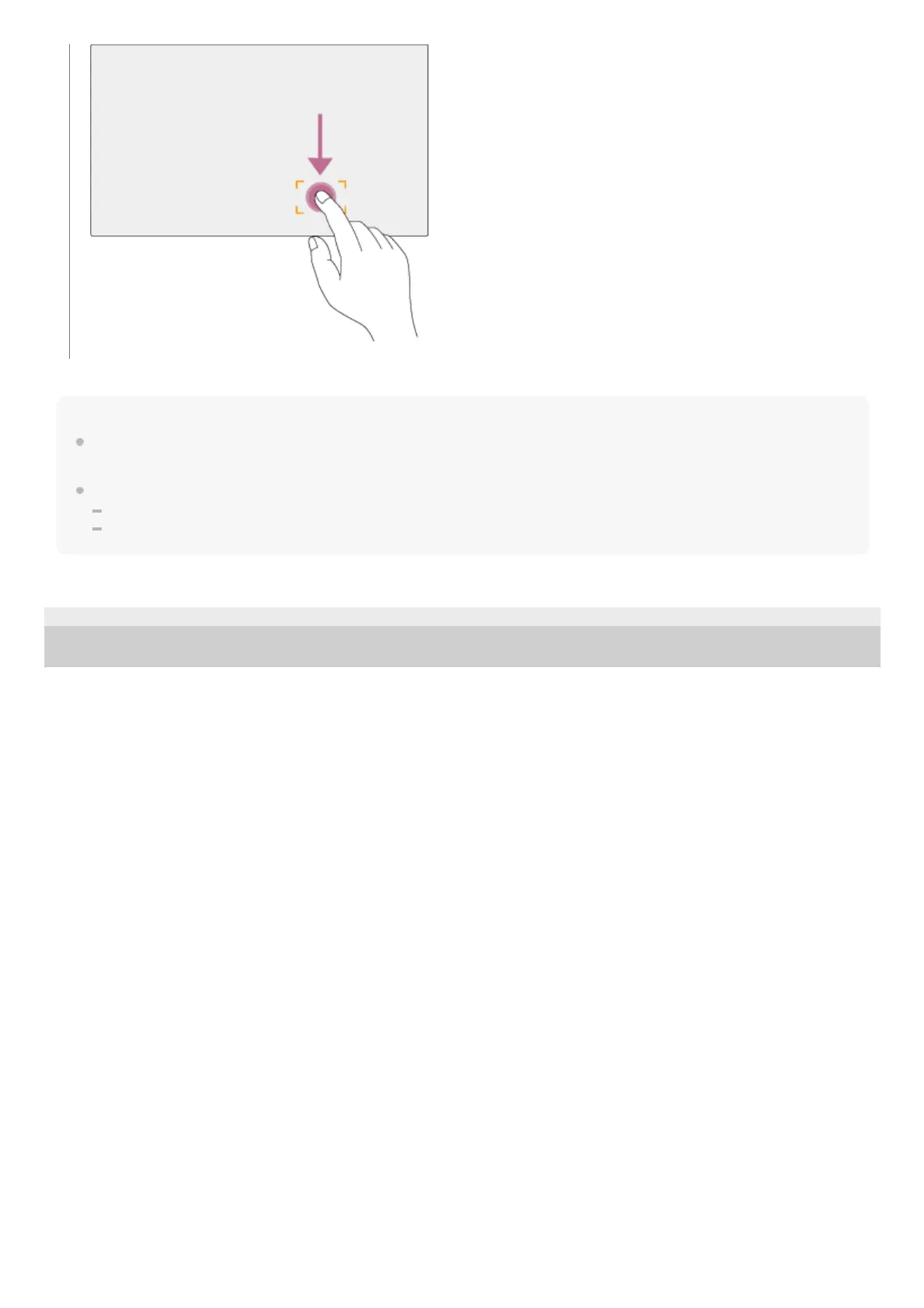
If you tap a position or drag the focus area to a position that exceeds the setting range, the focus area is set to the top/bottom/left/right
edge of the setting range.
This function is not available in the following circumstances.
When the [Touch Focus] switch is turned off in the camera control panel
When the focus area frame is displayed in gray or is not displayed at all
TP1001804522
5-065-326-11(1) Copyright 2024 Sony Corporation



 To Next Page