TP1001804461
5-065-326-11(1) Copyright 2024 Sony Corporation
Take the necessary action according to the message displayed in the camera image panel.
Note
Messages are not displayed when [Monitoring] – [Output Display] – [SDI2/HDMI/Stream] is set to off in the web menu. Set to on to
check the contents of messages.
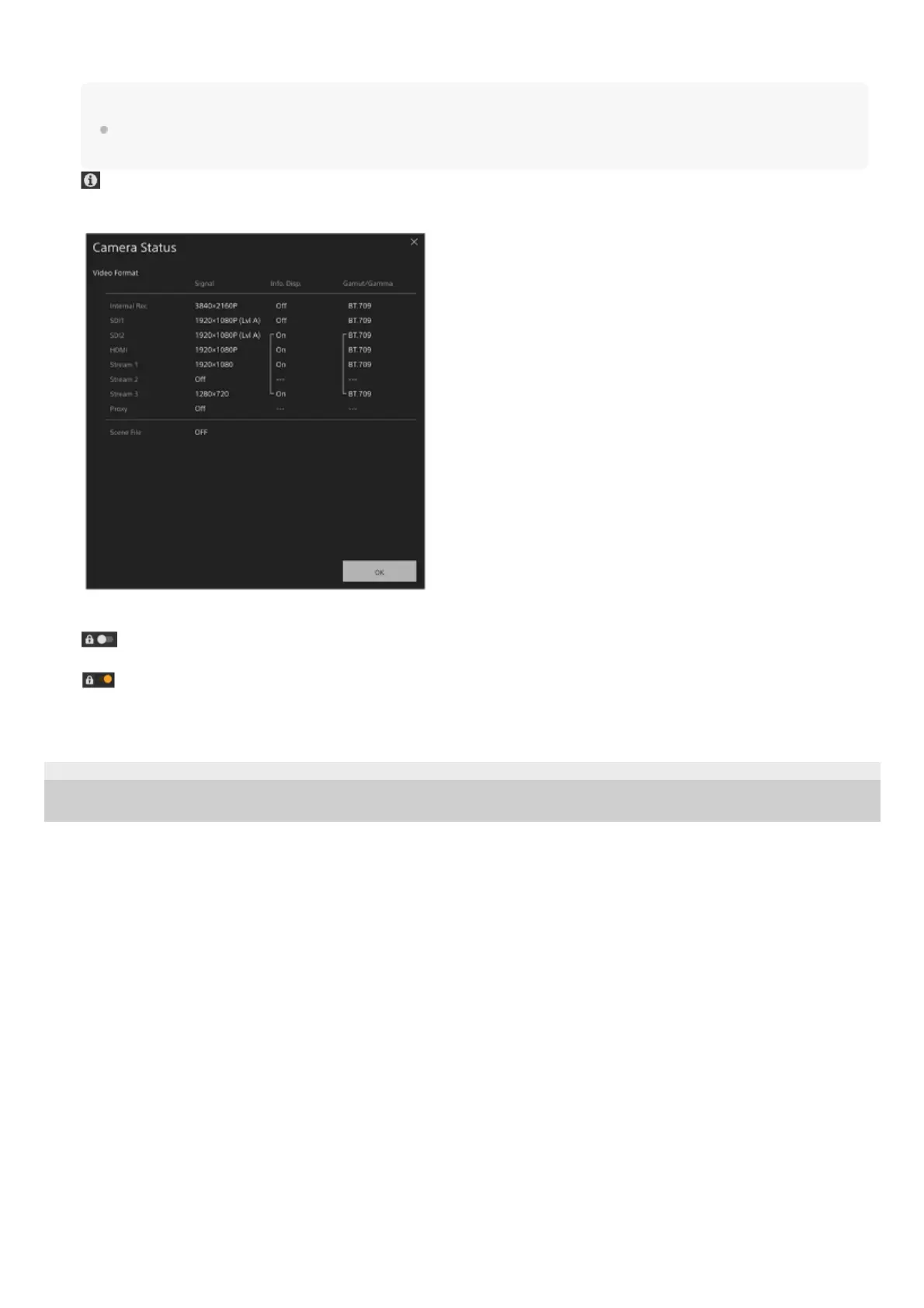
(Camera Status) button
Press the button to display camera recorded image/output image signal information status on a separate screen.
6.
Screen operation lock switch
(Operation Unlock): Set the switch to the left position to perform live operation screen and playback operation
screen operations.
(Operation Lock): Set the switch to the right position to lock the live operation screen and playback operation
screen to prevent accidental operation.
7.



 To Next Page