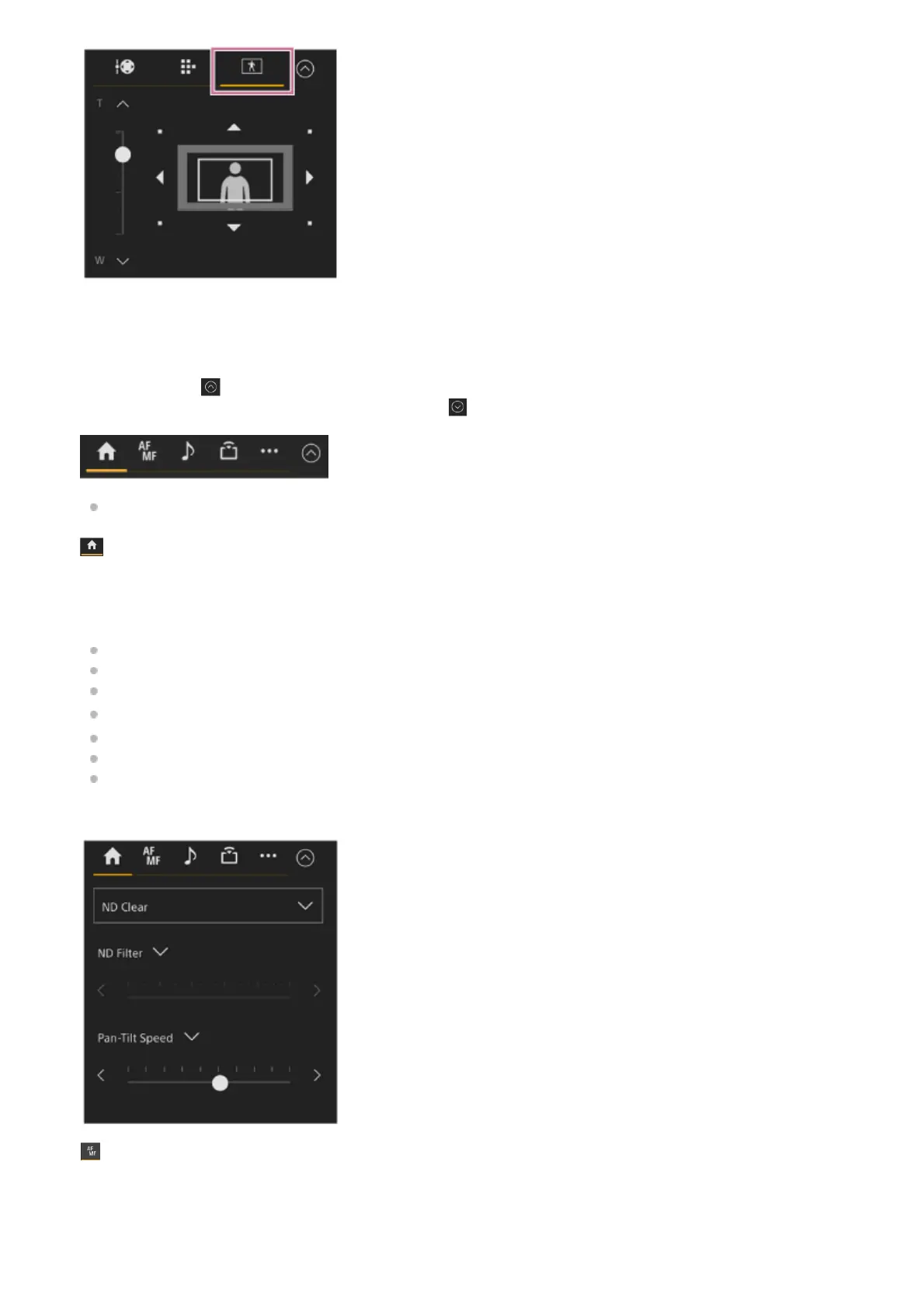
For operation, see “Specifying the Subjects for Automatic Tracking (manual tracking start mode).”
Camera control panel
Use to configure the functions required to operate the camera.
Switch between the screens to display using the tabs at the top.
You can press the
(Close) button at the top right of the screen to hide the control panel to prevent inadvertent
operation. If the control panel is not displayed, press the
(Open) button to display it.
For details, see the description of each function.
(Main) tab
Displays the setup items for frequently used functions.
The top and bottom slider functions can be changed by pressing the [▼] button and selecting from the displayed list. The
following functions can be selected.
[ND Filter]
[Iris]
[ISO]
*
[Gain]
*
[AE Level]
[Zoom Speed]
[Pan-Tilt Speed]
(Focus) tab
Displays the setup items related to focus.
9.
Displayed according to menu settings.
*



 To Next Page