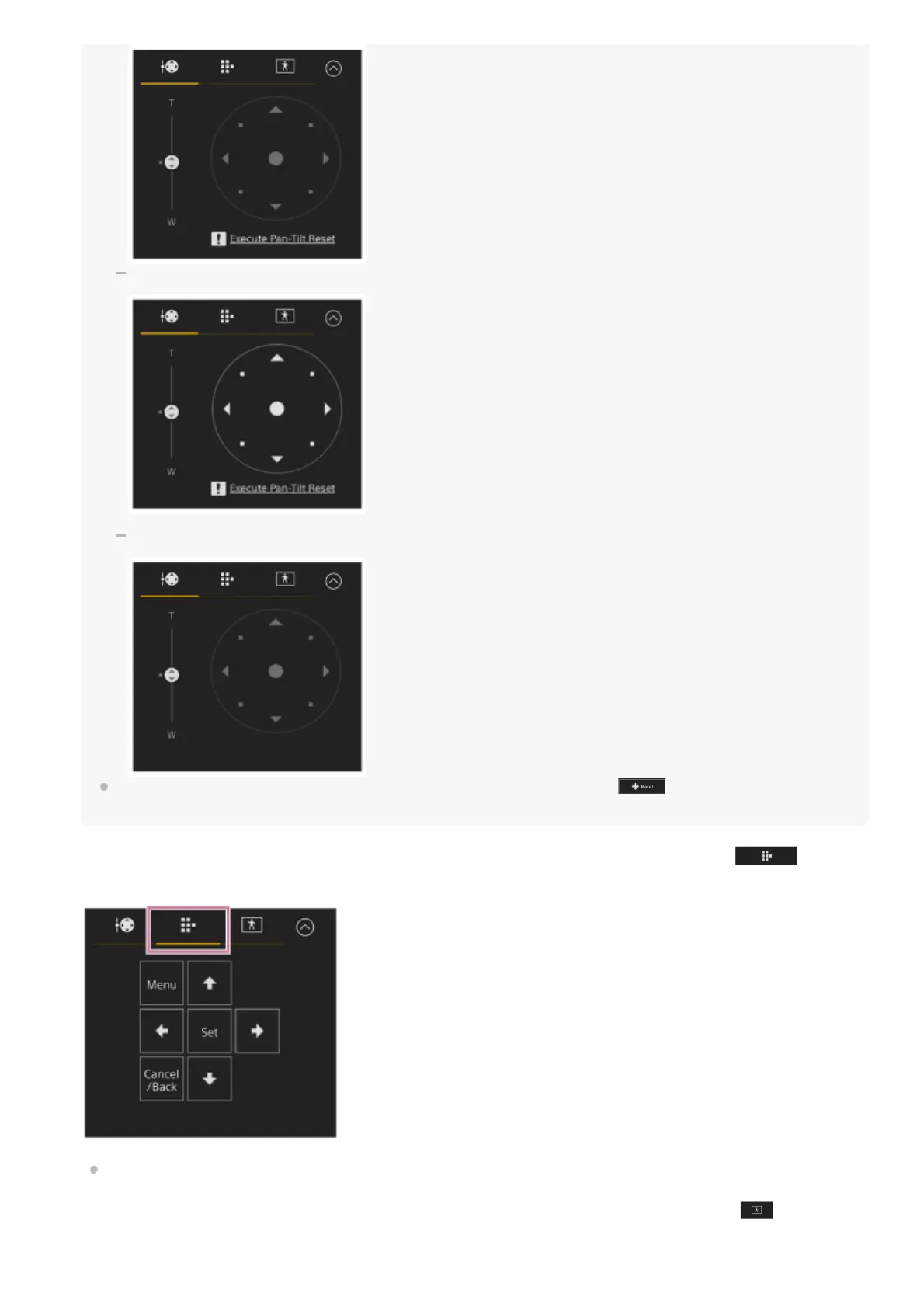
When pan/tilt operation needs to be reset
When pan/tilt operation is disabled
When pan/tilt operation is not initialized or needs to be reset, you can quickly access the (Pan/tilt reset) button in the
camera control panel by pressing the message displayed below the joystick.
Use the GUI control panel to operate the camera menu, clip playback, and other functions. Press the
(Cam
GUI) tab to display the GUI control panel.
For details about operation, see “Operating the Camera Menu” and “Playing Recorded Clips.”
Use the AFR composition adjustment panel to adjust the composition for PTZ auto framing. Press the
(AFR
composition adjustment) tab to display the AFR composition adjustment panel.



 To Next Page