Related Topic
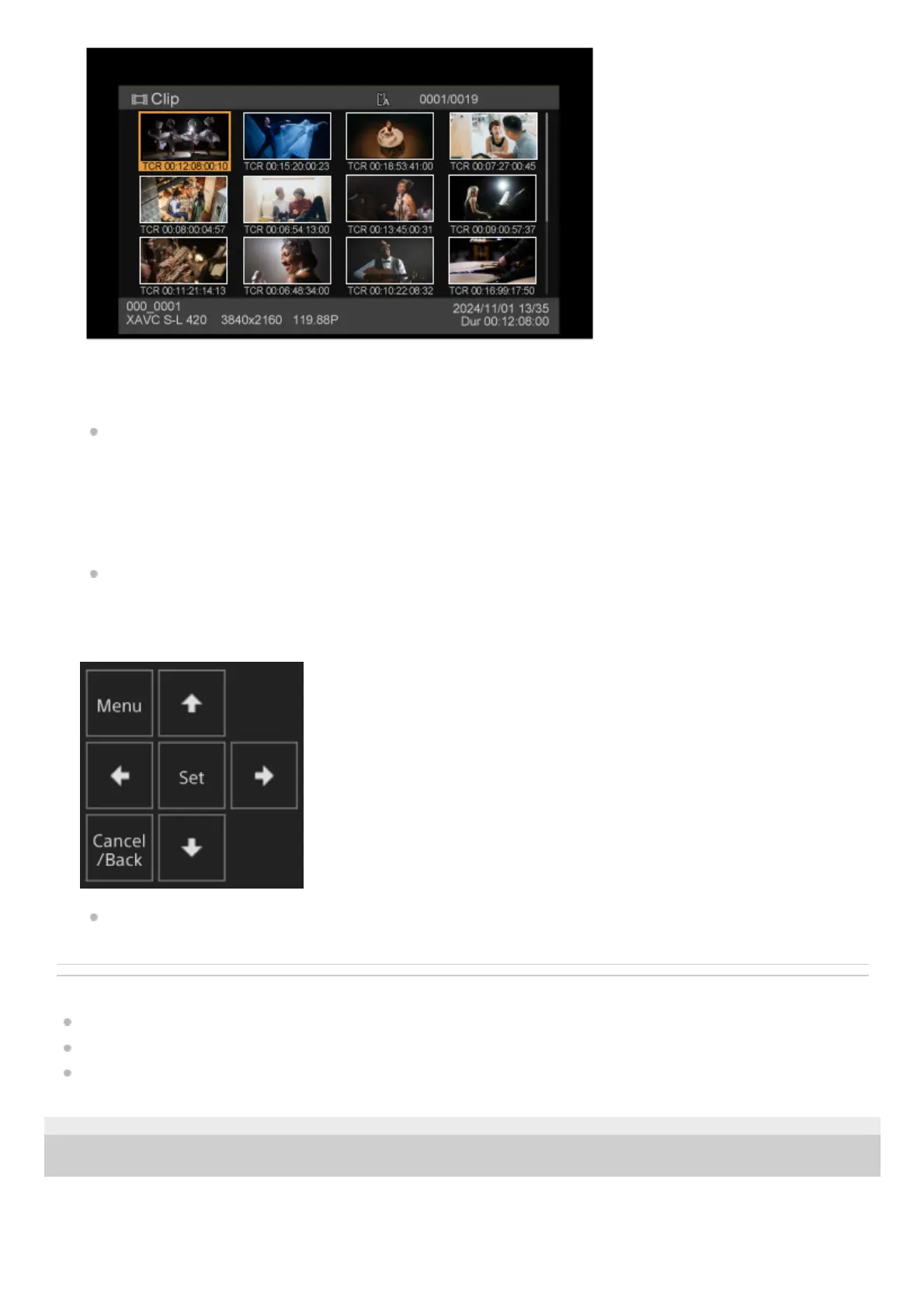
Thumbnail Screen
Assignable Buttons
Playing Recorded Clips
TP1001804464
5-065-326-11(1) Copyright 2024 Sony Corporation
Pressing the [Thumbnail] button during thumbnail screen display closes the thumbnail screen and returns to the camera
image.
For details about the thumbnail screen, see “Thumbnail Screen.”
[Slot Select] button
Switches between the target playback media.
Assignable buttons
Displays the assignable buttons assigned to functions of the unit.
For details about assignable buttons, see “Assignable Buttons.”
3.
GUI control panel
Use the GUI control panel to operate the camera menu, clip playback, and other functions.
For details about operation, see “Operating the Camera Menu” and “Playing Recorded Clips.”
4.



 To Next Page