Help Guide
Color Video Camera
BRC-AM7
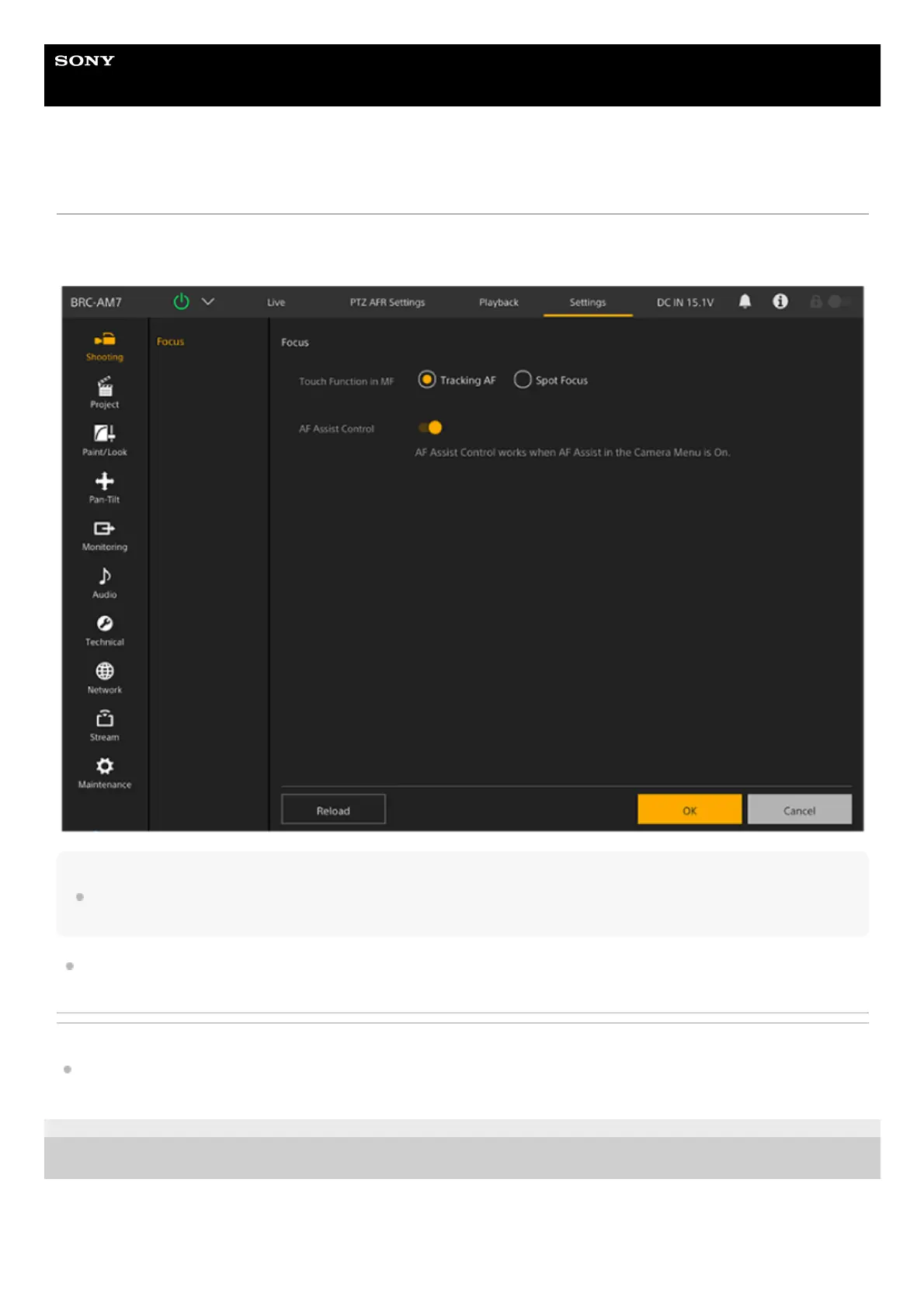
Structure of the Settings Screen
Use the settings screen to configure the various setup items of the unit, including initial settings, network settings,
shooting/playback settings using the web menu.
Note
In the web menu, settings are not applied until you press the [OK] button as a general rule. If you change settings on a page that has
an [OK] button, be sure to press the [OK] button.
For details about the settings screen, see “Web Menu Configuration.”
Related Topic
Web Menu Configuration
TP1001804465
5-065-326-11(1) Copyright 2024 Sony Corporation



 To Next Page