Focus position indicator
Displays the focus position.
6.
Focus mode indicator
Subject recognition AF
For details about subject recognition AF, see “Detecting and AF Tracking a Person.”
7.
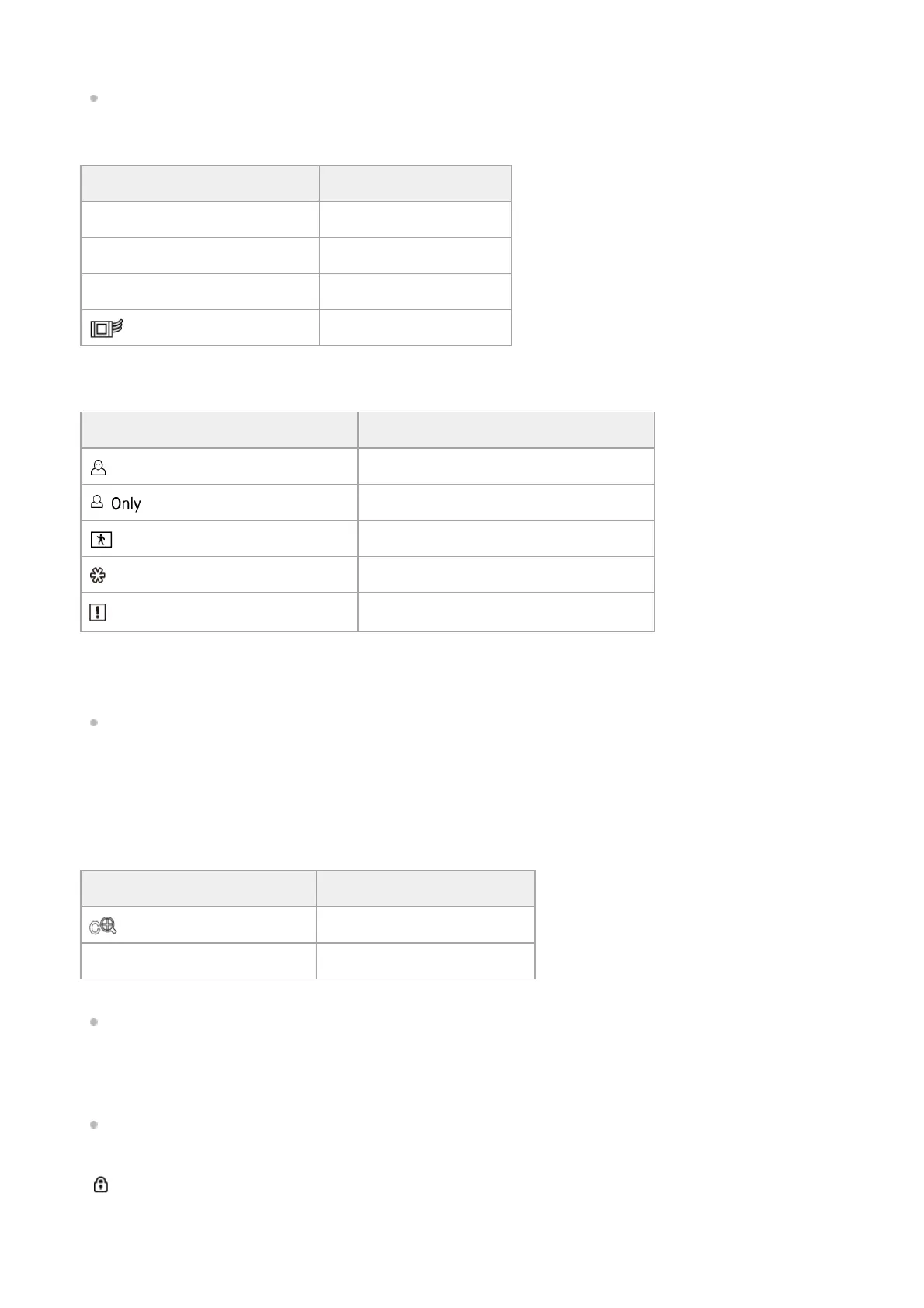
Display Meaning
Focus Hold Focus Hold mode
MF MF mode
AF AF mode
(Realtime tracking AF mode) Realtime tracking AF mode
Display Meaning
(Human detection AF icon) Indicates human detection AF is active
(Human only detection AF icon) Indicates human only detection AF is active
(PTZ AFR AF icon) Indicates PTZ auto framing is active
(Saved tracking face) Indicates a tracking face has been saved
(AF paused icon)
Indicates that AF was paused
*
Displayed when there is no saved tracking face and a face is not detected, or when there is a saved tracking face but the tracking target face is
not detected.
*
Zoom position indicator
Displays the zoom position in the range 0 (wide angle) to 99 (telephoto).
You can also change the indicator to a bar display or focal length display using the [Technical] – [Lens] – [Zoom Position
Display] setting in the camera menu.
The following items are added to the display when Clear Image Zoom is enabled.
For details about zoom, see “Setting the Zoom Type” and other topics in “Adjusting the Zoom.”
8.
Display Meaning
(Clear Image Zoom enabled) Clear Image Zoom is enabled
Magnification value When using Clear Image Zoom
SDI output/HDMI output Rec Control status indicator
Displays the output status of the REC control signal.
For details, see “Connecting External Monitors and Recording Devices.”
9.
Remaining media capacity indicator
A
(Protected) icon appears if the memory card is write-protected.
10.
White balance indicator11.



 To Next Page