13
GB
Getting started
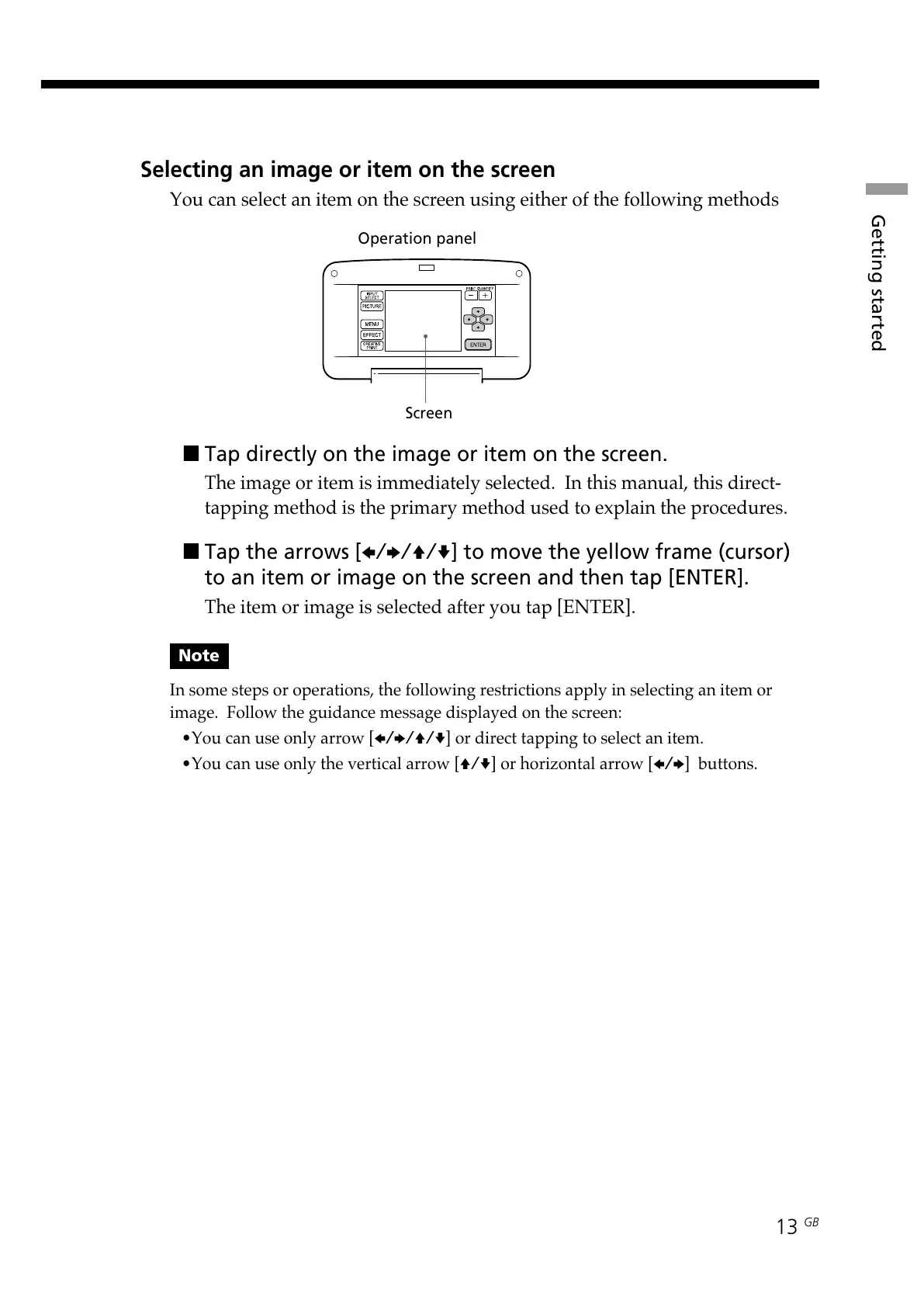
Selecting an image or item on the screen
You can select an item on the screen using either of the following methods
Operation panel
Screen
x Tap directly on the image or item on the screen.
The image or item is immediately selected. In this manual, this direct-
tapping method is the primary method used to explain the procedures.
x Tap the arrows [B/b/V/v ] to move the yellow frame (cursor)
to an item or image on the screen and then tap [ENTER].
The item or image is selected after you tap [ENTER].
Note
In some steps or operations, the following restrictions apply in selecting an item or
image. Follow the guidance message displayed on the screen:
•You can use only arrow [B/b/V/v] or direct tapping to select an item.
•You can use only the vertical arrow [V/v] or horizontal arrow [B/b] buttons.



 To Next Page