68
GB
Installing the software
Install the printer driver and Memory Stick/PC card reader software
contained on the supplied CD-ROM to your
computer’s
hard disk.
When using Windows 98/98SE/Me
Installing the USB driver
1 Turn on your computer and the printer.
2 Start Windows and then connect your computer and the
printer.
When the computer detects the printer, the “Add New Hardware Wizard”
dialog box is displayed.
For the proper connections, refer to “Connecting to a computer (optional)”
on page 16.
Note
Close all programs before running the installer.
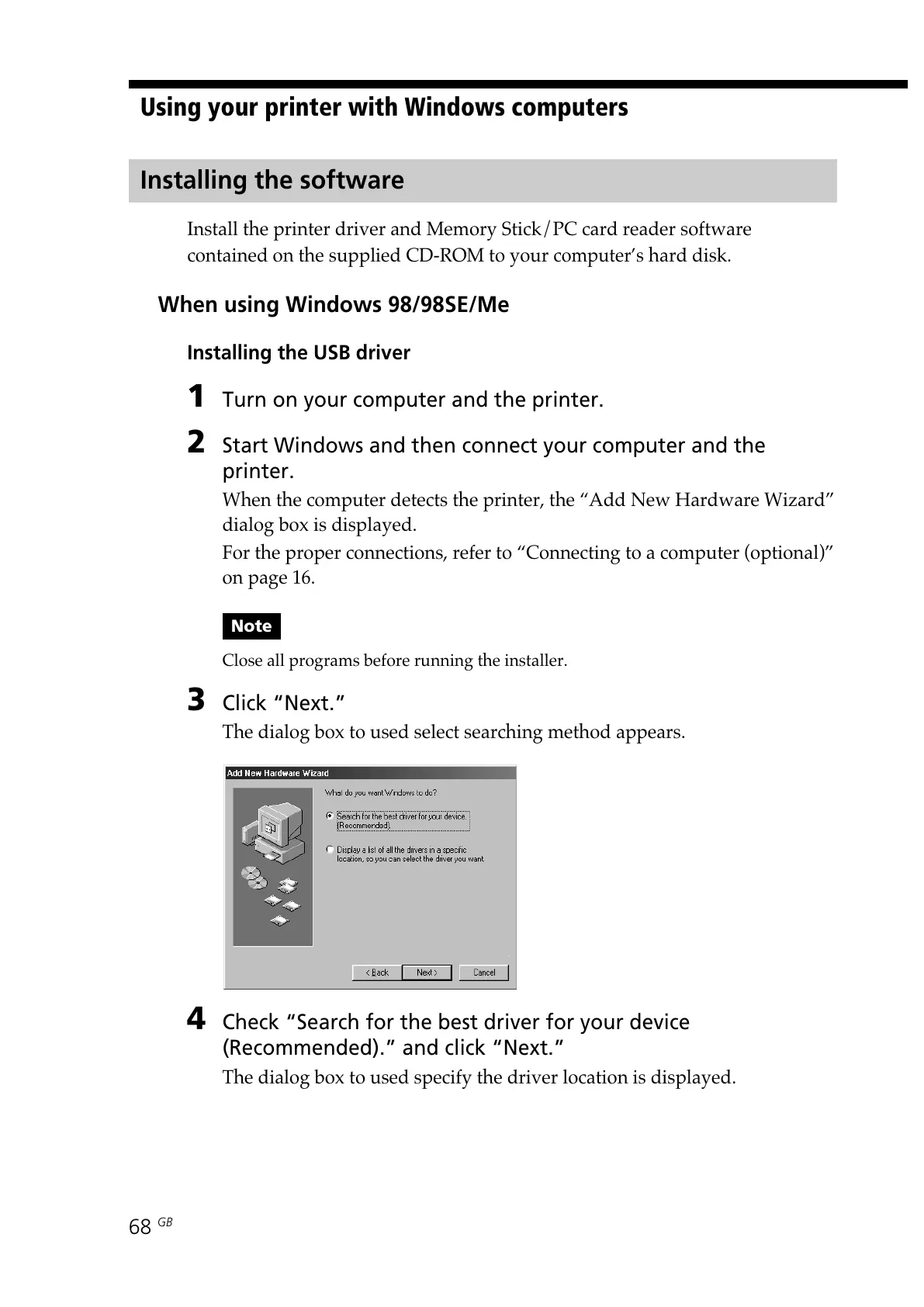
3 Click “Next.”
The dialog box to used select searching method appears.
4 Check “Search for the best driver for your device
(Recommended).” and click “Next.”
The dialog box to used specify the driver location is displayed.
Using your printer with Windows computers



 To Next Page