63
GB
Advanced printing operations
Setting video output and LCD screen contrast
You can set the video output to a television and adjust the LCD screen contrast
of the printer.
1
Tap [MENU].
The Menu screen (page 59) is displayed.
2
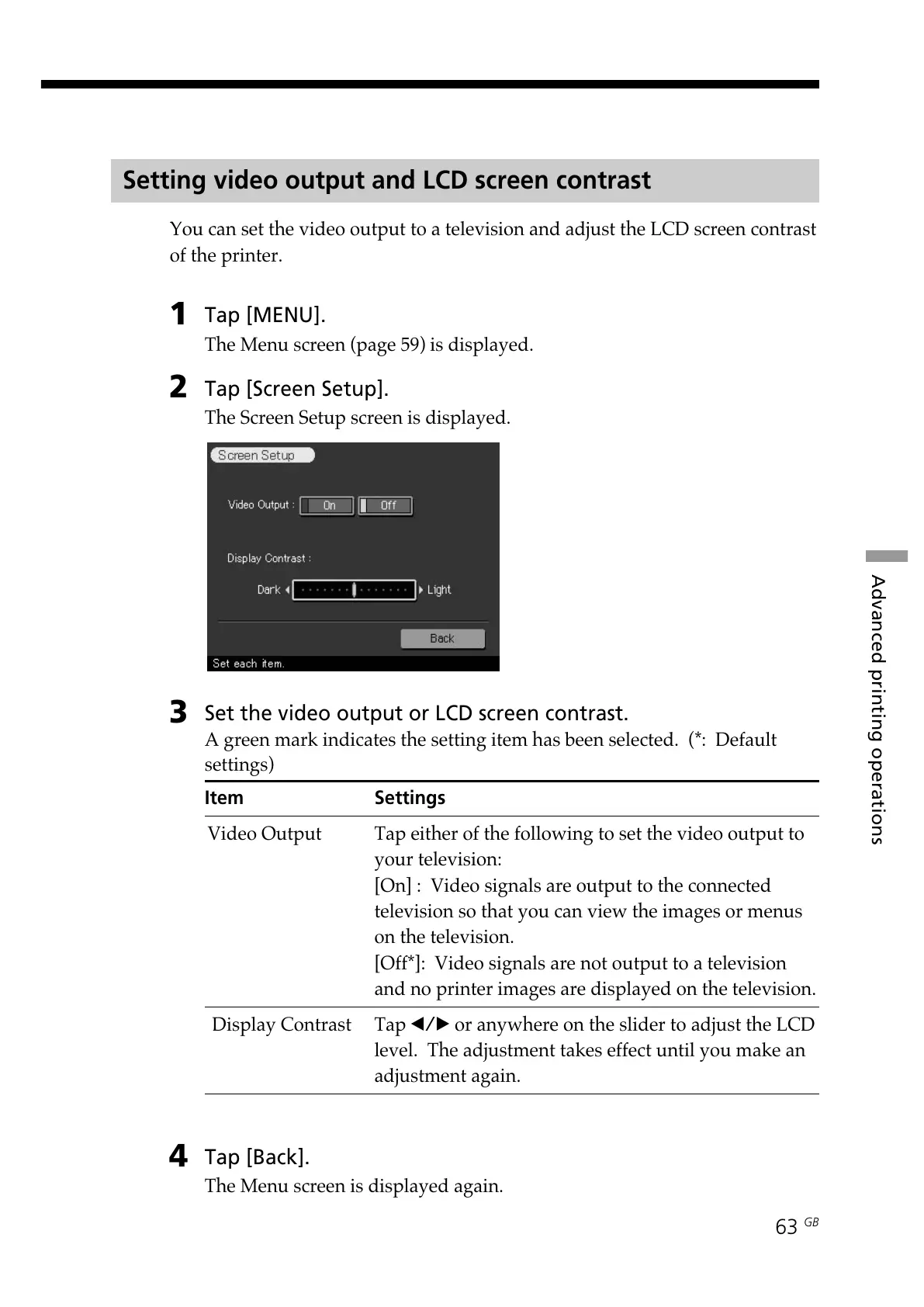
Tap [Screen Setup].
The Screen Setup screen is displayed.
3
Set the video output or LCD screen contrast.
A green mark indicates the setting item has been selected. (*: Default
settings)
Item Settings
Video Output Tap either of the following to set the video output to
your television:
[On] : Video signals are output to the connected
television so that you can view the images or menus
on the television.
[Off*]: Video signals are not output to a television
and no printer images are displayed on the television.
Display Contrast Tap b/B or anywhere on the slider to adjust the LCD
level. The adjustment takes effect until you make an
adjustment again.
4
Tap [Back].
The Menu screen is displayed again.



 To Next Page