91
GB
Additional information
Note
If you cannot remove the jammed paper, contact your Sony dealer.
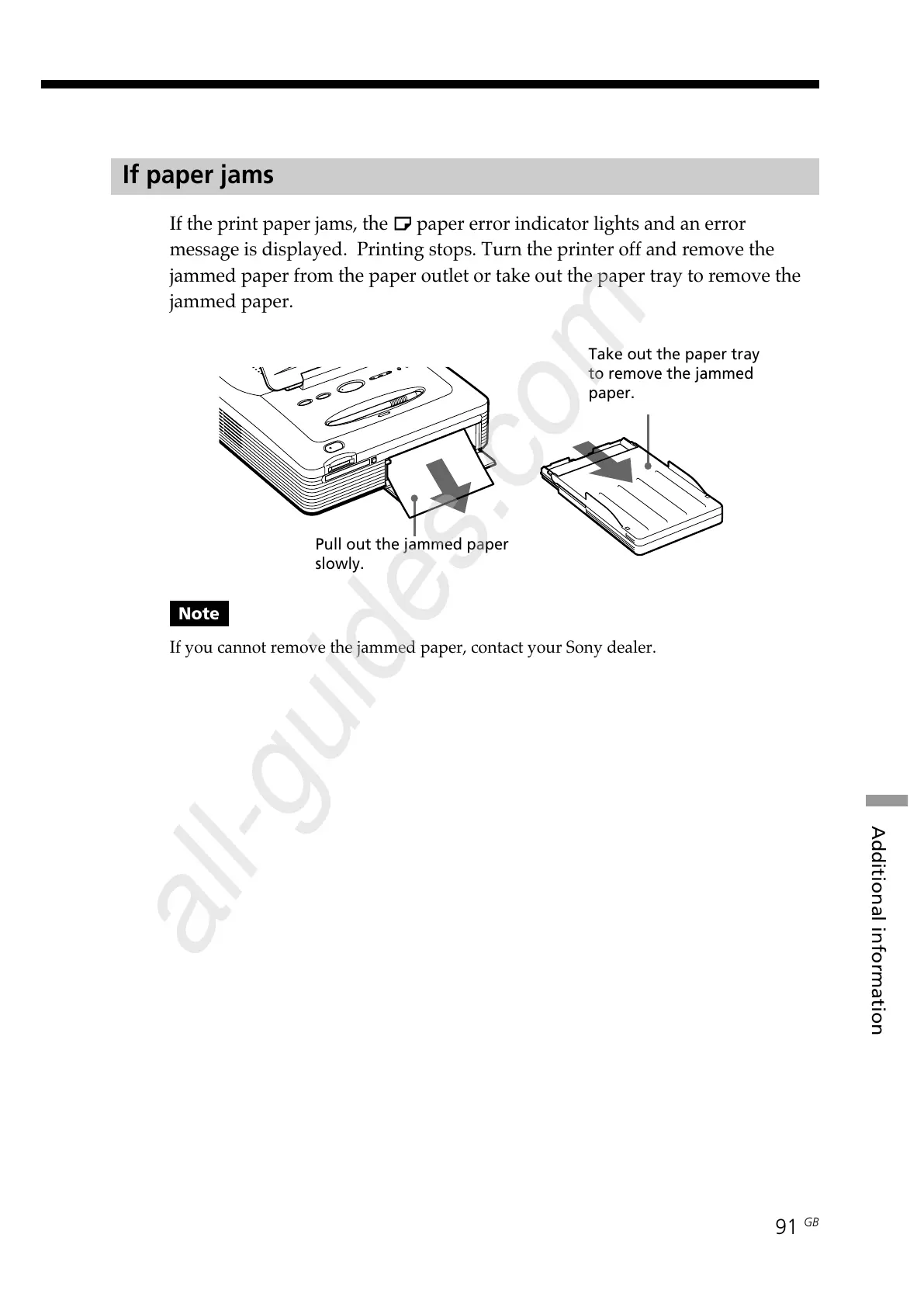
Pull out the jammed paper
slowly.
Take out the paper tray
to remove the jammed
paper.
If paper jams
If the print paper jams, the paper error indicator lights and an error
message is displayed. Printing stops. Turn the printer off and remove the
jammed paper from the paper outlet or take out the paper tray to remove the
jammed paper.



 To Next Page