12
GB
Using the stylus
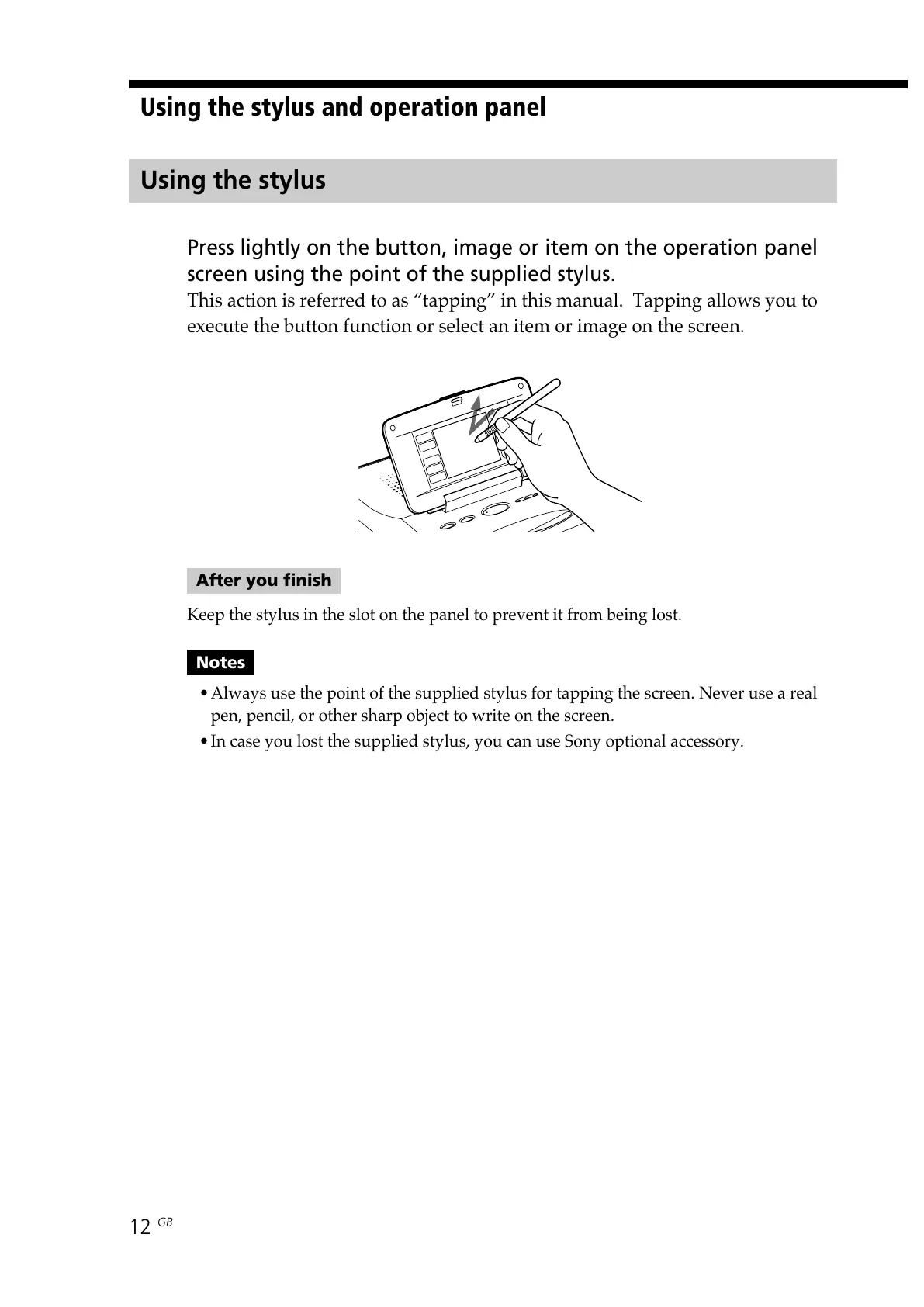
Press lightly on the button, image or item on the operation panel
screen using the point of the supplied stylus.
This action is referred to as “tapping” in this manual. Tapping allows you to
execute the button function or select an item or image on the screen.
After you finish
Keep the stylus in the slot on the panel to prevent it from being lost.
Notes
•Always use the point of the supplied stylus for tapping the screen. Never use a real
pen, pencil, or other sharp object to write on the screen.
•In case you lost the supplied stylus, you can use Sony optional accessory.
Using the stylus and operation panel



 To Next Page