77
GB
Printing from your computer
Using the reader software
You can view the “Memory Stick” or PC card inserted in the printer as a drive
on your computer’s monitor.
1
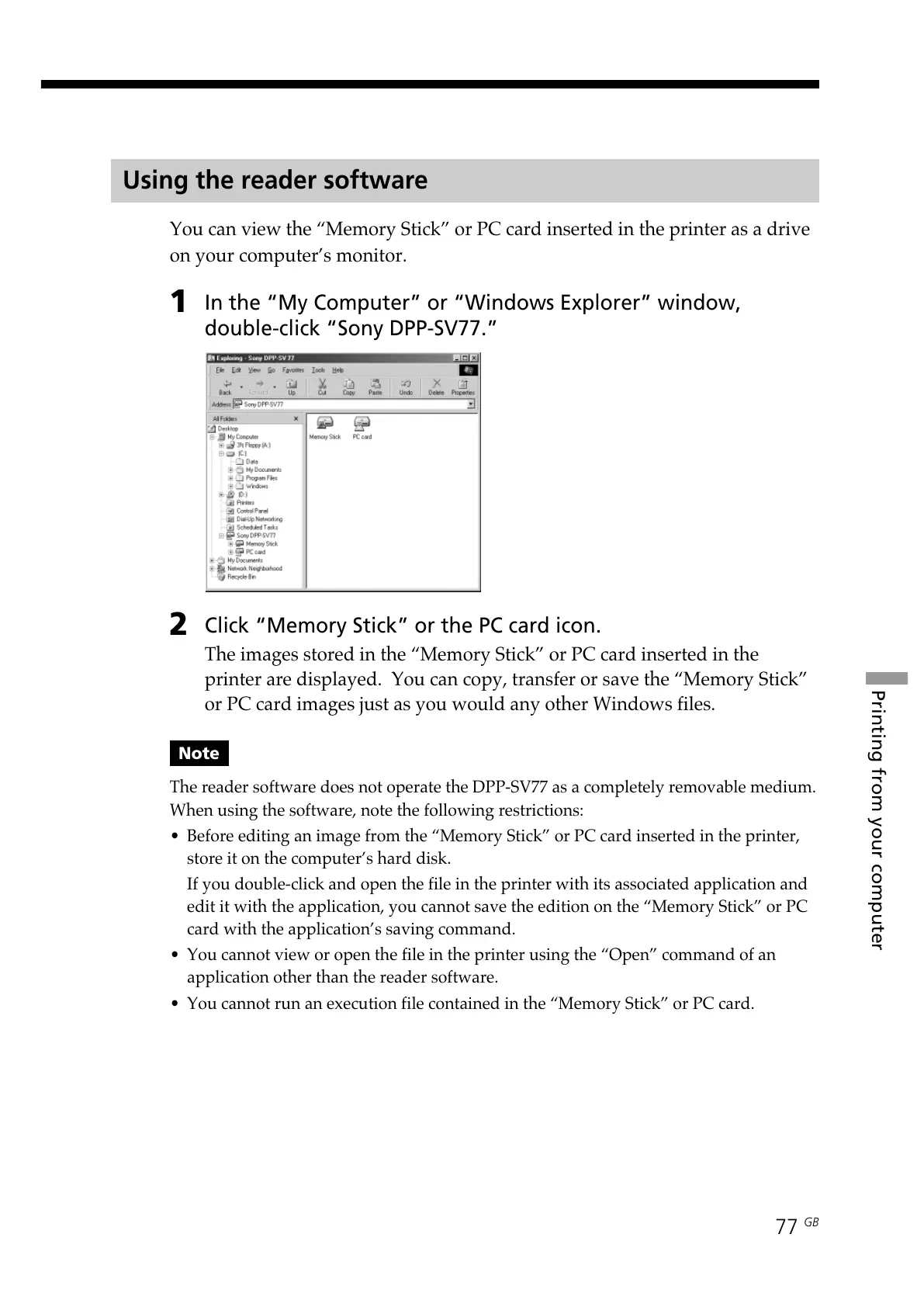
In the “My Computer” or “Windows Explorer” window,
double-click “Sony DPP-SV77.”
2
Click “Memory Stick” or the PC card icon.
The images stored in the “Memory Stick” or PC card inserted in the
printer are displayed. You can copy, transfer or save the “Memory Stick”
or PC card images just as you would any other Windows files.
Note
The reader software does not operate the DPP-SV77 as a completely removable medium.
When using the software, note the following restrictions:
• Before editing an image from the “Memory Stick” or PC card inserted in the printer,
store it on the computer’s hard disk.
If you double-click and open the file in the printer with its associated application and
edit it with the application, you cannot save the edition on the “Memory Stick” or PC
card with the application’s saving command.
• You cannot view or open the file in the printer using the “Open” command of an
application other than the reader software.
• You cannot run an execution file contained in the “Memory Stick” or PC card.



 To Next Page