59
GB
Advanced printing operations
Setting up the printer (MENU)
What you can do with the Menu
The Menu allows you to change the printer settings, set up the screen, perform
slideshow, or delete images.
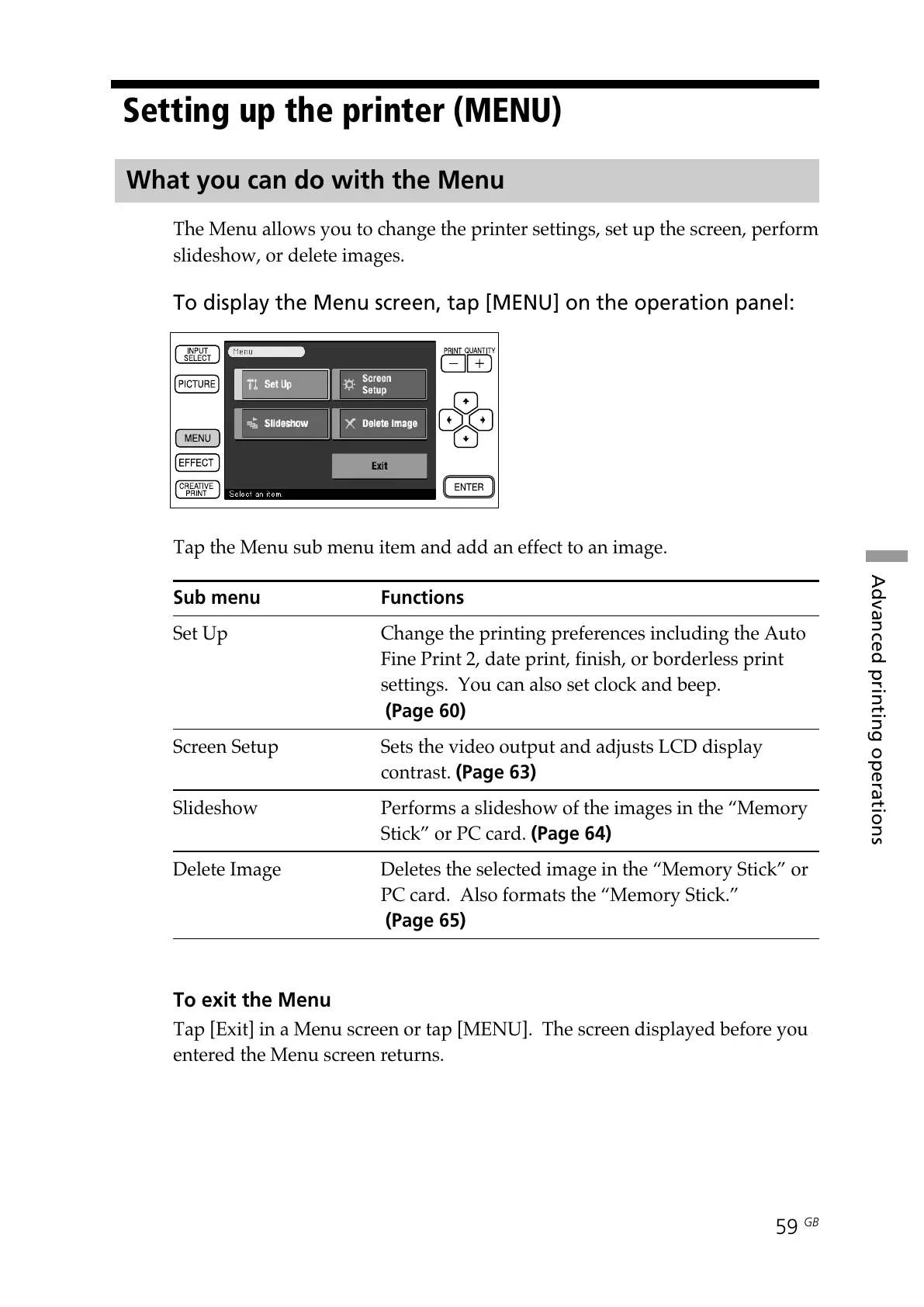
To display the Menu screen, tap [MENU] on the operation panel:
Tap the Menu sub menu item and add an effect to an image.
Sub menu Functions
Set Up Change the printing preferences including the Auto
Fine Print 2, date print, finish, or borderless print
settings. You can also set clock and beep.
(Page 60)
Screen Setup Sets the video output and adjusts LCD display
contrast. (Page 63)
Slideshow Performs a slideshow of the images in the “Memory
Stick” or PC card. (Page 64)
Delete Image Deletes the selected image in the “Memory Stick” or
PC card. Also formats the “Memory Stick.”
(Page 65)
To exit the Menu
Tap [Exit] in a Menu screen or tap [MENU]. The screen displayed before you
entered the Menu screen returns.



 To Next Page