64
GB
Viewing a slideshow
You can perform a slideshow of the images saved in a “Memory Stick” or PC
card. When you want to search for an image, you can find it easily using the
slideshow.
Note
Before you begin, make sure that neither the ALL nor the DPOF button is pressed.
1
Tap [MENU].
The Menu screen (page 59) is displayed.
2
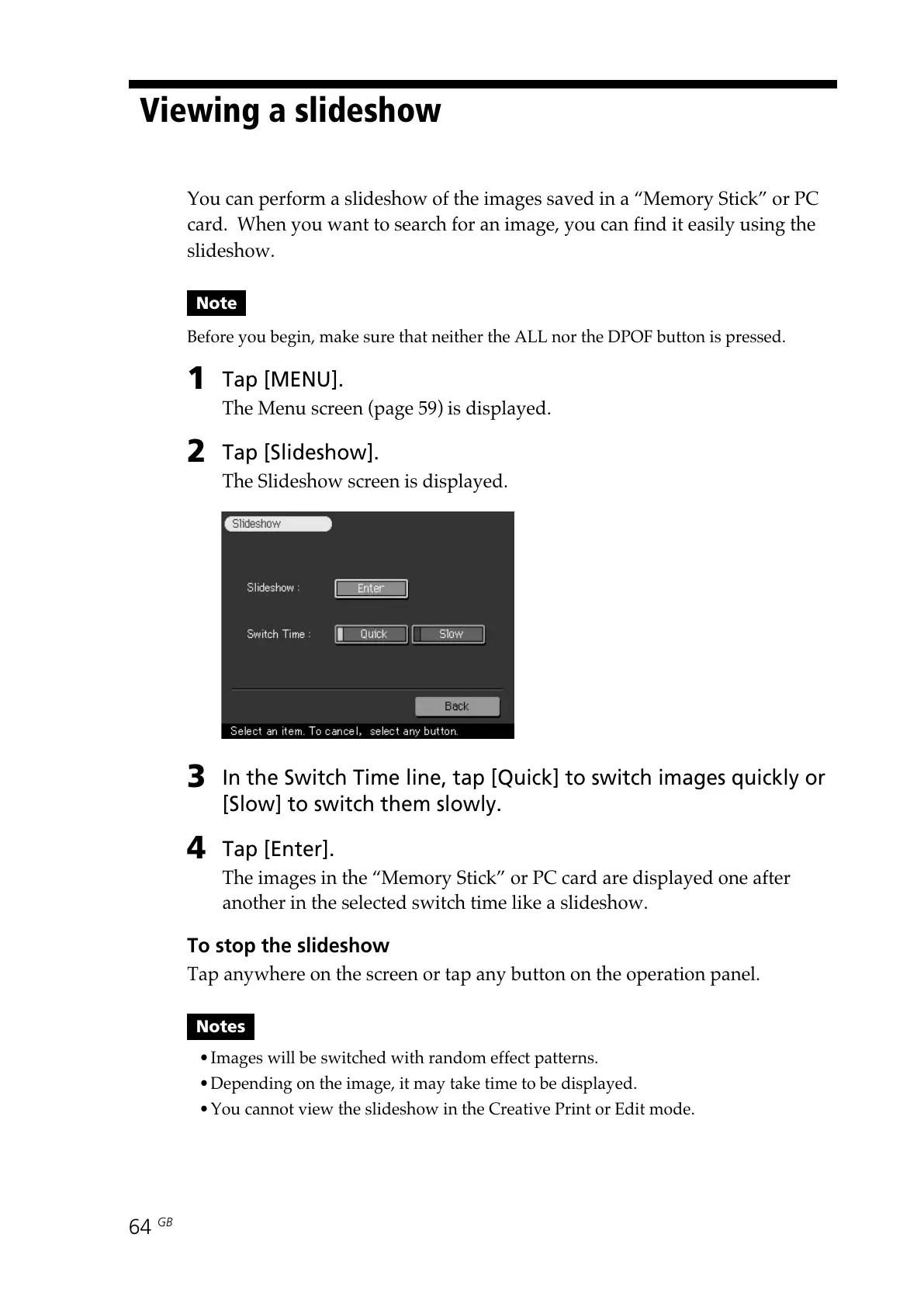
Tap [Slideshow].
The Slideshow screen is displayed.
3
In the Switch Time line, tap [Quick] to switch images quickly or
[Slow] to switch them slowly.
4
Tap [Enter].
The images in the “Memory Stick” or PC card are displayed one after
another in the selected switch time like a slideshow.
To stop the slideshow
Tap anywhere on the screen or tap any button on the operation panel.
Notes
•Images will be switched with random effect patterns.
•Depending on the image, it may take time to be displayed.
•You cannot view the slideshow in the Creative Print or Edit mode.



 To Next Page