38
GB
Adding drawings, stamps, or characters (Tool)
Drawing freehand line art ( )
You can use the pencil tool to draw freehand line art on an image.
1
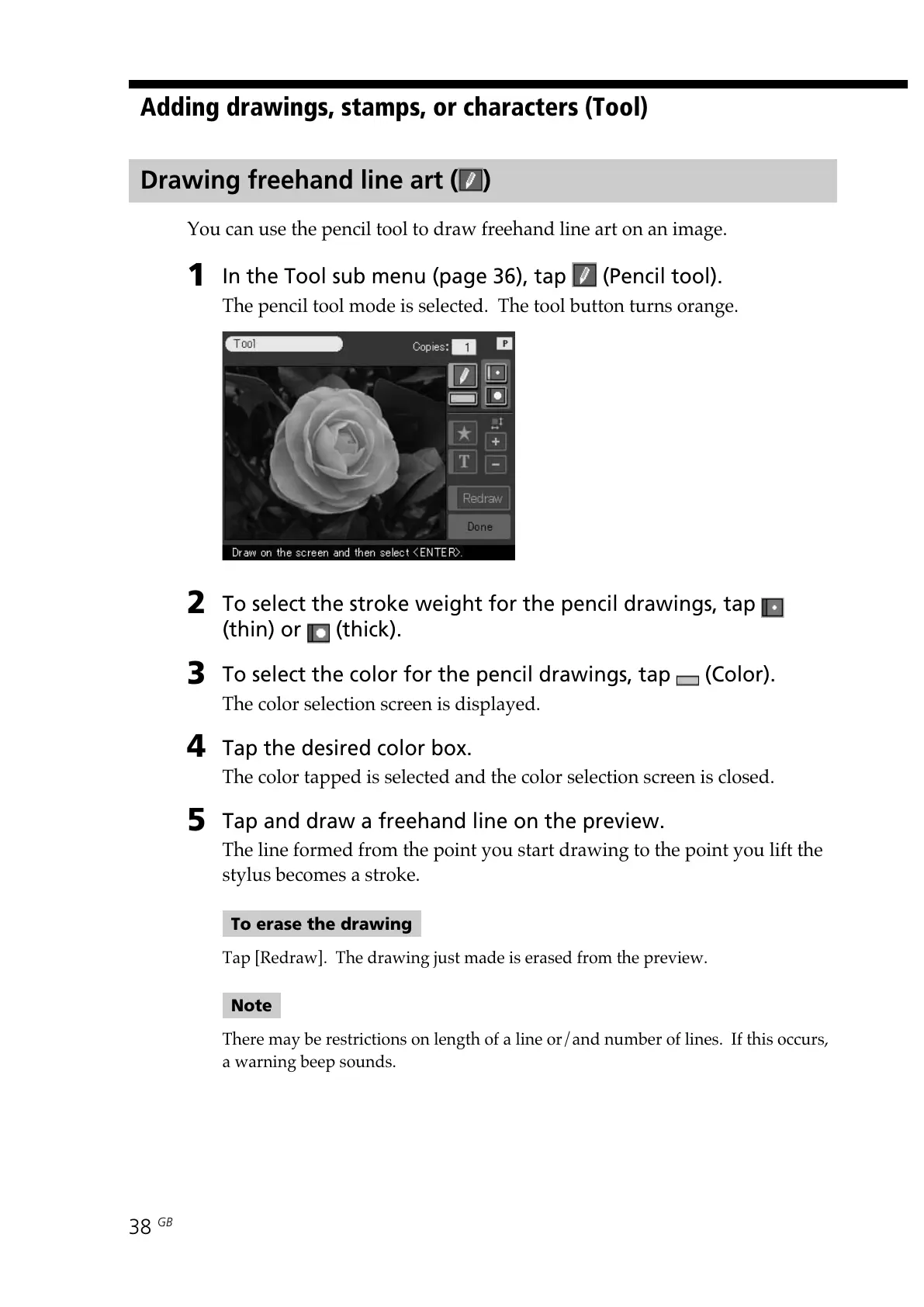
In the Tool sub menu (page 36), tap (Pencil tool).
The pencil tool mode is selected. The tool button turns orange.
2
To select the stroke weight for the pencil drawings, tap
(thin) or (thick).
3
To select the color for the pencil drawings, tap (Color).
The color selection screen is displayed.
4
Tap the desired color box.
The color tapped is selected and the color selection screen is closed.
5
Tap and draw a freehand line on the preview.
The line formed from the point you start drawing to the point you lift the
stylus becomes a stroke.
To erase the drawing
Tap [Redraw]. The drawing just made is erased from the preview.
Note
There may be restrictions on length of a line or/and number of lines. If this occurs,
a warning beep sounds.



 To Next Page