34
GB
Adding effects to an image
6
Tap [ENTER] .
The Adjustment sub menu is displayed again. You can select another
adjustment item to proceed with further adjustments.
7
Tap [Back].
The main Effect menu is displayed again. You can select another Effect sub
menu, save or print the image, or exit the Effect menu (page 29).
Adding a special filter to an image
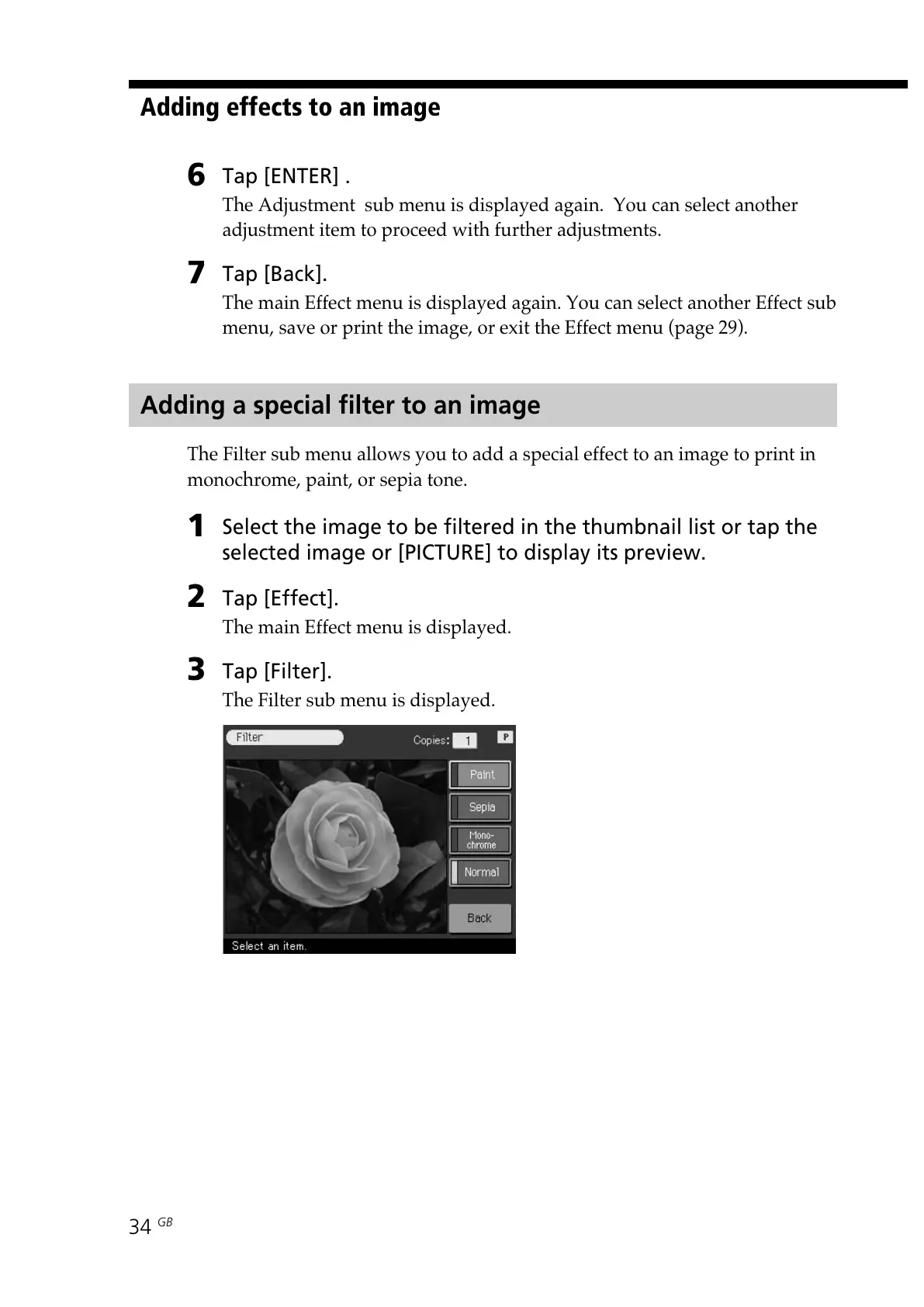
The Filter sub menu allows you to add a special effect to an image to print in
monochrome, paint, or sepia tone.
1
Select the image to be filtered in the thumbnail list or tap the
selected image or [PICTURE] to display its preview.
2
Tap [Effect].
The main Effect menu is displayed.
3
Tap [Filter].
The Filter sub menu is displayed.



 To Next Page