33
GB
Advanced printing operations
4
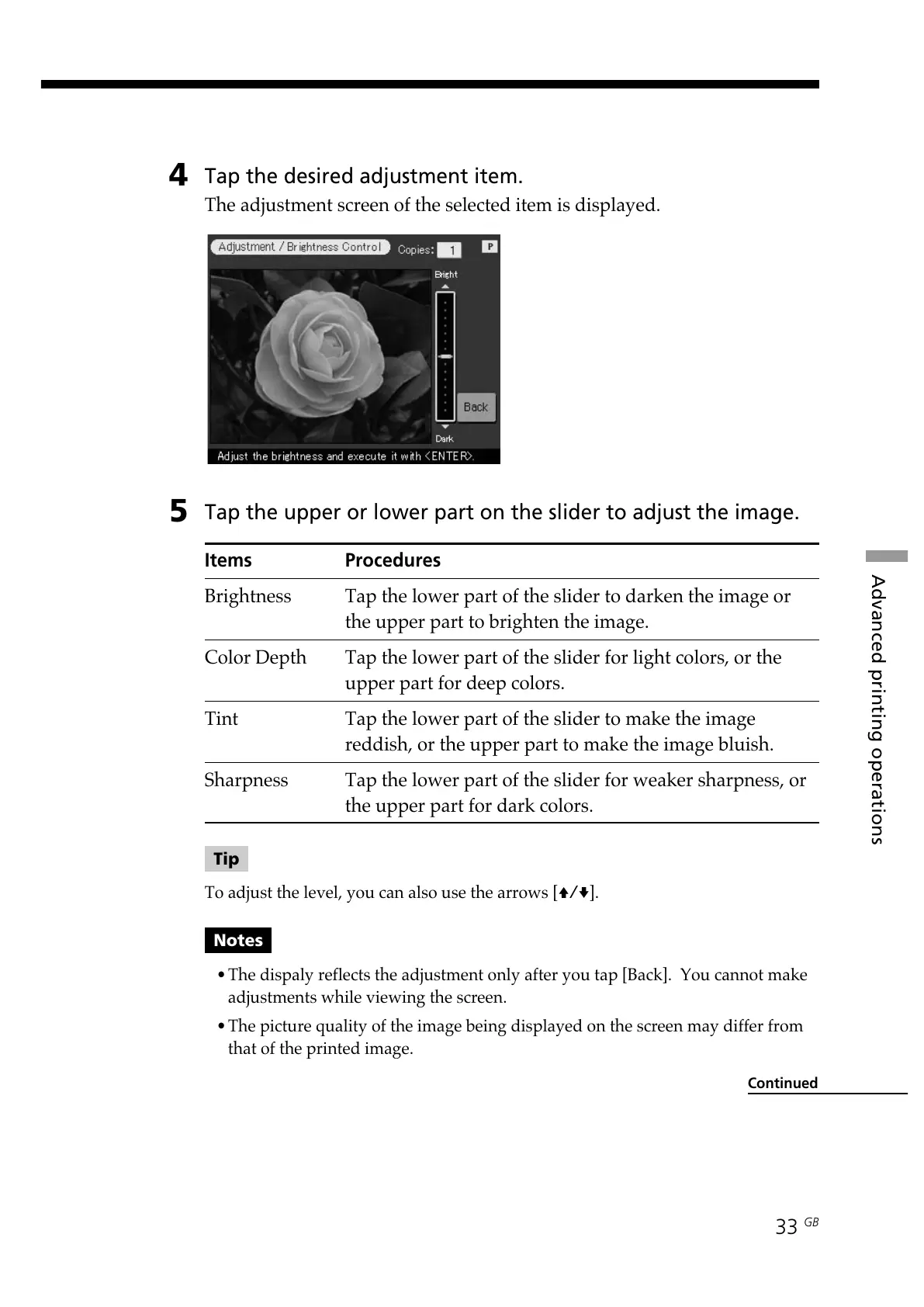
Tap the desired adjustment item.
The adjustment screen of the selected item is displayed.
5
Tap the upper or lower part on the slider to adjust the image.
Items Procedures
Brightness Tap the lower part of the slider to darken the image or
the upper part to brighten the image.
Color Depth Tap the lower part of the slider for light colors, or the
upper part for deep colors.
Tint Tap the lower part of the slider to make the image
reddish, or the upper part to make the image bluish.
Sharpness Tap the lower part of the slider for weaker sharpness, or
the upper part for dark colors.
Tip
To adjust the level, you can also use the arrows [V/v].
Notes
•The dispaly reflects the adjustment only after you tap [Back]. You cannot make
adjustments while viewing the screen.
•The picture quality of the image being displayed on the screen may differ from
that of the printed image.
Continued



 To Next Page