54
GB
Making various prints (CREATIVE PRINT)
3
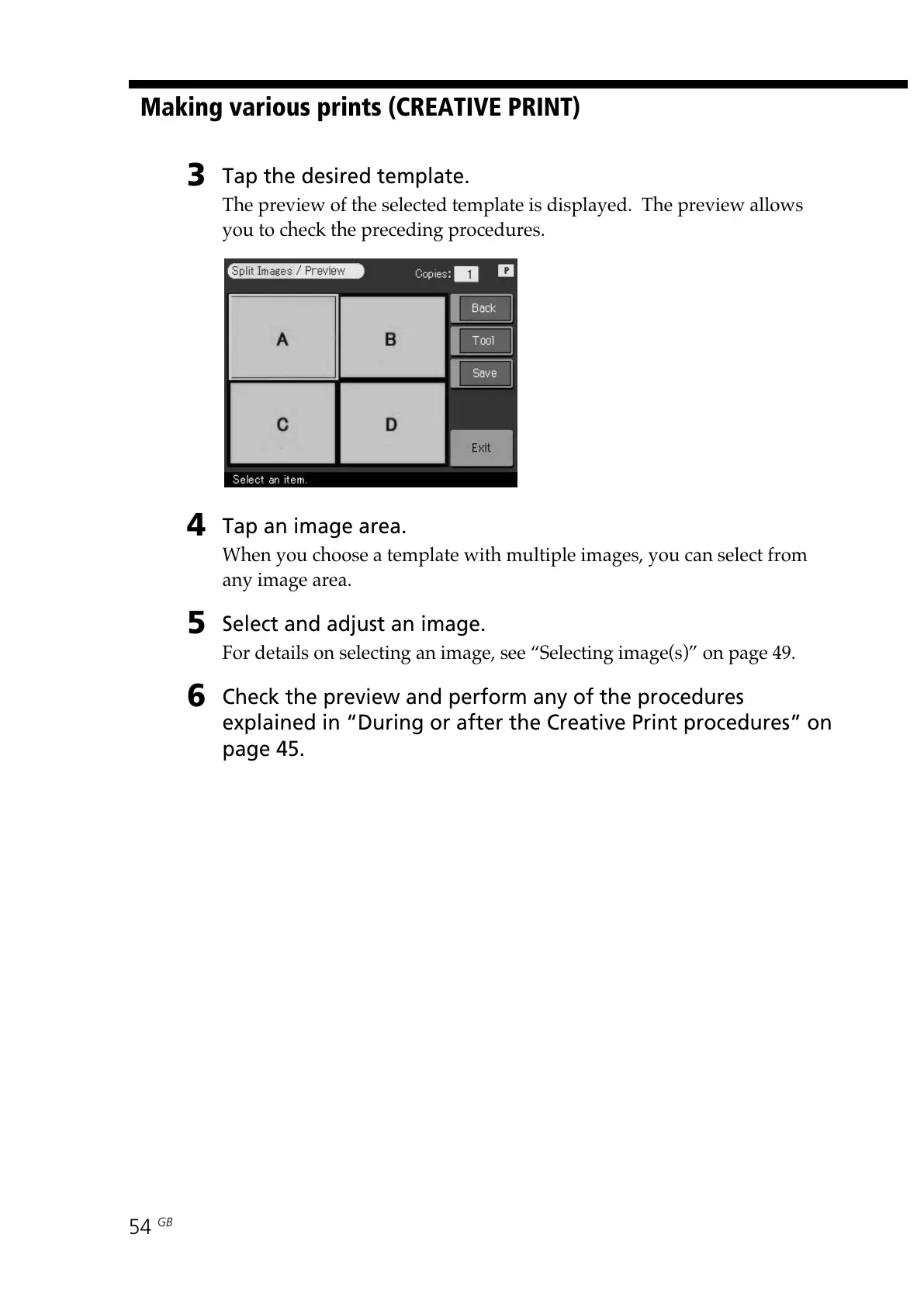
Tap the desired template.
The preview of the selected template is displayed. The preview allows
you to check the preceding procedures.
4
Tap an image area.
When you choose a template with multiple images, you can select from
any image area.
5
Select and adjust an image.
For details on selecting an image, see “Selecting image(s)” on page 49.
6
Check the preview and perform any of the procedures
explained in “During or after the Creative Print procedures” on
page 45.



 To Next Page