71
GB
Printing from your computer
7 Check “Local printer” and click “Next.”
The dialog box used to select the manufacturer and model of the printer is
displayed.
8 Click “Have Disk.”
The “Install From Disk” dialog box is displayed.
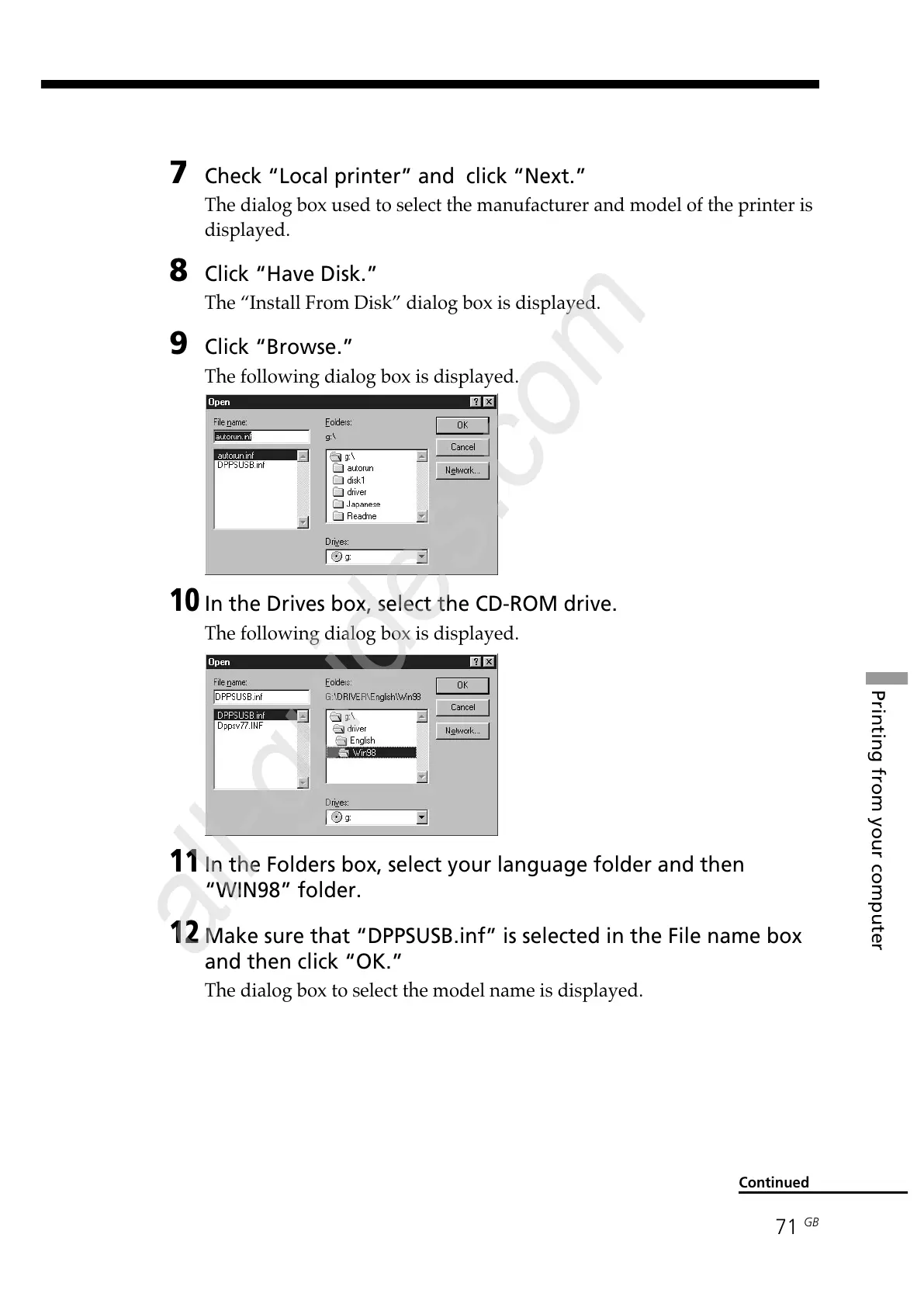
9 Click “Browse.”
The following dialog box is displayed.
10
In the Drives box, select the CD-ROM drive.
The following dialog box is displayed.
11
In the Folders box, select your language folder and then
“WIN98” folder.
12
Make sure that “DPPSUSB.inf” is selected in the File name box
and then click “OK.”
The dialog box to select the model name is displayed.
Continued



 To Next Page