82
GB
Using your printer with Macintosh computers
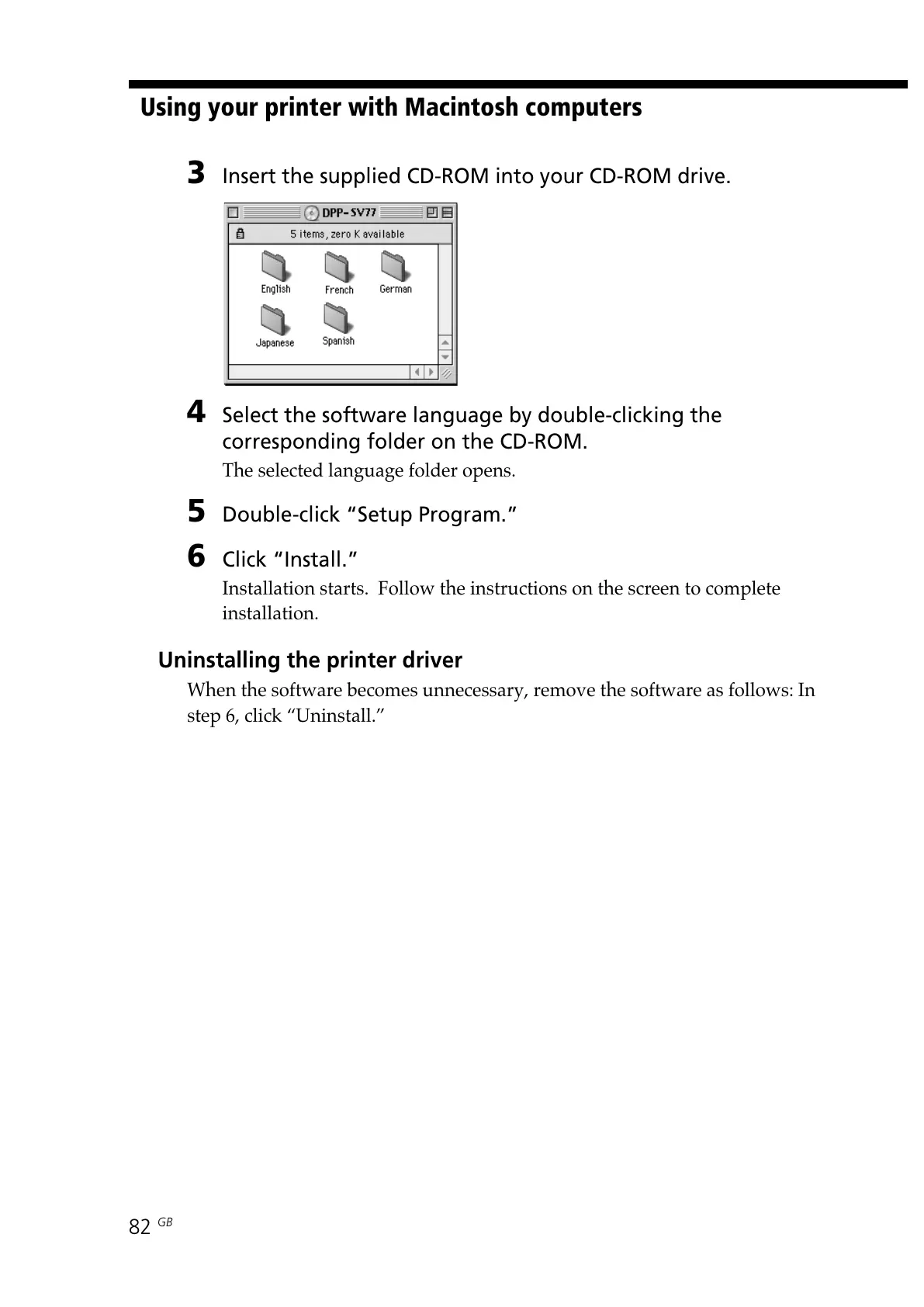
3 Insert the supplied CD-ROM into your CD-ROM drive.
4 Select the software language by double-clicking the
corresponding folder on the CD-ROM.
The selected language folder opens.
5 Double-click “Setup Program.”
6 Click “Install.”
Installation starts. Follow the instructions on the screen to complete
installation.
Uninstalling the printer driver
When the software becomes unnecessary, remove the software as follows: In
step 6, click “Uninstall.”



 To Next Page