7
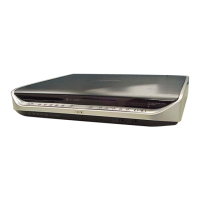
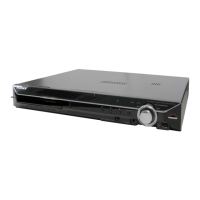
HCD-FL5D
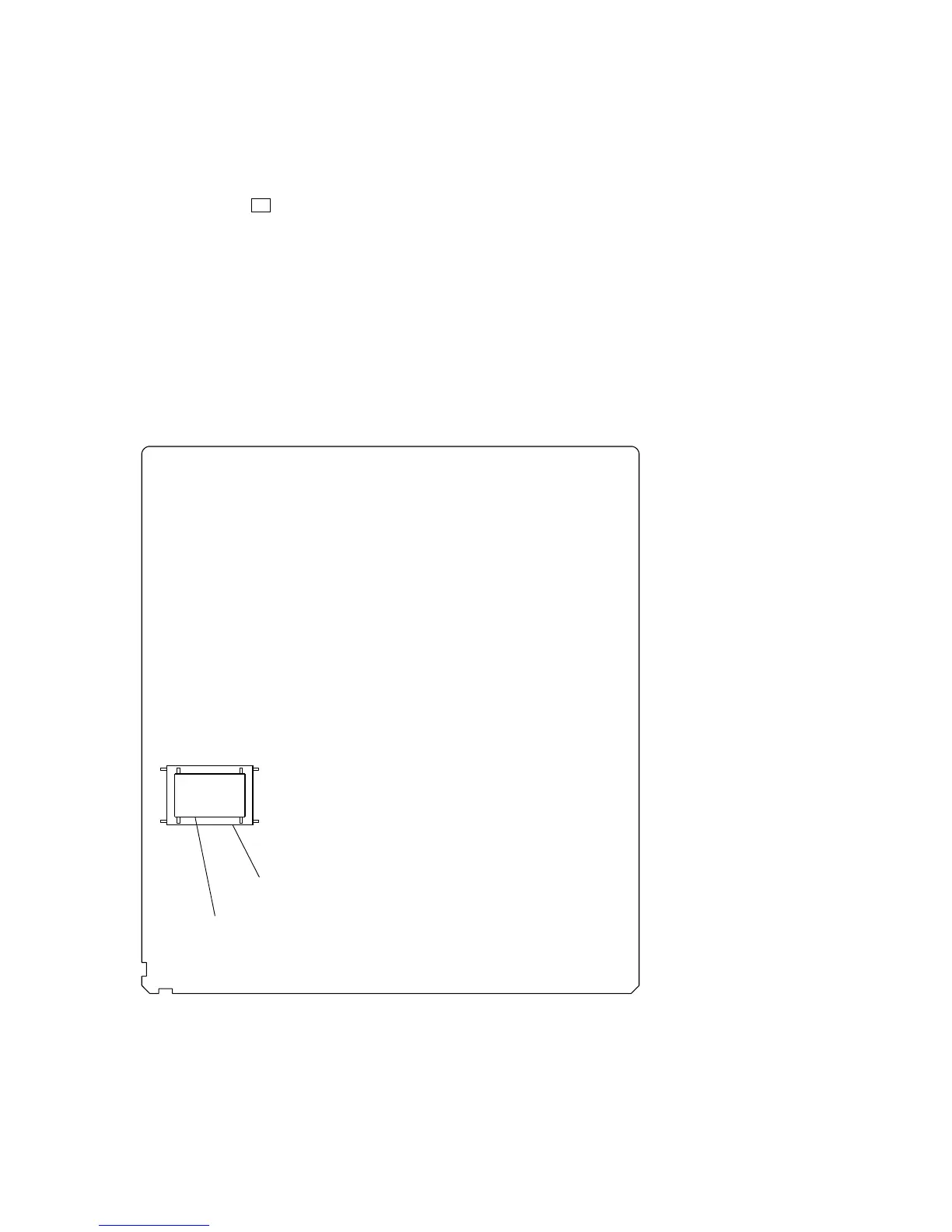
• TYPE A/B DISCRIMINATION
Specification of this set is changed in the midway of production.
Therefore, the set is classified into two types according to which
IC, IC204 or IC205, is mounted.
When replacing IC205 of type A, install IC204 instead of IC205.
– MB BOARD (Conductor Side) –
IC205 (48 pin) is mounted : TYPE A
IC204 (44 pin) is mounted : TYPE B
• RELEASING THE DISC TRAY LOCK
The disc tray lock function for the antitheft of an demonstration
disc in the store is equipped.
Releasing Procedure :
Press two buttons of Z (DVD) and [DVD TOP MENU] simulta-
neously for five seconds. The message “UNLOCKED” is displayed
and the tray is unlocked.
Note: When “LOCKED” is displayed, the tray lock is not released by
turning power on/off with the [I/ ] button.
1
Ver 1.5
NOTE OF REPLACING THE MB BOARD
When replacing the MB board, since the adjustment value is not
set up correctly, “Drive Auto Adjustment” can’t be performed.
In this case, initialize Memory in the following procedures.
Procedure:
1. Set the test mode. (See page 27)
2. Press the [2] key of the remote commander, and set the “DRIVE
MANUAL OPERATION”. (See page 29)
3. Press the [6] key of the remote commander, and set the “2-6,
Memory Check”. (See page 31)
4. Press the [CLEAR] key of the remote commander, and initial-
ize Memory.



 To Next Page