CONVERSION
LENS
A
When
using
a
conversion
lens (optional),
use this function to
record
using the
optimum
compensation
for
camera
shake
for
each
lens.
You
can
select
[WIDE
CONVERSION]
(lrw)
or
[TELE
CONVERSION]
(~).
The
default setting is [OFF].
PHOTO
SETTINGS
(Items
for
recording
still
images)
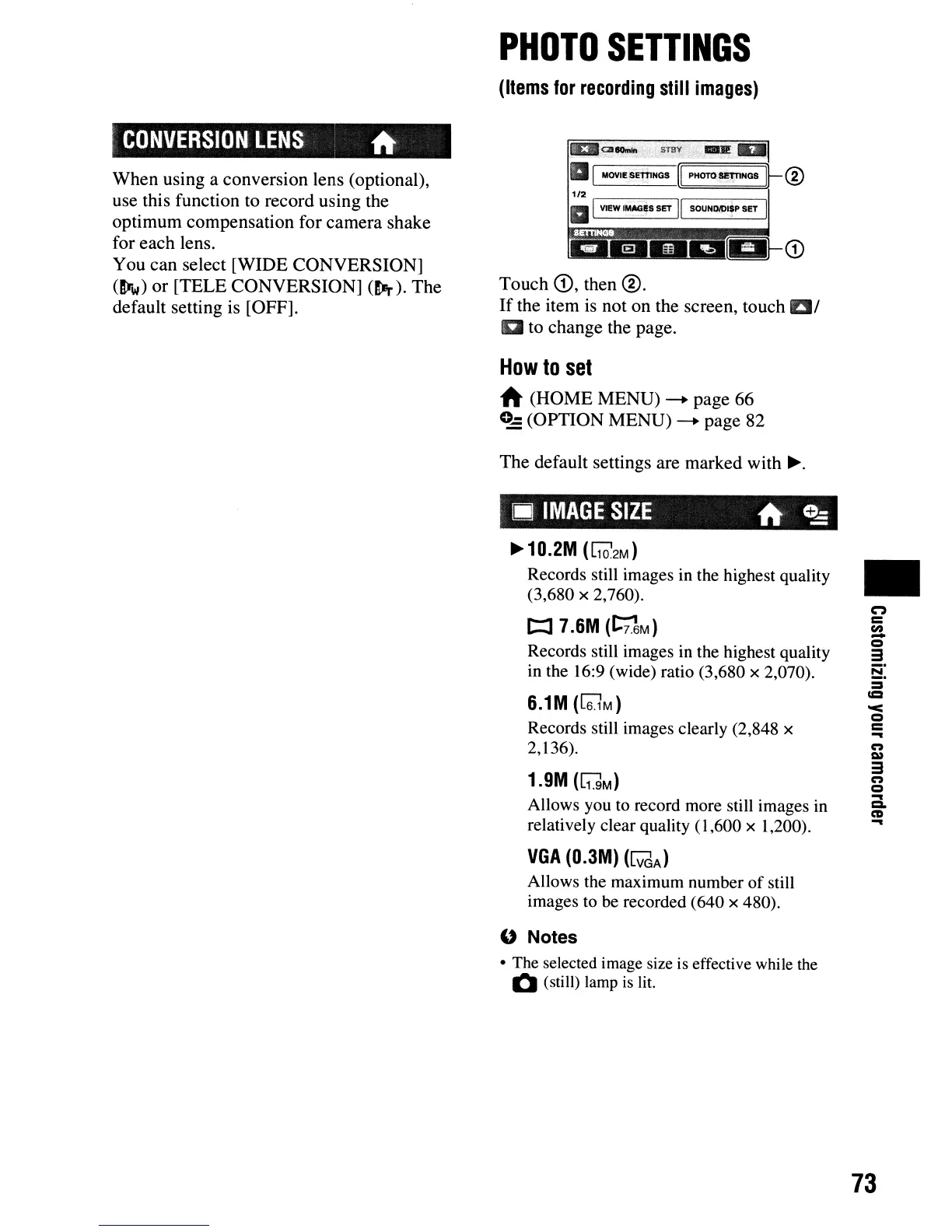
Touch
<D,
then
®.
If
the item is
not
on
the screen,
touch
at
a to
change
the page.
How
to
set
A
(HOME
MENU)
-.
page
66
0-
(OPTION
MENU)
-.
page
82
The
default
settings are
marked
with
~.
III
IMAGE
SIZE
A
C!:
~10.2M
(~2M)
Records still images in the highest quality
(3,680 x 2,760).
t:::I
7.6M
(t:;1M)
Records still images in the highest quality
in the
16:9 (wide) ratio (3,680 x 2,070).
6.1M
([6lM)
Records still images clearly (2,848 x
2,136).
1.9M
([1]M)
Allows you to record more still images in
relatively clear quality
(1,600 x 1,200).
VGA
(O.3M)
([VdA)
Allows the maximum number
of
still
images to be recorded
(640
x 480).
" Notes
• The selected image size is effective while the
Q (still) lamp is lit.
•
n
=
en
-
Q
3
8:
=
=
'<
Q
=
...
n
C»
3
n
Q
...
C.
m
...
73












 To Next Page