Enjoying
your
camcorder
Operation
flow
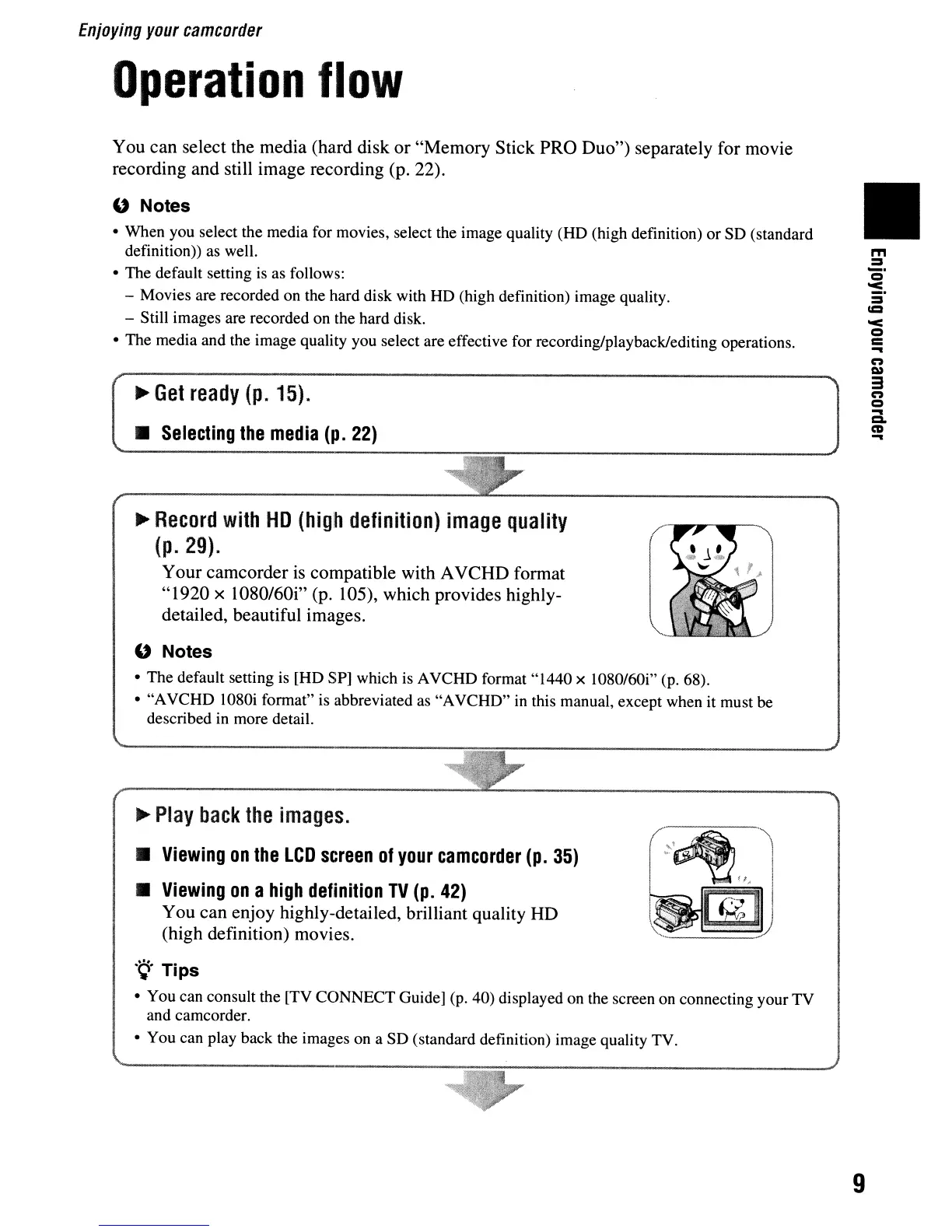
You can select the media (hard disk or "Memory Stick PRO Duo") separately for movie
recording and still image recording (p. 22).
U Notes
• When you select the media for movies, select the image quality (HD (high definition)
or
SD
(standard
definition)) as well.
• The default setting is as follows:
- Movies are recorded
on
the hard disk with HD (high definition) image quality.
- Still images are recorded on the hard disk.
• The media and the image quality you select are effective for recording/playback/editing operations.
~
Get
ready
(p.
15)
.
•
Selecting
the
media
(p.
22)
II
~
Record
with
HD
(high
definition)
image
quality
(p.
29).
Your camcorder
is
compatible with AVCHD format
"1920 x 1080/60i" (p. 105), which provides highly-
detailed, beautiful images.
U Notes
•
The
default setting is
[HD
SP] which is A
VCHD
format"
1440 x 1080/60i" (p. 68).
•
"A
VCHD
1080i format" is abbreviated as
"A
VCHD"
in this manual, except when it must be
described in more detail.
...
Play
back
the
images
.
•
Viewing
on
the
LCD
screen
of
your
camcorder
(p.
35)
•
Viewing
on
a
high
definition
TV
(p.
42)
You can enjoy highly-detailed, brilliant quality HD
(high definition) movies.
.
~.
Tips
• You can consult the [TV
CONNECT
Guide] (p. 40) displayed on the screen on connecting your
TV
and camcorder.
• You can play back the images on a
SD
(standard definition) image quality TV.
9












 To Next Page