48
Editing
~
(OTHERS)
category
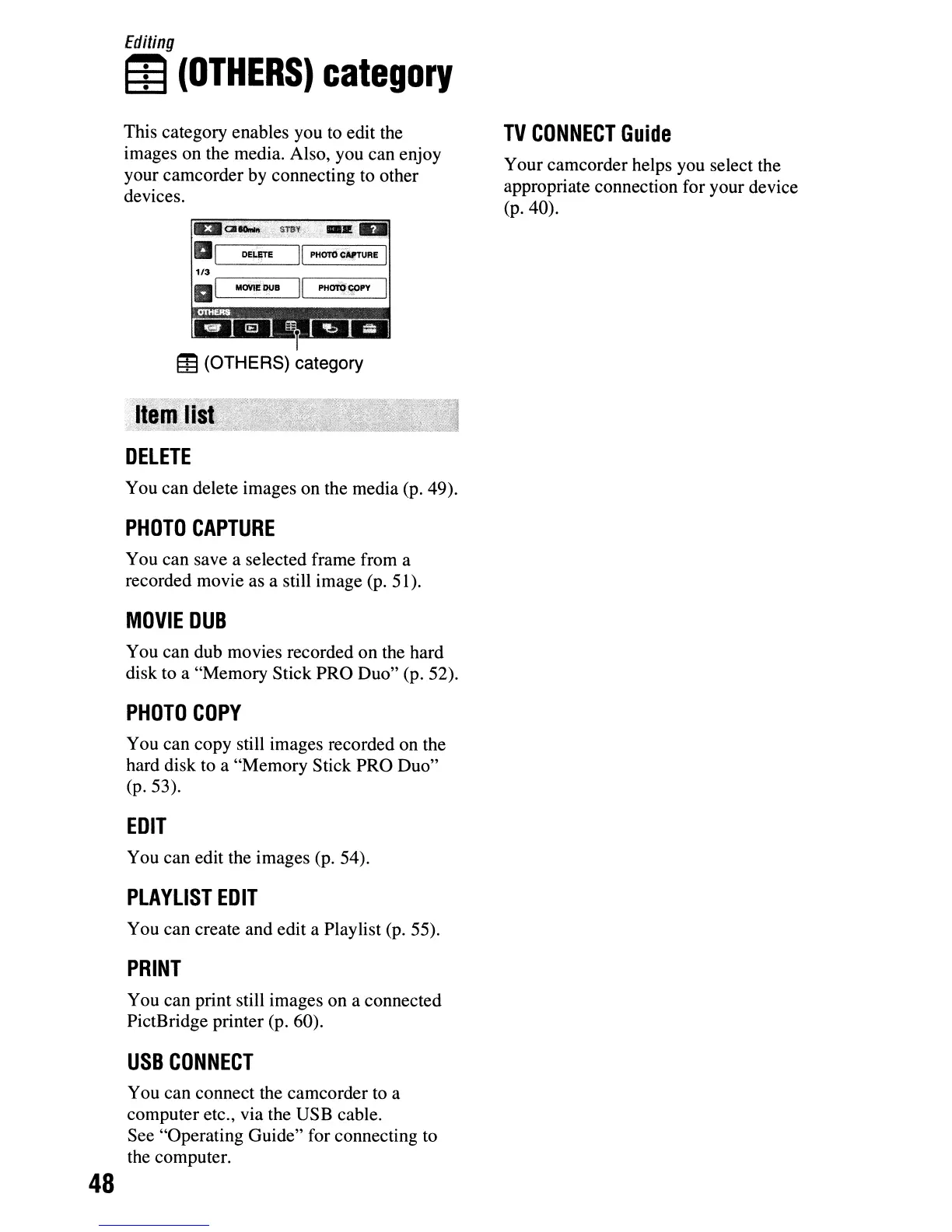
This category enables you
to
edit the
images on the media. Also, you can enjoy
your camcorder by connecting to other
devices.
1I3I~1CIloiIIJ"
"STIJV
.-R.
al
DELlITE
II
PHDTOcAlrrURE I
Ii
'-MOVI--=-I!
OU-II---'II-PH-oro-::-"CO-"
-PY-
f
Ei3
(OTHERS) category
DELETE
You can delete images on the media (p. 49).
PHOTO
CAPTURE
You can save a selected frame from a
recorded movie as a still image (p. 51).
MOVIE
DUB
You can dub movies recorded on the hard
disk to a "Memory Stick PRO Duo" (p. 52).
PHOTO
COpy
You can copy still images recorded on the
hard disk to a "Memory Stick PRO Duo"
(p.53).
EDIT
You can edit the images (p. 54).
PLAYLIST
EDIT
You can create and edit a Playlist (p. 55).
PRINT
You can print still images on a connected
PictBridge printer (p. 60).
USB
CONNECT
You can connect the camcorder to a
computer etc., via the USB cable.
See "Operating Guide" for connecting to
the computer.
TV
CONNECT
Guide
Your camcorder helps you select the
appropriate connection for your device
(p.40).












 To Next Page