CD
Touch
'ft'
(HOME)
--+
QiJ'
(CAMERA)
--+
[SMTH SLW REC].
-=-
~_,"
ST!lY
CEll!
9
SMTH
SLW
REC
-.
(3Omln]
•
e
[3sec AFTER]
.•
;l~
To
change
the
seUing
Touch
C!s
(OPTION)
-+
iii
tab, then
select the setting you want to change.
• [TIMING]
Select the recording start point after
START/STOP
is pressed.
The
default
setting is [3sec AFTER].
Touch
I
+:::>
I to cancel the smooth slow
recording.
® Press START/STOP.
A 3-second movie (approx.)
is
recorded
as
a 12-second-slow-motion movie.
[Recording"'] disappears, when recording
is
finished.
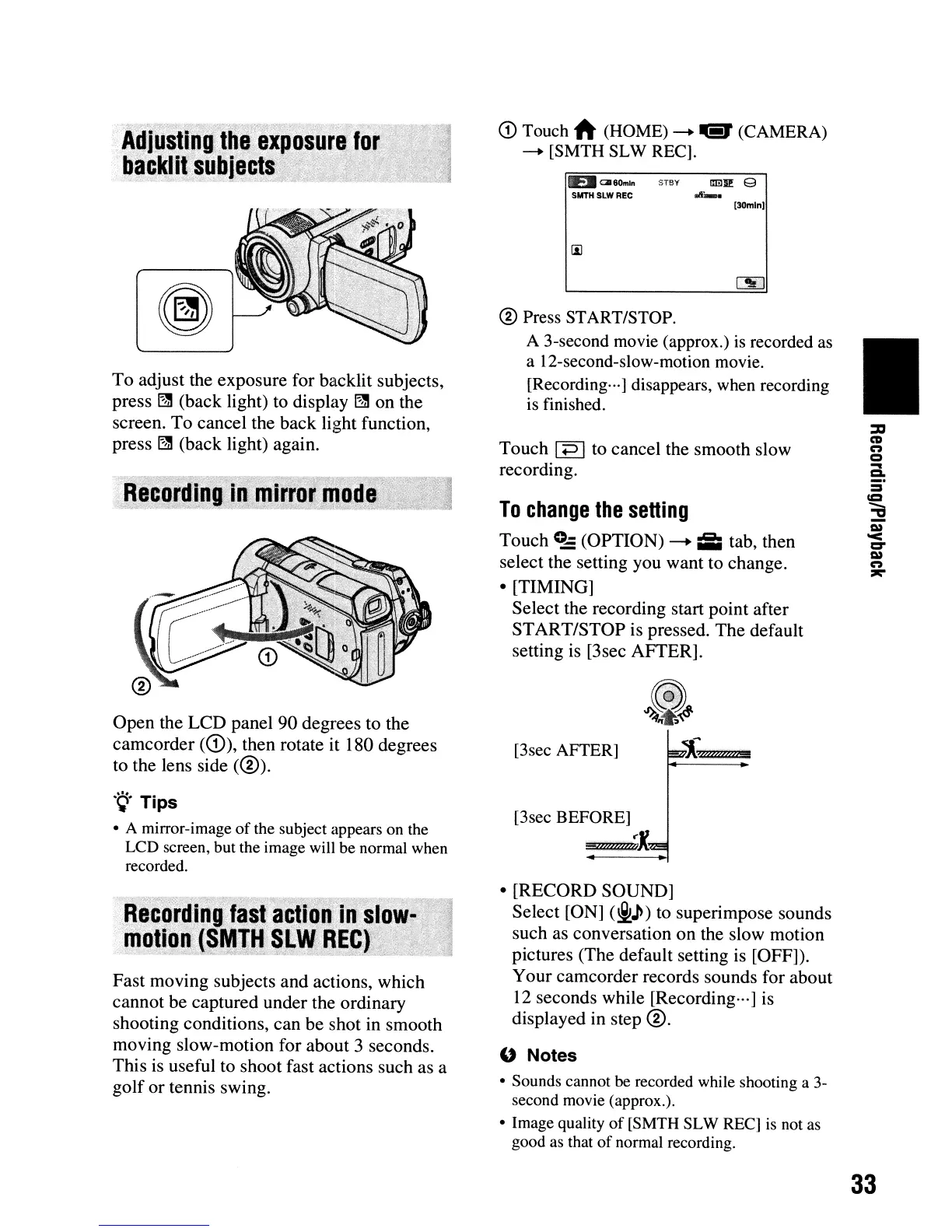
Open
the
LCD
panel 90 degrees to the
camcorder (CD), then rotate it 180 degrees
to the lens side
(@)
.
.
~.
Tips
• A mirror-image of
the
subject appears
on
the
LCD
screen,
but
the
image
will
be
normal
when
recorded.
To
adjust the exposure for backlit subjects,
press ~ (back light) to display ~ on the
screen.
To
cancel the back light function,
press
I2ll
(back light) again.
Fast moving subjects
and
actions, which
cannot be captured under the ordinary
shooting conditions,
can
be shot in smooth
moving slow-motion for about 3 seconds.
This is useful to shoot fast actions such as a
golf
or
tennis swing.
•
[RECORD
SOUND]
Select [ON]
(j,)
to superimpose sounds
such as conversation
on
the slow motion
pictures (The default setting is [OFF]).
Your camcorder records sounds for about
12 seconds while [Recording···] is
displayed in step
@.
" Notes
• Sounds cannot be
recorded
while
shooting a
3-
second
movie
(approx.).
•
Image
quality of
[SMTH
SL
W
REC]
is
not
as
good
as
that
of
normal
recording.
33












 To Next Page