" Notes
• When you connect your camcorder to outside
power sources,
[BRIGHT]
is
automatically
selected for the setting.
• When you select
[BRIGHT], battery life
is
slightly reduced during recording.
.~.
Tips
• This adjustment does not affect the recorded
images
in
any way.
OUTPUT
SETTINGS
(Items
for
when
connecting
other
devices)
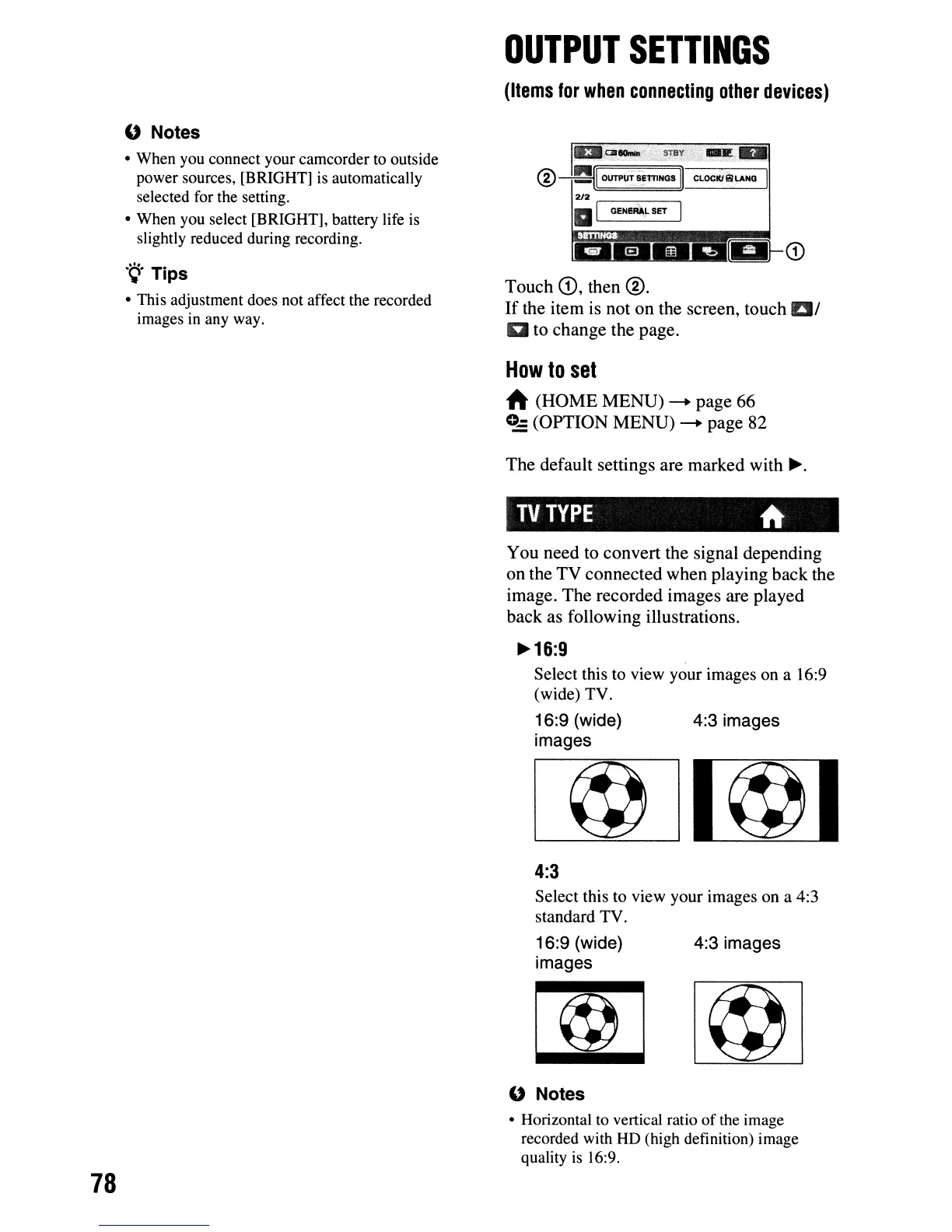
CD
Touch
CD,
then
®.
If
the
item
is
not
on
the
screen,
touch
Ell
a
to
change
the
page.
How
to
set
A
(HOME
MENU)
-+
page
66
0-
(OPTION
MENU)
-+
page
82
The
default
settings
are
marked
with
~.
TV
TYPE
A
You
need
to
convert
the
signal
depending
on
the
TV
connected
when
playing
back
the
image.
The
recorded
images
are
played
back
as
following
illustrations.
~16:9
Select this to view your images on a 16:9
(wide) TV.
16:9 (wide) 4:3 images
images
4:3
Select this to view your images on a 4:3
standard TV.
16:9 (wide)
images
4:3 images
78
U Notes
• Horizontal to vertical ratio
of
the image
recorded with
HD
(high definition) image
quality
is
16:9.




 To Next Page