Deleting
images
You can delete images recorded on the
media using your camcorder.
" Notes
•
You
cannot restore images once they are deleted.
• Do not remove the battery pack
or
the AC
Adaptor from your camcorder while deleting the
images.
It
may damage the media.
• Do not eject "Memory Stick PRO Duo" while
deleting images from the "Memory Stick PRO
Duo."
• When write-protection is set to the images
in
the
"MemoryStickPRO Duo"byanotherdevice, you
cannotdelete the imagesfrom the "Memory Stick
PRO Duo."
.
~.
Tips
•
You
can select up to 100 images at one time.
• You can delete an image on the playback screen
from
C5
(OPTION) MENU.
• To delete all images recorded in the media, and
recover all the recordable space
of
the media,
format the media (p. 63).
You can free media space by deleting
image data from the camcorder.
You can check the free media space using
[MEDIA INFO] (p. 62).
Select the media which contains the movie
you want to delete before the operation
(p.22).
" Notes
• Importantdata should be saved on external media
(p.47).
1 Touch
~
(HOME)
--+
Ei3
(OTHERS)
--+
[DELETE].
2 Touch
nt:::n
DELETE].
3 Touch
[m
DELETE] or
[
UsoU
DELETE].
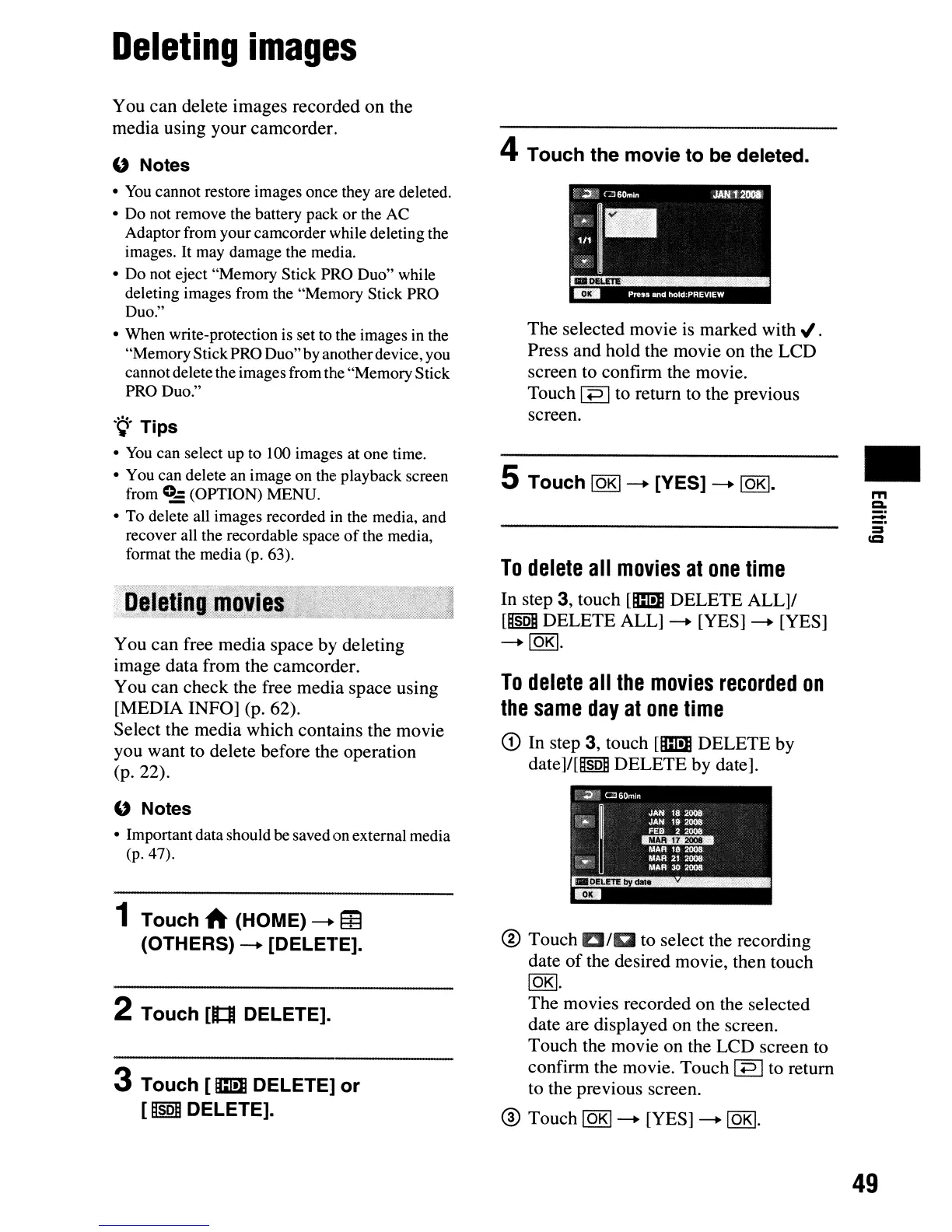
4 Touch the movie to be deleted.
The selected movie
is
marked
with"
.
Press and hold the movie on the LCD
screen to confirm the movie.
Touch
I
+=>
Ito return to the previous
screen.
5 Touch
IOKI--+
[YES]
--+
lOKI.
To
delete
all
movies
at
one
time
In step
3,
touch
[m
DELETE ALL]I
[UsoU
DELETE ALL]
--+
[YES]
--+
[YES]
--+IOKI.
To
delete
all
the
movies
recorded
on
the
same
day
at
one
time
CD
In step 3, touch
[m
DELETE by
date]/[~soij
DELETE by date].
® Touch
DID
to select the recording
date
of
the desired movie, then touch
lOKI.
The movies recorded on the selected
date are displayed on the screen.
Touch the movie on the LCD screen to
confirm the movie. Touch
I
+=>
Ito return
to the previous screen.
® Touch
IOKI--+
[YES]
--+
lOKI.
•
m
CI.
=:
:=
=
49












 To Next Page