Name
and
functions
of
each
part
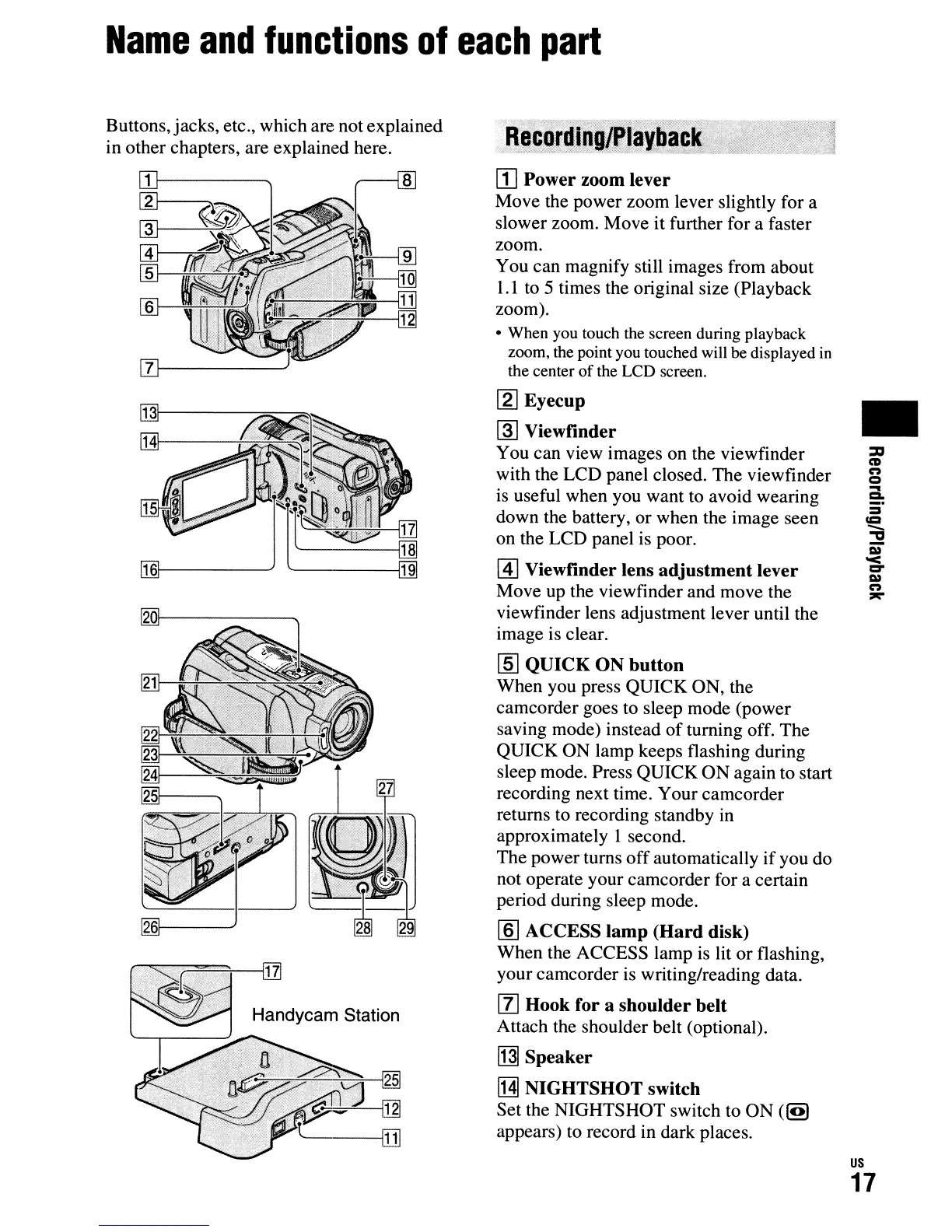
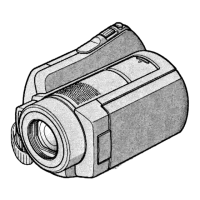
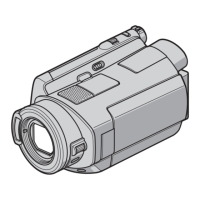
Buttons, jacks, etc., which are not explained
in other chapters, are explained here.
~=:i':-"",----,;~-~
~"'--[J]
~-----j[j]
[j]
Power zoom lever
Move the power zoom lever slightly for a
slower zoom. Move it further for a faster
zoom.
You can magnify still images from about
1.1
to 5 times the original size (Playback
zoom).
• When you touch the screen during playback
zoom, the point you touched will be displayed
in
the center
of
the LCD screen.
[gJ
Eyecup
~
Viewfinder
You can view images on the viewfinder
with the LCD panel closed. The viewfinder
is
useful when you want to avoid wearing
down the battery, or when the image seen
on the LCD panel
is
poor.
@]
Viewfinder lens
adjustment
lever
Move up the viewfinder and move the
viewfinder lens adjustment lever until the
image is clear.
[ID
QUICK
ON
button
When you press QUICK ON, the
camcorder goes to sleep mode (power
saving mode) instead
of
turning off. The
QUICK ON lamp keeps flashing during
sleep mode. Press QUICK
ON
again to start
recording next time. Your camcorder
returns to recording standby in
approximately 1 second.
The power turns
off
automatically
if
you do
not operate your camcorder for a certain
period during sleep mode.
[§]
ACCESS
lamp
(Hard
disk)
When the ACCESS lamp
is
lit
or
flashing,
your camcorder is writing/reading data.
[1]
Hook for a shoulder belt
Attach the shoulder belt (optional).
[j]]
Speaker
[H]
NIGHTSHOT
switch
Set the NIGHTSHOT switch to ON
(~
appears) to record in dark places.
•
us
17




 To Next Page