Enjoying
with
a
computer
Performing
with
a
computer
Handbook/software
tll·btf':
installed.
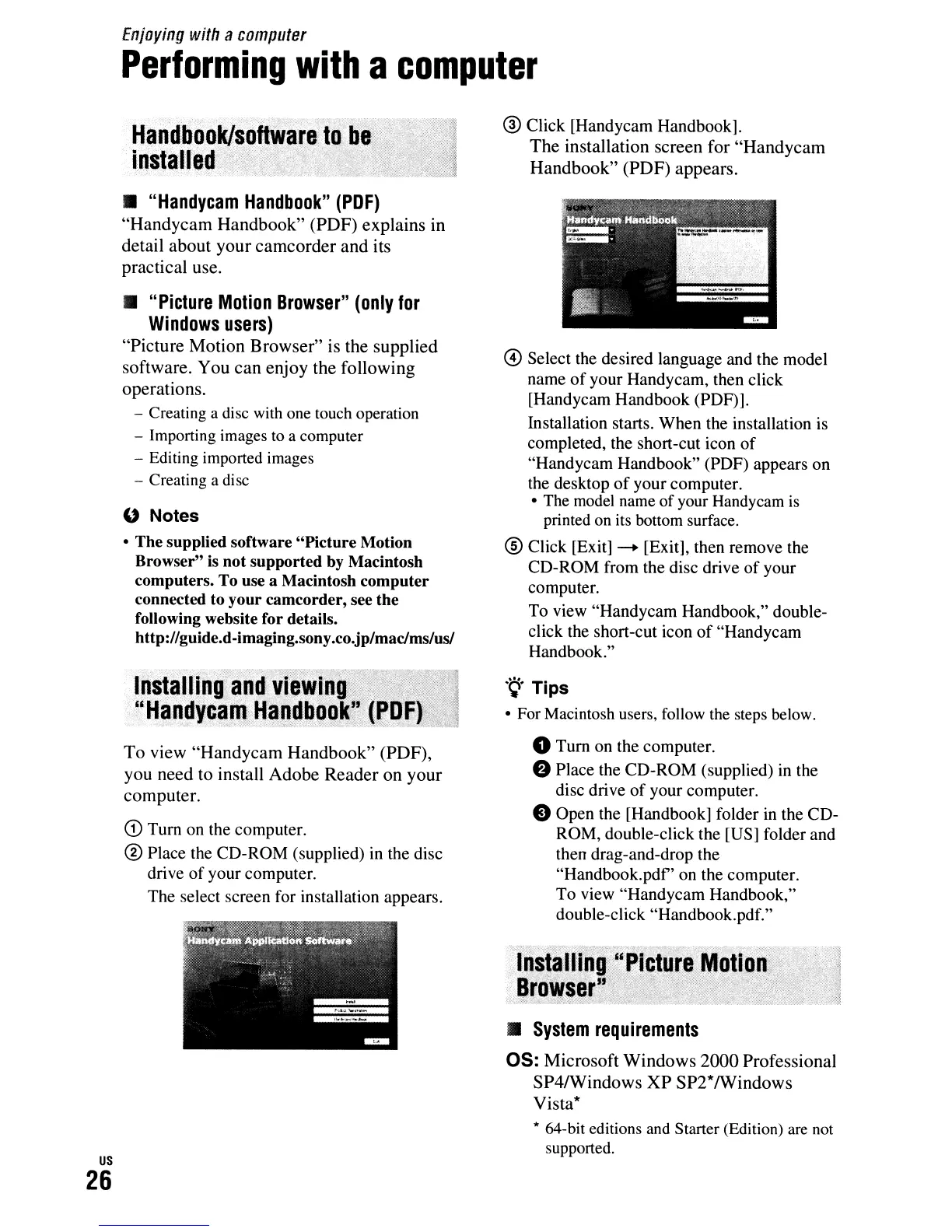
@ Click [Handycam Handbook].
The
installation screen
for
"Handycam
Handbook"
(PDF)
appears
.
•
"Handycam
Handbook"
(PDF)
"Handycam
Handbook"
(PDF)
explains
in
detail
about
your
camcorder
and
its
practical use.
•
"Picture
Motion
Browser"
(only
for
Windows
users)
"Picture
Motion
Browser"
is the
supplied
software.
You
can
enjoy
the
following
operations.
- Creating a disc with
one
touch operation
- Importing images
to
a computer
- Editing imported images
- Creating a disc
" Notes
• The supplied software
"Picture
Motion
Browser" is not supported by Macintosh
computers. To use a Macintosh computer
connected to your camcorder, see the
following website for details.
http://guide.d-imaging.sony.co.jp/macJms/us/
@ Select the desired language and the model
name
of
your Handycam, then click
[Handycam Handbook (PDF)].
Installation starts. When the installation is
completed, the short-cut icon
of
"Handycam Handbook" (PDF) appears on
the desktop
of
your computer.
• The
model
name of your Handycam
is
printed
on
its bottom surface.
® Click [Exit]
--+
[Exit], then remove the
CD-ROM from the disc drive
of
your
computer.
To view "Handycam Handbook," double-
click the short-cut icon
of
"Handycam
Handbook."
•
System
requirements
OS:
Microsoft
Windows
2000
Professional
SP4/Windows
XP
SP2*
/Windows
Vista*
* 64-bit editions
and
Starter (Edition)
are
not
supported.
.~.
Tips
• For Macintosh users, follow
the
steps below.
o
Tum
on the computer.
e Place the CD-ROM (supplied) in the
disc drive
of
your computer.
e Open the [Handbook] folder in the CD-
ROM, double-click the [US] folder and
then drag-and-drop the
"Handbook.
pdf'
on the computer.
To view "Handycam Handbook,"
double-click "Handbook.pdf."
To
view
"Handycam
Handbook"
(PDF),
you
need
to install
Adobe
Reader
on
your
computer.
CD
Tum
on the computer.
® Place the CD-ROM (supplied) in the disc
drive
of
your computer.
The select screen for installation appears.
InS1aln"g.~nd'
Vi.,W,r,·':
rHandycamHandbQO
-;"<:'-"->':""'::::\.:~'_:"
..
c.''':::_-
...
,·:,,_,
,_
,-
...
»",.':~"
~:\
"
-:::
us
26












 To Next Page