34
• During Easy Handycam operation, the [SMTH
SL
W REC] function cannot be used. Cancel
Easy Handycam operation.
You
can
assign
one
menu
item
you
use
often
to
the
CAM
CTRL
dial.
Since
the
focus
adjustment
is
assigned
to
the
CAM
CTRL
dial
in
the
default
settings,
the
operation
below
is
described
as
adjusting
the
focus
using
the
dial.
(
MANUAL
CAM CTRL dial
CD
Press
MANUAL
to activate the manual
adjustment mode.
Pressing
MANUAL
switches the setting
mode between automatic and manual.
® Rotate the
CAM
CTRL
dial to adjust the
focus.
Items
you
can
assign
to
the
CAM
CTRL
dial
-[FOCUS]
(p. 84)
-
[EXPOSURE]
(p. 85)
-
[AE
SHIFT]
(p. 69)
-
[WB
SHIFT]
(p. 69)
To
assign
the
menu
items
to
the
CAM
CTRL
dial
CD
Press and hold
MANUAL
for a few
seconds.
The
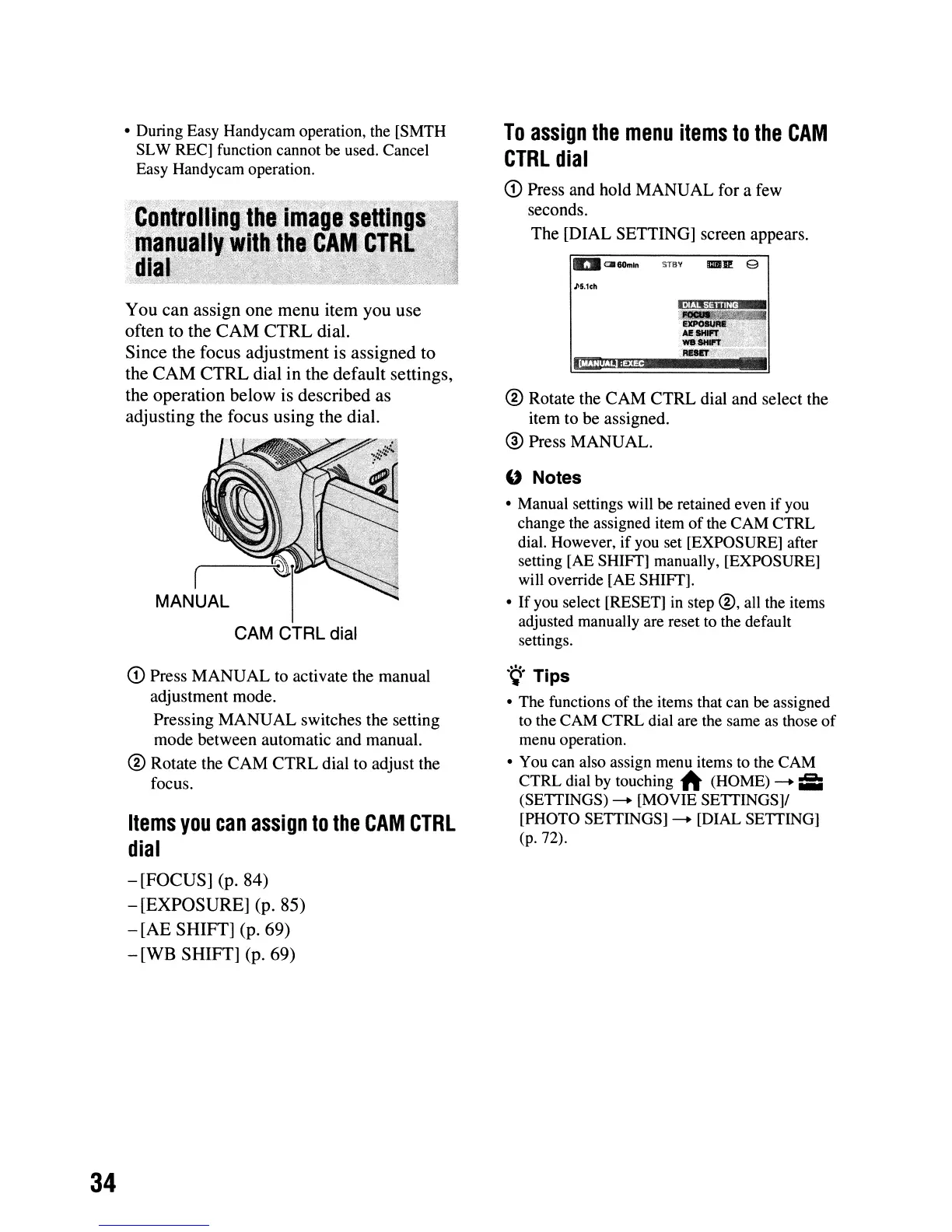
[DIAL SETTING] screen appears.
IIrJICJl60mln STay mv: 9
~5,1ch
® Rotate the
CAM
CTRL
dial and select the
item to be assigned.
® Press MANUAL.
" Notes
• Manual settings will be retained even if
you
change the assigned item
of
the CAM CTRL
dial. However, if
you
set [EXPOSURE] after
setting [AE
SHIff]
manually, [EXPOSURE]
will override [AE
SHIff].
•
If
you
select [RESET]
in
step
®,
all the items
adjusted manually are reset to the default
settings.
.
~.
Tips
• The functions ofthe items that can
be
assigned
to the CAM CTRL dial are the same
as
those
of
menu operation.
• You can also assign menu items to the CAM
CTRL dial
by
touching
~
(HOME)
-.
i:i:i
(SETTINGS)
-.
[MOVIE SETTINGS]!
[PHOTO SETTINGS]
-.
[DIAL SETTING]
(p.72).












 To Next Page