~
Save
recorded
images.
•
Dubbing
images
from
the
internal
hard
disk
to
a
"Memory
Stick
PRO
Duo"
(p.
52)
•
Dubbing
to
other
devices
(p.
58)
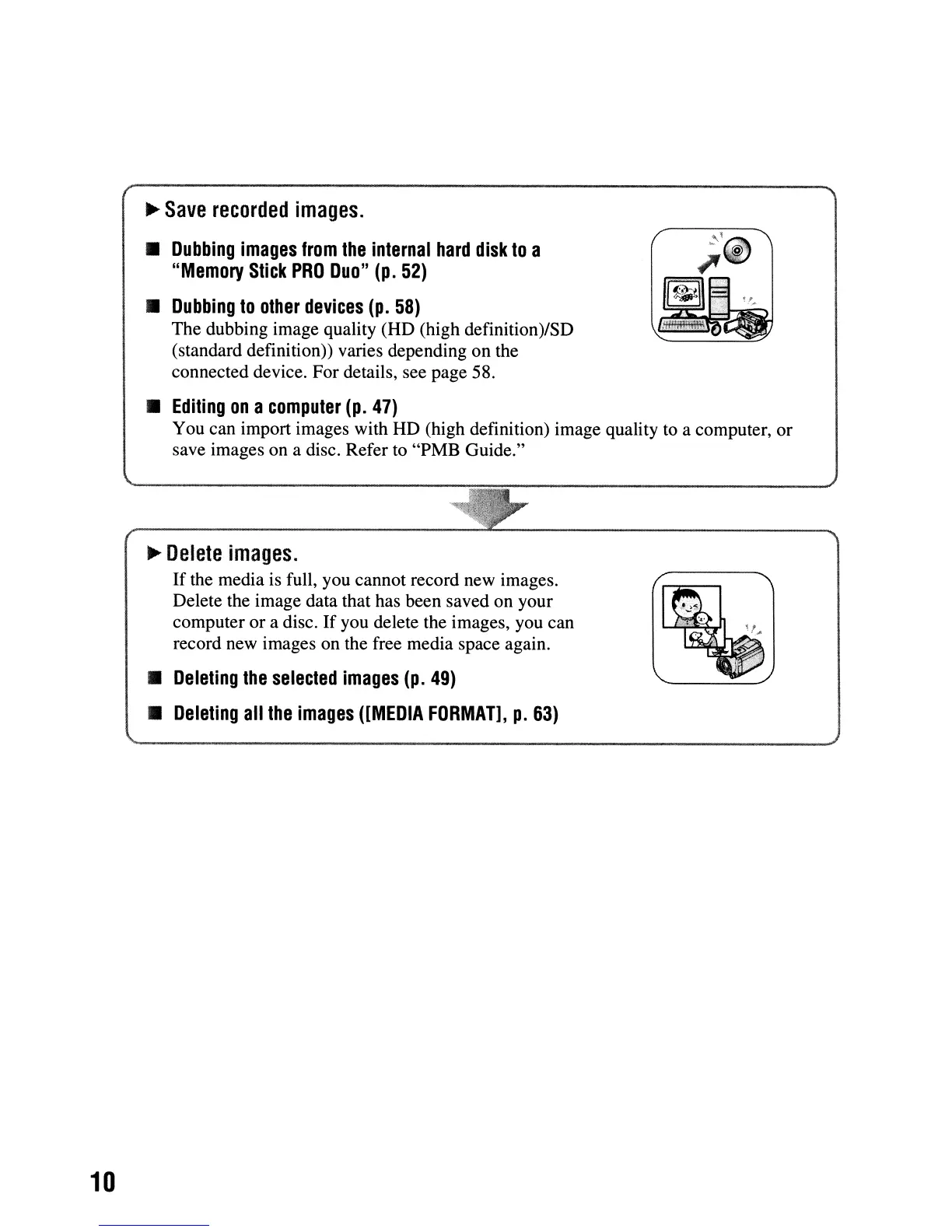
The dubbing image quality (HD (high definition)/SD
(standard definition)) varies depending on the
connected device. For details, see page 58.
•
Editing
on
a
computer
(p.
47)
You can import images with HD (high definition) image quality to a computer, or
save images on a disc. Refer
to
"PMB Guide."
10
~
Delete
images.
If
the media is full, you cannot record new images.
Delete the image data that has been saved on your
computer or a disc.
If
you delete the images, you can
record new images on the free media space again.
•
Deleting
the
selected
images
(p.
49)
•
Deleting
all
the
images
([MEDIA
FORMAT],
p.
63)












 To Next Page