When
connecting
to
your
TV
via
a
VCR
Connect your camcorder to the LINE IN
input on the VCR using the
AN
connecting
cable. Set the input selector on the VCR to
LINE (VIDEO
1,
VIDEO
2,
etc.).
When
your
TV
is
monaural
(When
your
TV
has
only
one
audio
input
jack)
Connect the yellow plug
of
the
AN
connecting cable to the video inputjack and
connect the white (left channel)
or
red
(right channel) plug to the audio input jack
of
your TV
or
VCR.
" Notes
• When the AIV connecting cable is used to
output images, images are output with SD
(standard definition) image quality.
.
~.
Tips
•
If
you connect your camcorder to the TV using
more than one type
of
cable to output images,
the order
of
priority
of
the TV input jacks
is
as
follows:
HDMI
--+
component
--+
S VIDEO
--+
video.
• HDMI (High Definition Multimedia Interface)
is an interface to send both video/audio signals.
The HOMI OUT jack outputs high quality
images and digital audio.
On
"PhotoTV
HU"
Your camcorder is compatible with
"PhotoTV HD." "PhotoTV HD" allows for
highly-detailed, photo-like depiction
of
subtle textures and colors. By connecting
Sony's PhotoTV HD-compatible devices
using an HDMI cable* or a component
AN
cable
**,
a whole new world
of
photos can
be enjoyed in breathtaking full HD quality.
* The TV will automatically switch to the
appropriate mode when displaying photos.
** Setup
of
the TV will be necessary. Please refer
to the instruction manual
of
your PhotoTV
HD-compatible TV for details.
Using
"BRAVIA"
Sync
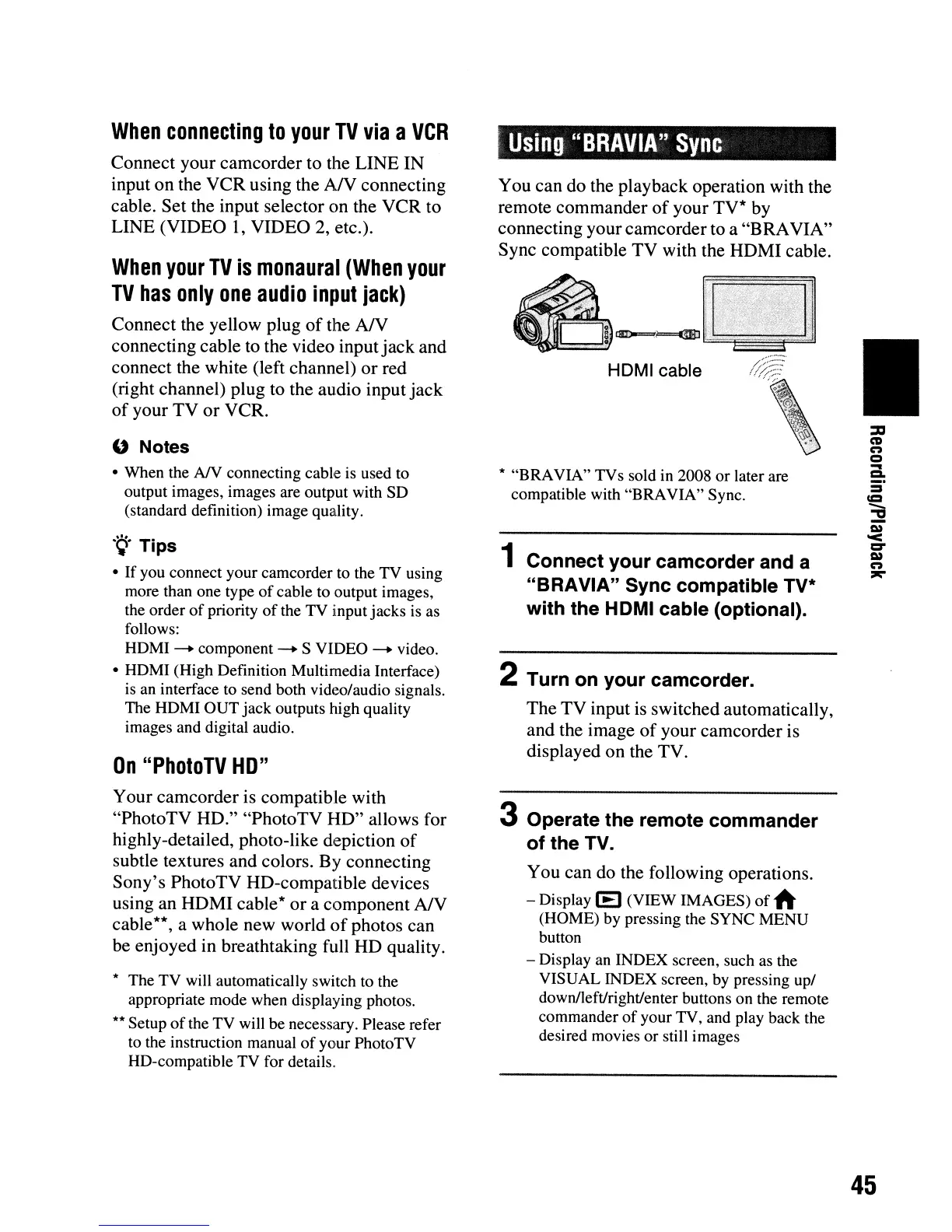
You can do the playback operation with the
remote commander
of
your TV* by
connecting your camcorder to a "BRAVIA"
Sync compatible TV with the HDMI cable.
HDMI cable
* "BRAVIA" TVs sold in 2008
or
later are
compatible with "BRAVIA" Sync.
1 Connect your camcorder and a
"BRAVIA" Sync compatible
TV·
with the HDMI cable (optional).
2 Turn on your camcorder.
The TV input
is
switched automatically,
and the image
of
your camcorder is
displayed on the TV.
3 Operate the remote commander
of the TV.
You can do the following operations.
- Display
(E)
(VIEW IMAGES)
of
~
(HOME) by pressing the SYNC MENU
button
- Display an INDEX screen, such as the
VISUAL INDEX screen, by pressing up/
down/left/right/enter buttons on the remote
commander
of
your TV, and play back the
desired movies or still images
•
45












 To Next Page