56
To
add
all
the
movies
recorded
on
the
same
day
at
one
time
<D
In step 2, touch
[llmll
ADD by date]/
[ijsoij
ADD by date].
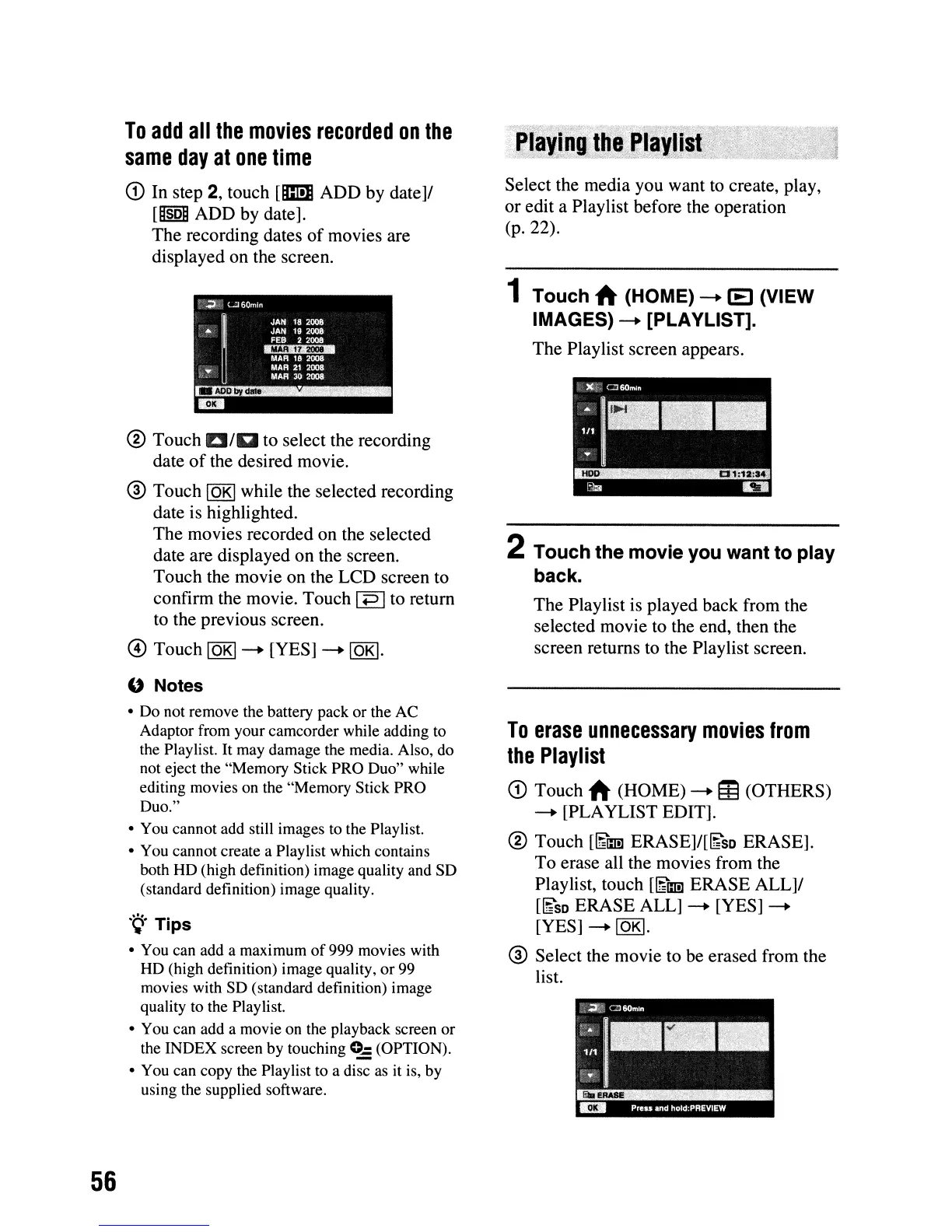
The recording dates
of
movies are
displayed on the screen.
® Touch EI/EIto select the recording
date
of
the desired movie.
® Touch
lOKI
while the selected recording
date is highlighted.
The movies recorded on the selected
date are displayed on the screen.
Touch the movie on the LCD screen to
confirm the movie. Touch
IP Ito return
to the previous screen.
@ Touch IOKI--+ [YES]
--+
lOKI.
o Notes
• Do not remove the battery pack
or
the AC
Adaptor from your camcorder while adding to
the Playlist. It may damage the media. Also, do
not eject the "Memory Stick PRO Duo" while
editing movies on the "Memory Stick PRO
Duo."
• You cannot add
sti11
images to the Playlist.
• You cannot create a Playlist which contains
both HD (high definition) image quality and SD
(standard definition) image quality.
'9'
Tips
• You can add a maximum
of
999 movies with
HD (high definition) image quality, or 99
movies with SD (standard definition) image
quality to the Playlist.
• You can add a movie on the playback screen or
the INDEX screen by touching
0..: (OPTION).
• You can copy the Playlist to a disc as it is, by
using the supplied software.
Select the media you want
to
create, play,
or edit a Playlist before the operation
(p.22).
1 Touch
~
(HOME)
--+
IE
(VIEW
IMAGES)
--+
[PLAYLlST].
The Playlist screen appears.
2 Touch the movie you want to play
back.
The Playlist is played back from the
selected movie to the end, then the
screen returns to the Playlist screen.
To
erase
unnecessary
movies
from
the
Playlist
<D
Touch
~
(HOME)
--+
IE
(OTHERS)
--+
[PLAYLIST EDIT].
® Touch
[~lmJ
ERASE]/[~sD
ERASE].
To erase all the movies from the
Playlist, touch
[~lmJ
ERASE ALL]/
[~SD
ERASE ALL]
--+
[YES]
--+
[YES]
--+
lOKI.
® Select the movie to be erased from the
list.












 To Next Page