You can select a still image on the
screen.
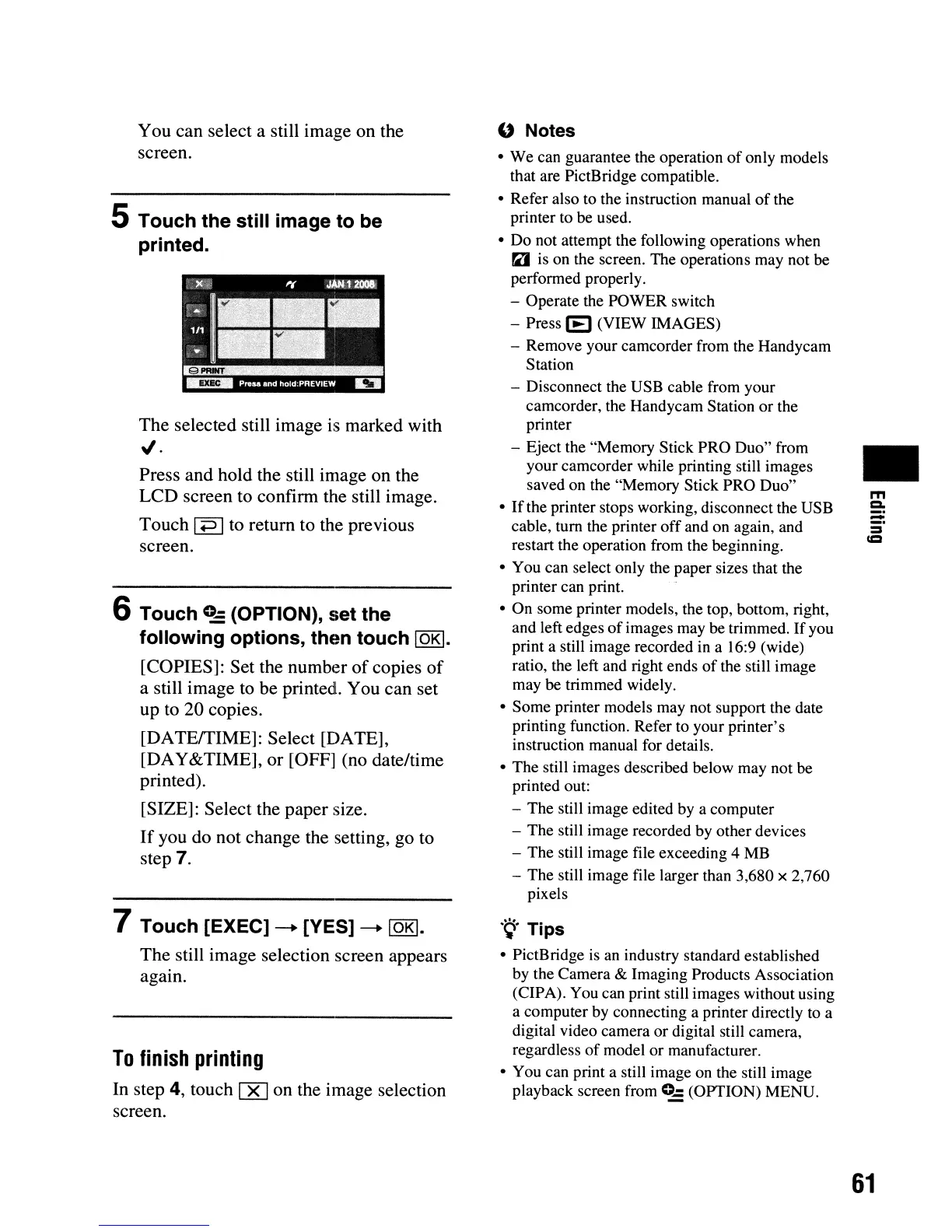
5 Touch the still image to be
printed.
The selected still image is marked with
"'.
Press and hold the still image on the
LCD screen to confinn the still image.
Touch
I
+=>
Ito return to the previous
screen.
6 Touch
c..:
(OPTION), set the
following options, then touch
lOKI.
[COPIES]: Set the number
of
copies
of
a still image to be printed. You can set
up to 20 copies.
[DATEffIME]: Select [DATE],
[DAY&TIME], or [OFF] (no date/time
printed).
[SIZE]: Select the paper size.
If
you do not change the setting, go to
step 7.
7 Touch [EXEC]
-+
[YES]
-+
lOKI.
The still image selection screen appears
again.
To
finish
printing
In step 4, touch
00
on the image selection
screen.
U Notes
•
We
can guarantee the operation
of
only models
that are PictBridge compatible.
• Refer also to the instruction manual
of
the
printer to be used.
• Do not attempt the following operations when
"I
is on the screen. The operations may not be
performed properly.
- Operate the POWER switch
- Press
[E] (VIEW IMAGES)
- Remove your camcorder from the Handycam
Station
- Disconnect the USB cable from your
camcorder, the Handycam Station
or
the
printer
- Eject the "Memory Stick PRO Duo" from
your camcorder while printing still images
saved on the "Memory Stick PRO Duo"
•
If
the printer stops working, disconnect the USB
cable,
tum
the printer
off
and on again, and
restart the operation from the beginning.
• You can select only the paper sizes that the
printer can print.
•
On
some printer models, the top, bottom, right,
and left edges
of
images may be trimmed.
If
you
print a still image recorded in a 16:9 (wide)
ratio, the left and right ends
of
the still image
may be trimmed widely.
• Some printer models may not support the date
printing function. Refer to your printer's
instruction manual for details.
•
The
still images described below may not be
printed out:
- The still image edited by a computer
- The still image recorded by other devices
-
The
still image file exceeding 4 MB
-
The
still image file larger than 3,680 x 2,760
pixels
.~.
Tips
• PictBridge is an industry standard established
by the Camera & Imaging Products Association
(CIPA). You can print still images without using
a computer by connecting a printer directly to a
digital video camera or digital still camera,
regardless
of
model
or
manufacturer.
• You can print a still image on the still image
playback screen from
C-
(OPTION) MENU.
•
m
Q,
61












 To Next Page