31
Video Format and Input/Output Signals
Chapter 2 Preparations
Video Format and
Input/Output
Signals
The video format to be used on this unit can
be set with “Video Format” of the OTHERS
menu. When the unit is used for recording,
it is required to input a signal conforming to
the video format set on the unit.
In recording or E-E mode, the type and
format of the output signal vary depending
on the input video format and the “HDMI/
CMPNT/SDI Out SEL” setting of the
VIDEO SET menu. When this unit is used
for playback, the format of the output signal
varies depending on the “HDMI/CMPNT/
SDI Out SEL” setting of the VIDEO SET
menu and the video format in which the clip
was recorded on the SxS memory card.
Setting the video format
The video format is determined by bit rate
(HQ or SP), number of effective lines,
frame rate, and scan system (i or P).
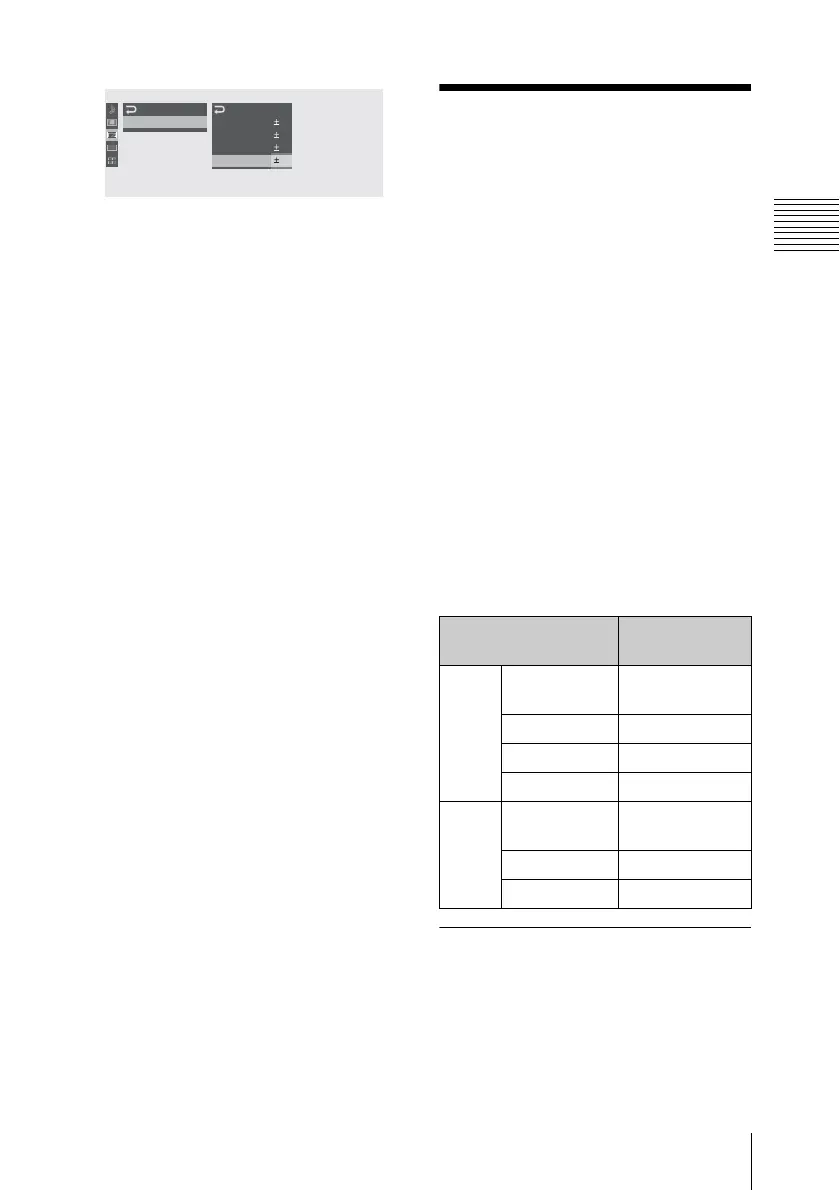
Set “Video Format” of the OTHERS menu
to a desired video format.
00:00
LCD
LCD
SET
Color
C
ont rast
Bright ness
Back Light
:
0
:
0
:
0
:
0
:
0
B
“Video Format”
setting
Input video
format
NTSC HQ 1080/60i
SP 1080/60i
1080/59.94i
HQ 1080/30P 1080/29.97PsF
HQ 1080/24P 1080/23.98PsF
HQ 720/60P 720/59.94P
PAL HQ 1080/50i
SP 1080/50i
1080/50i
HQ 1080/25P 1080/25PsF
HQ 720/50P 720/50P



 To Next Page