46
Placing the Unit in a Vertical Position / Superimposed Text Information
Chapter 2 Preparations
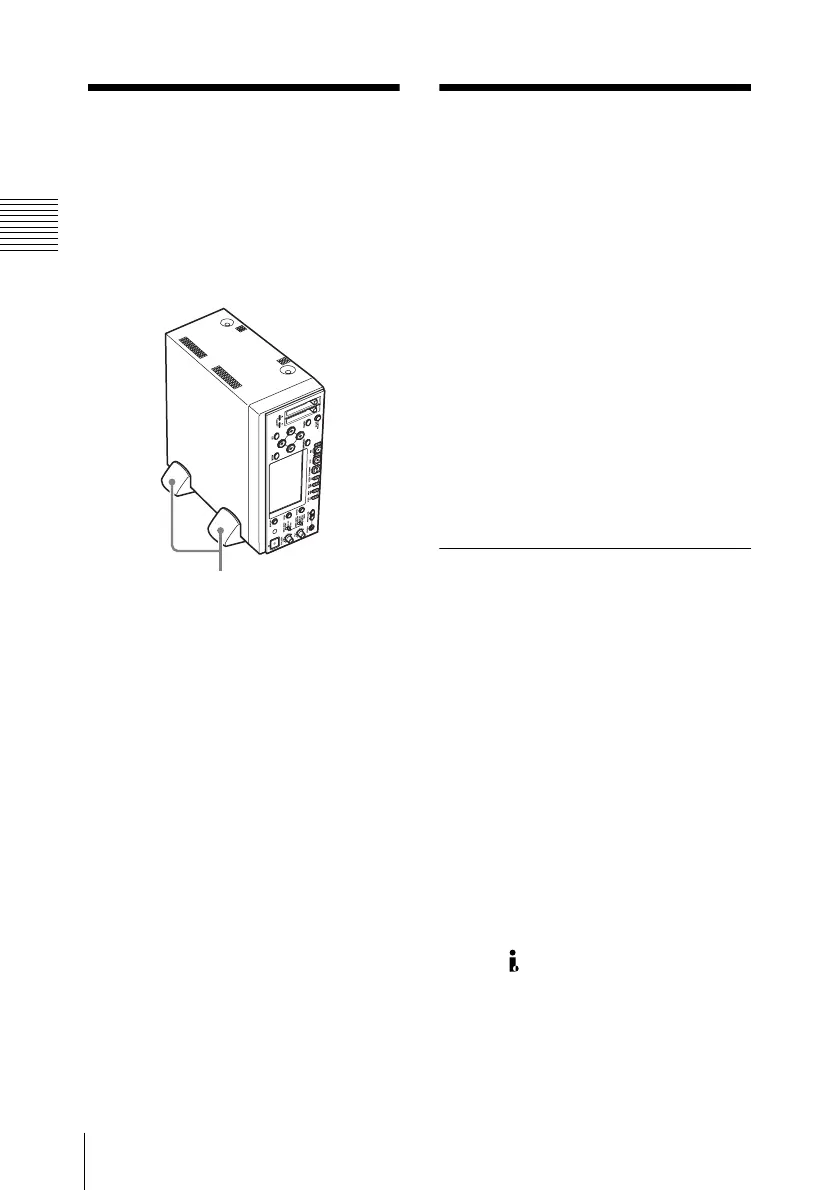
Placing the Unit in
a Vertical Position
You can place the unit in a vertical position
by using the supplied pair of supporting
feet.
Superimposed
Text Information
Signals output from the HDMI,
COMPONENT, COMPOSITE, S-VIDEO,
and HD/SD SDI OUTPUT connectors can
contain superimposed text information,
including timecode, menu settings, and
alarm messages. You can supply an
external video monitor with any of these
signals to view the same text information on
the monitor screen as that displayed on the
LCD display of this unit.
On how to input a signal output from each connector
to the external monitor, see “Connecting External
Video Monitors” (page 69)
Turning superimposed text
on and off
To set whether to superimpose text
information on the output signals from the
HDMI, COMPONENT and HD/SD SDI
OUTPUT connectors, use “HDMI/
CMPNT/SDI Out DISP” (see page 89) of
the VIDEO SET menu. To set whether to
superimpose text information on the output
signals from the COMPOSITE and S-
VIDEO connectors, use “CMPST/ S Out
Display” (see page 89) of the VIDEO SET
menu.
On: Superimpose text information.
Off: Do not superinpose text information.
When a DVCAM-format signal is output
from the HDV/DV connector during
playback, “CMPST/ S Out Display” can be
used to superimpose text information on the
signal.
Supporting feet (supplied)



 To Next Page