Chapter
3
Chapter 3 Recording and Playback
47
Recording
Recording and Playback
Recording
This unit allows recording HDSDI signals
input to the HD SDI INPUT connector and
HDV signals input to the HDV/DV
connector on SxS memory cards.
Be sure to set the video format (see page
31) before starting recording.
Settings for recording
1 Press the TC/UB button to select
whether to use timecode or user bits.
The time data type indicator (see page
19) is switched between the timecode
and user bits each time you press the
TC/UB button.
To set the timecode value or user bit
data
For details on setting the timecode value or
user bit data, see Chapter 5 “Setting and
Recording Time Data” (page 66).
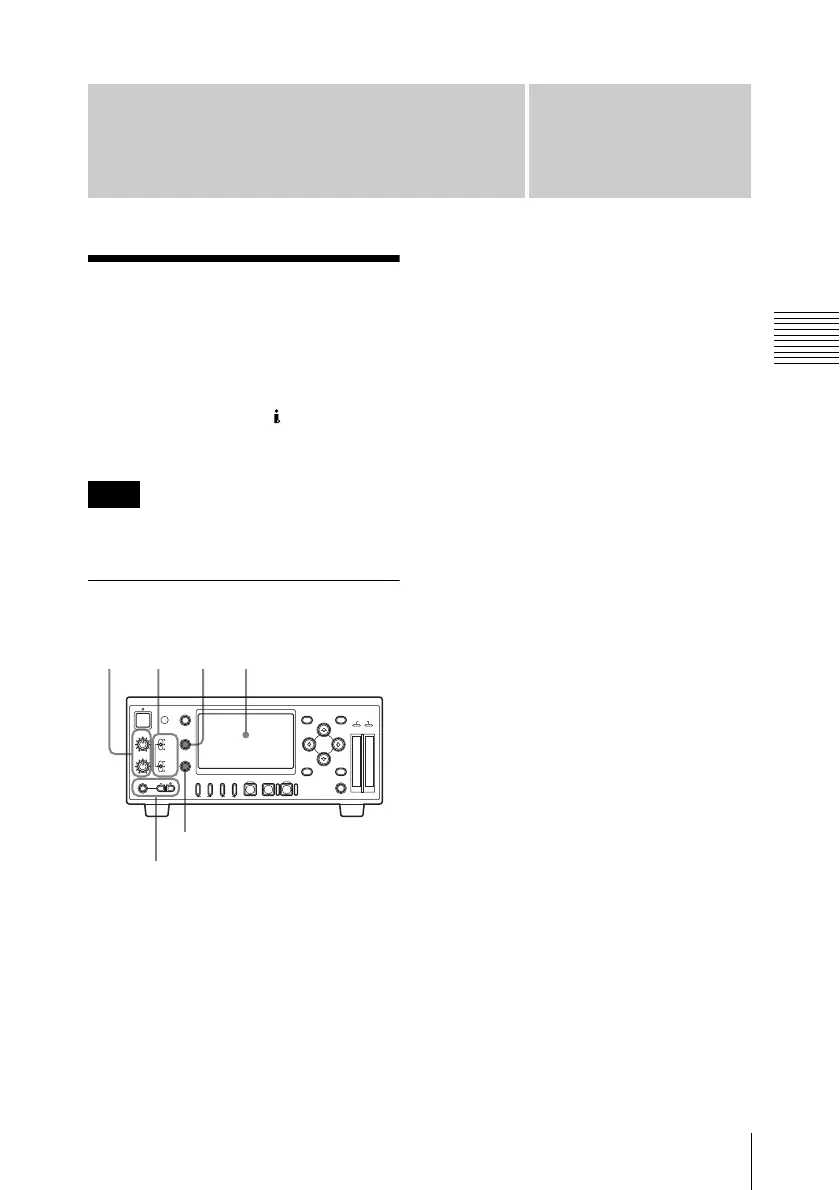
2 Use the VIDEO INPUT switch to
select the video signal to record and
use the AUDIO INPUT switch to
select the audio signal.
Note
213
REC LEVEL
CH-1
VIDEO INPUT
PHONES
DISPLAY
MENU
TC/UB
STATUS
F REV PLAY/PAUSE
m
u
SLOT
SELECT
CH-2
iLINK
HD SDI
SG
AUDIO INPUT
PHONE LEVEL
PREV
.
NEXT
>
F FWD
M
SET
AB
THUMBNAIL CANCEL
ANALOG
HD SDI
CH-1/2
HD SDI
CH-3/4
ACCESS
1
STOP
x
REC
z
TOP END
LCD display
PHONES jack and
PHONE LEVEL buttons
STATUS button



 To Next Page