87
Setup Menu List
Chapter 8 Menu Configuration and Detailed Settings
Setup Menu List
The functions and available settings of
menus are listed below.
The default settings set at the factory are
shown in bold face (example: Preset).
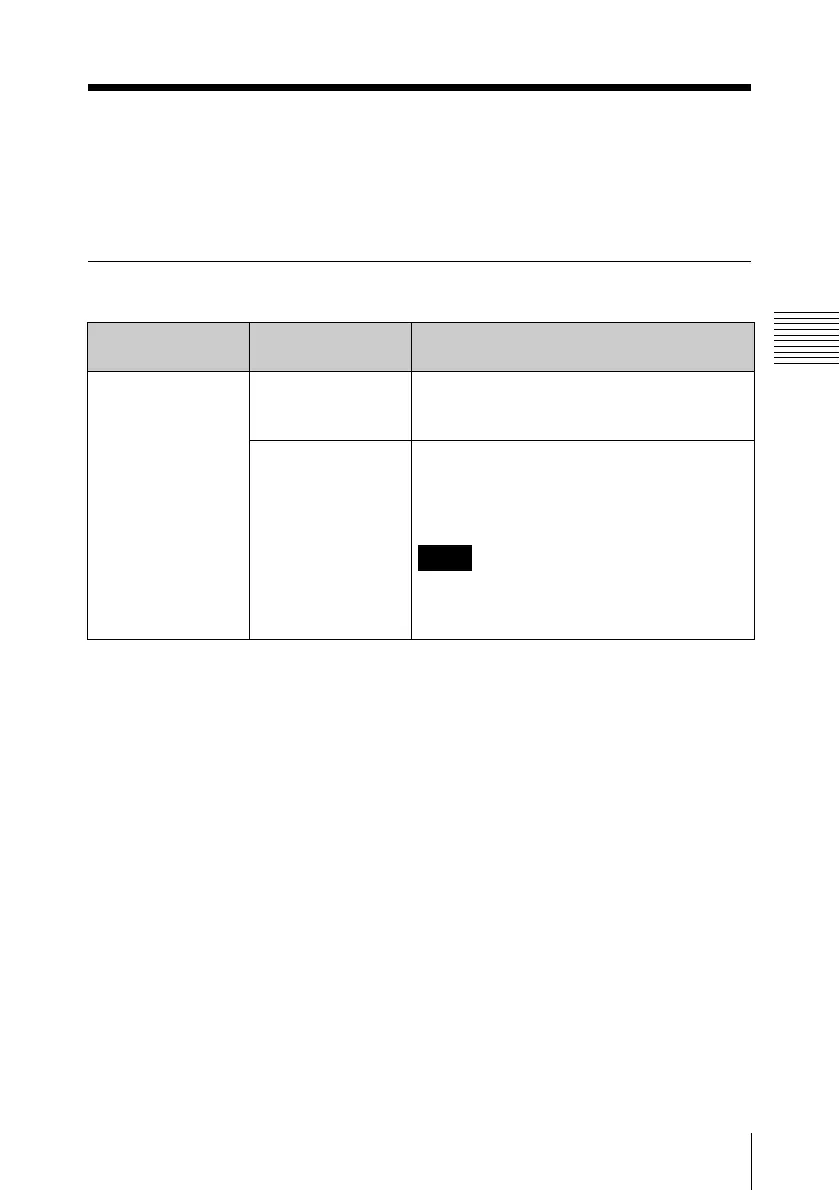
AUDIO SET menu
Menu items Subitems and
setting values
Description
Audio Input
Setting for audio
inputs
1KHz Tone
On / Off
Turn the 1-kHz reference tone signal on/off
when the VIDEO INPUT switch is set to SG
in recording or E-E mode.
Rec Level
Preset / Manual
Select whether to set the audio recording
levels to the preset values or to control them
with the REC LEVEL CH-1 and CH-2 knobs
on the front panel.
Note
This item is disabled (displayed in grey)
when the VIDEO INPUT switch is set to
i.LINK or SG.



 To Next Page