54
Playing Back Clips
Chapter 4 Clip Operations
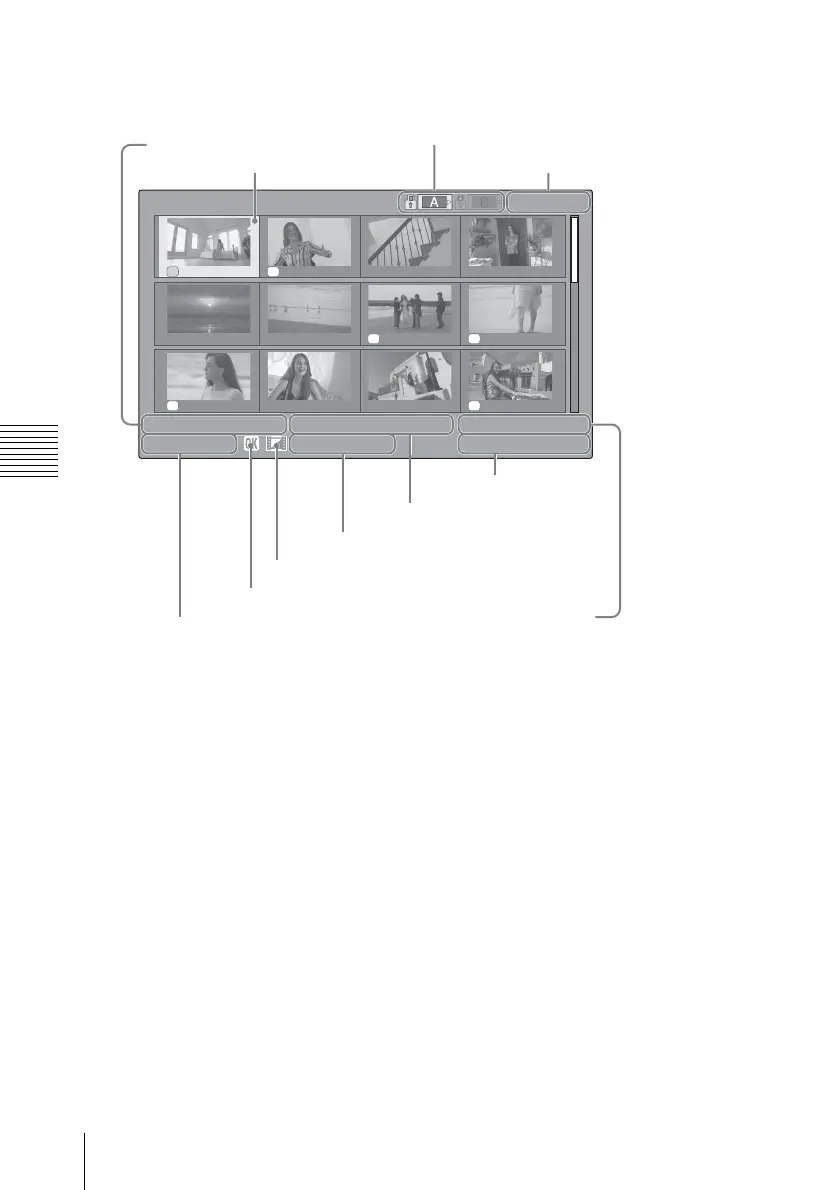
OK mark
Displayed only if the selected clip is
marked OK.
AV independent file icon
Displayed if the selected clip is an AV
independent file. This indicates that the clip
is an AV independent file, such as those
added to the memory card using a
computer. Not all operations and
indications may be available for such clips.
Timecode
The timecode of the index frame is
displayed.
Special recording information
If the selected clip was recorded in a special
recording mode, the mode is displayed.
S&Q Motion (slow and quick motion):
For a clip recorded in this mode,
recording frame rate/playback frame
rate is displayed to the right of the
mode name.
Interval Rec (interval recording)
Frame Rec (frame recording)
Displaying only the clips
marked OK on the thumbnail
screen
Press the THUMBNAIL button.
OK OK
OK OK
OK OK
DC IN 12.0V
01
/
JAN
10 : 53 01
/
JAN
11 : 53 01
/
JAN
12 : 53 01
/
JAN
13 : 53
01
/
JAN
14 : 53 01
/
JAN
15 : 53 01
/
JAN
16 : 53 01
/
JAN
17 : 53
01
/
JAN
18 : 53 01
/
JAN
19 : 53 01
/
JAN
20 : 53 01
/
JAN
21 : 53
0011 / 0300
01 / JAN / 2008
10:53
S
&
Q
M
otion
29/24fps
JPAN0011
(
1
)
HQ
1080 / 24p
TCR
00:00:00:00
DUR
00:03:19:23
Date and starting
time of recording
Cursor (yellow)
The icon of the currently selected memory card is
highlighted. (If the card is write-protected, a lock icon is
displayed to the left.)
Current clip No./Total number of clips
Clip name
OK mark
AV independent file icon
Recording video format
Special recording information
Duration of the clip
Timecode



 To Next Page