75
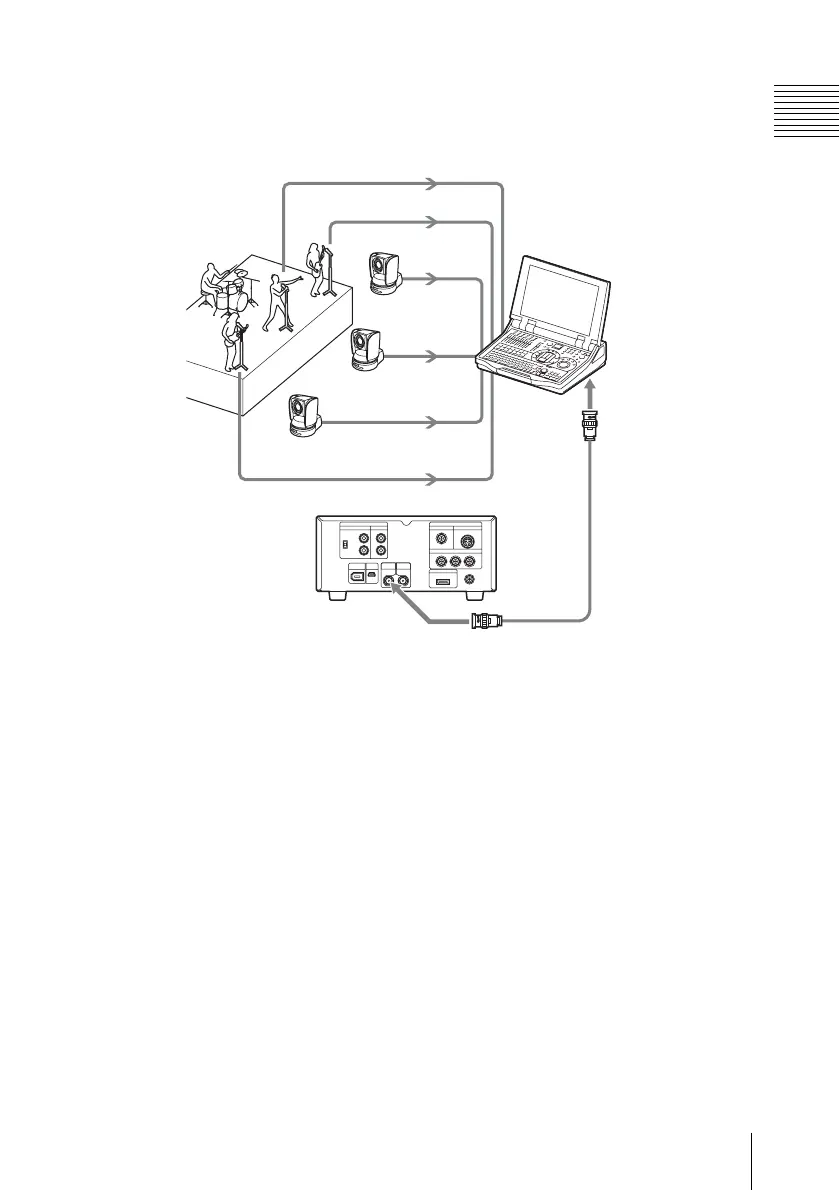
Connecting an External Device with the HD SDI Connector
Chapter 6 Example Connections for Various Applications
To record live materials on this unit
Perform manual recording using the REC
button.
For operation method, see “Recording” (page 47).
HD SDI
INPUT
a)
AUDIO
AUDIO
AUDIO
HD SDI
HD SDI
HD SDI
This unit
BRC-Z700W
c)
AWS-G500
d)
To distribution system
M
a) Cable with BNC connectors
b) Select the video format matching with the input signal format with “Video Format”
(see page 94) of the OTHERS menu.
c) The HFBK-HD1 HD Interface Board (optional) is required.
d) The BKAW-590 HD Serial Digital Interface Module (optional) is required.
microphones
b)
HDSDI output
connector
(HFBK-HD1)



 To Next Page