85
Basic Menu Operations
Chapter 8 Menu Configuration and Detailed Settings
Example: OTHERS menu
3 Press the M or m button to move the
cursor to the menu item you wish to
set, then press the SET button to
confirm the selection.
The setting area appears to the right of
the menu item selection area, and the
cursor moves to the top of its subitems.
When you select an item without
subitems, that is, an item which is only
to be turned on and off or to be
switched between settings, the choices
are displayed to the right with the
cursor positioned on the currently
selected setting. In this case, proceed
to step 5.
Example
4 For the item that has subitems, press
the M or m button to move the cursor to
the subitem you wish to set, then press
the SET button to confirm the
selection.
The available values of the selected
subitems are displayed, and the cursor
moves to the current value.
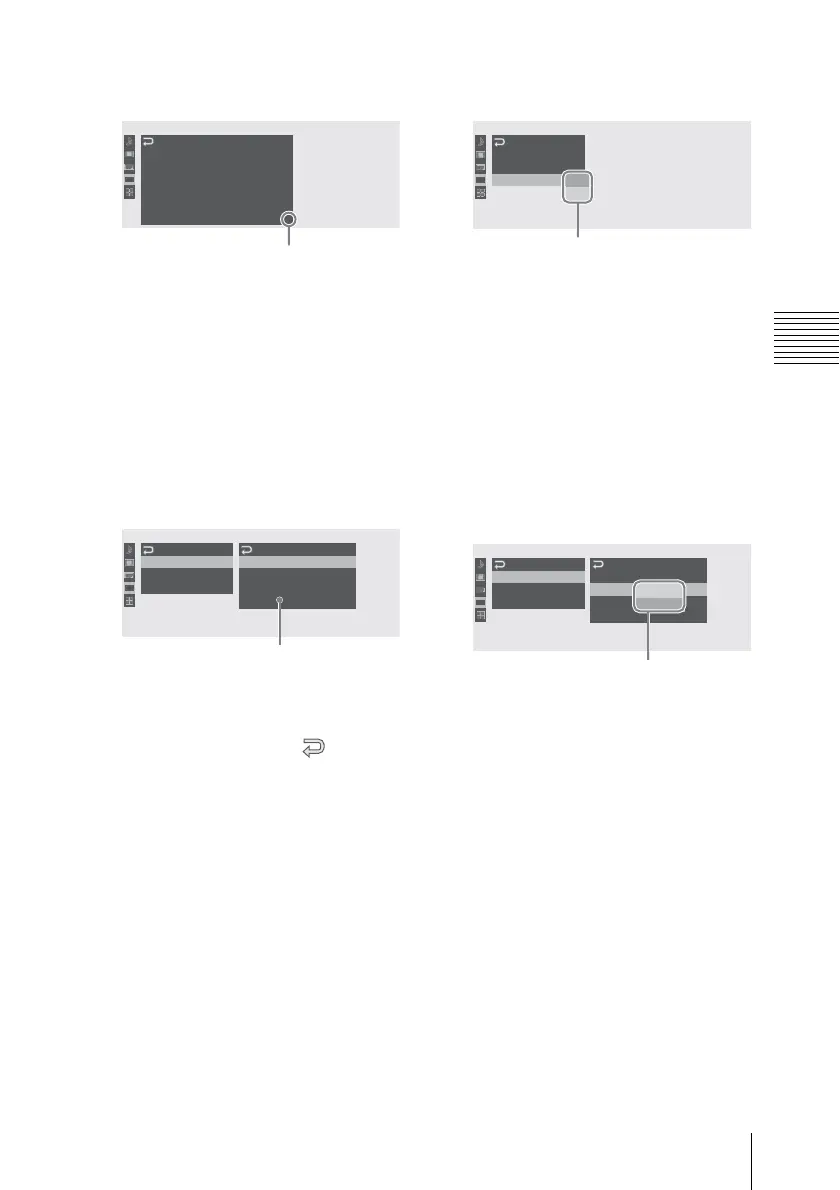
• The available value area can show
seven lines at maximum. When all
the selectable values cannot be
displayed at one time, you can scroll
the display up or down by moving
the cursor. A triangle appears at the
upper or lower right corner of the
available value area to indicate that
scrolling is enabled (see the figure in
step 3).
• For items having a wide range of
available values (example: –99 to
+99), the available value area is not
displayed. The current setting is
highlighted instead, indicating that
the setting is ready for change.
00:00
OTHERS
All Reset
Setup Data
Time Zone
Clock Set
Language
Hours Meter
UTC +09:00
English
B
:
B
:
B
V
Displayed when there are more menu
items beneath. (v shown at the top
indicates that there are more menu
items above.)
00:00
Mode
Ru n
Setting
Reset
: Preset
: Rec Run
: 00:00:00:00
TC/UB SET
Timecode
Users Bit
TC Format : DF
B
B
Setting area
• The subitems and their
current values are
displayed.
• To return to the previous
layer, select or press
the CANCEL button.
00:00
TC/UB SET
Timecode
Users Bit
TC Format : DF
NDF
B
B
Choices
To return to the previous
layer, press the CANCEL
button.
00:00
Mode
Ru n
Setting
Reset
: Preset
: Rec Run
: Free Run 00
TC/UB SET
Timecode
Users Bit
TC Format : DF
B
B
Available value area
To return to the previous
layer, press the CANCEL
button.



 To Next Page