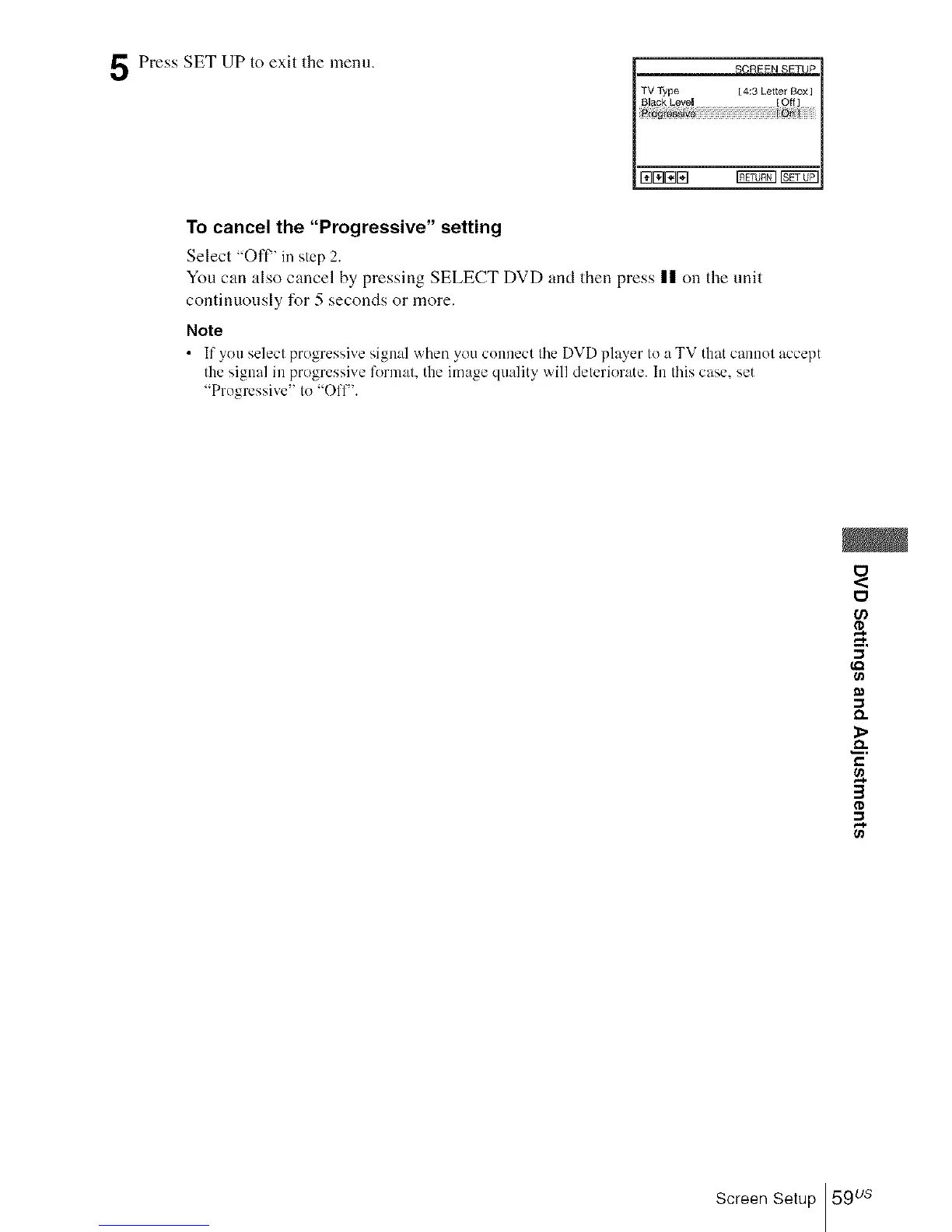
Press SET UP to exit the menu.
TV Type [ 4:3 Letter Box]
To cancel the "Progressive" setting
Select "Oft" in step 2.
Yon can also cancel by pressing SELECT DVD and then press |1 on the unit
continuously for 5 seconds or more.
Note
• If you select progressive signal when you connect the DVD player to a TV that cannot accept
the signal in progressive fl_rmat, the image quality will deteriorate. In this case. set
"Progressive" to "Ofl-'.
t_
D,.
&
e,,
3
Screen Setup 59 us














 To Next Page