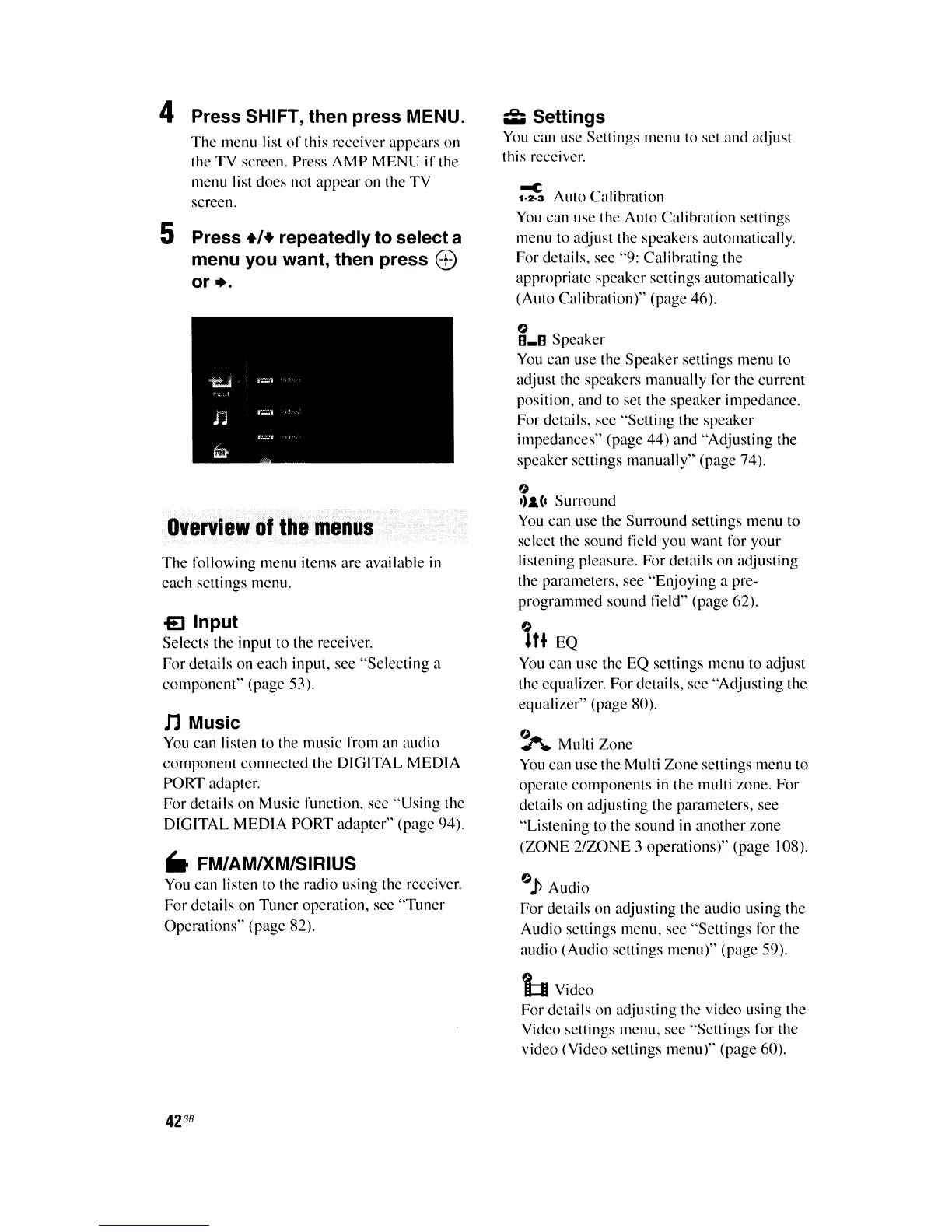
4 Press SHIFT, then press MENU.
The
menu list
of
this receiver appears on
the
TV
screen. Press
AMP
MENU
if
the
menu list does not appear on the TV
screen.
5 Press
+1+
repeatedly to select a
menu you want, then press
<I>
or
•.
Overview
if
the
menus
The
following menu items are available in
each settings menu.
£I
Input
Selects the input to the receiver.
For details on each input, see "Selecting a
component" (page 53).
nMusic
You
can listen to the music from an audio
component connected the DIGITAL MEDIA
PORT adapter.
For details on Music function, see
"Using
the
DIGITAL MEDIA PORT adapter" (page 94).
..
FM/AMIXM/SIRIUS
You
can listen to the radio using the receiver.
For dctails on
Tuner
opcration, see
"Tuncr
Operations" (page 82).
42
GB
~
Settings
You
can use Settings menu to set and adjust
this receiver.
~
Aulo Calibration
You
can use the Auto Calibration settings
menu to adjust the speakers automatically.
For details, see "9: Calibrating the
appropriate speaker settings automatically
(Auto Calibration)" (page 46).
o
8_8
Speaker
You
can use the Speaker settings menu to
adjust the speakers manually for the current
position, and to set thc speaker impedancc.
For details, scc "Setting the speaker
impedances" (page 44) and "Adjusting the
speaker scttings manually" (page 74).
o
'),&,(1
Surround
You
can use the Surround settings menu to
select the sound field you want for your
listcning pleasure. For details on adjusting
the parameters, see "Enjoying a pre-
programmed sound field" (page 62).
o
U. EQ
You
can use thc EQ settings menu to adjust
the equalizer. For details, see "Adjusting the
equalizer" (page 80).
~
Multi Zone
You
can use the Multi Zone settings menu to
operate components
in
the multi zone. For
details on adjusting the parameters, see
"Listening to the sound in another zone
(ZONE
2/Z0NE
3 operations)" (page 108).
OJ)
Audio
For dctails on adjusting the audio using thc
Audio settings menu, see "Settings for the
audio (Audio settings menu)" (page 59).
i:t Vidco
For dctails on adjusting the vidco using the
Vidco settings menu, see "Settings for the
video (Video settings menu)" (page 60).















 To Next Page