will be output from the sub woofer if the digital
input signal contains L.F.E. signals. or
if
the front
or
surround speakers are set to
"SMALL,"
the sound
field for movie is selected.
or
"Portable Audio" is
selected.
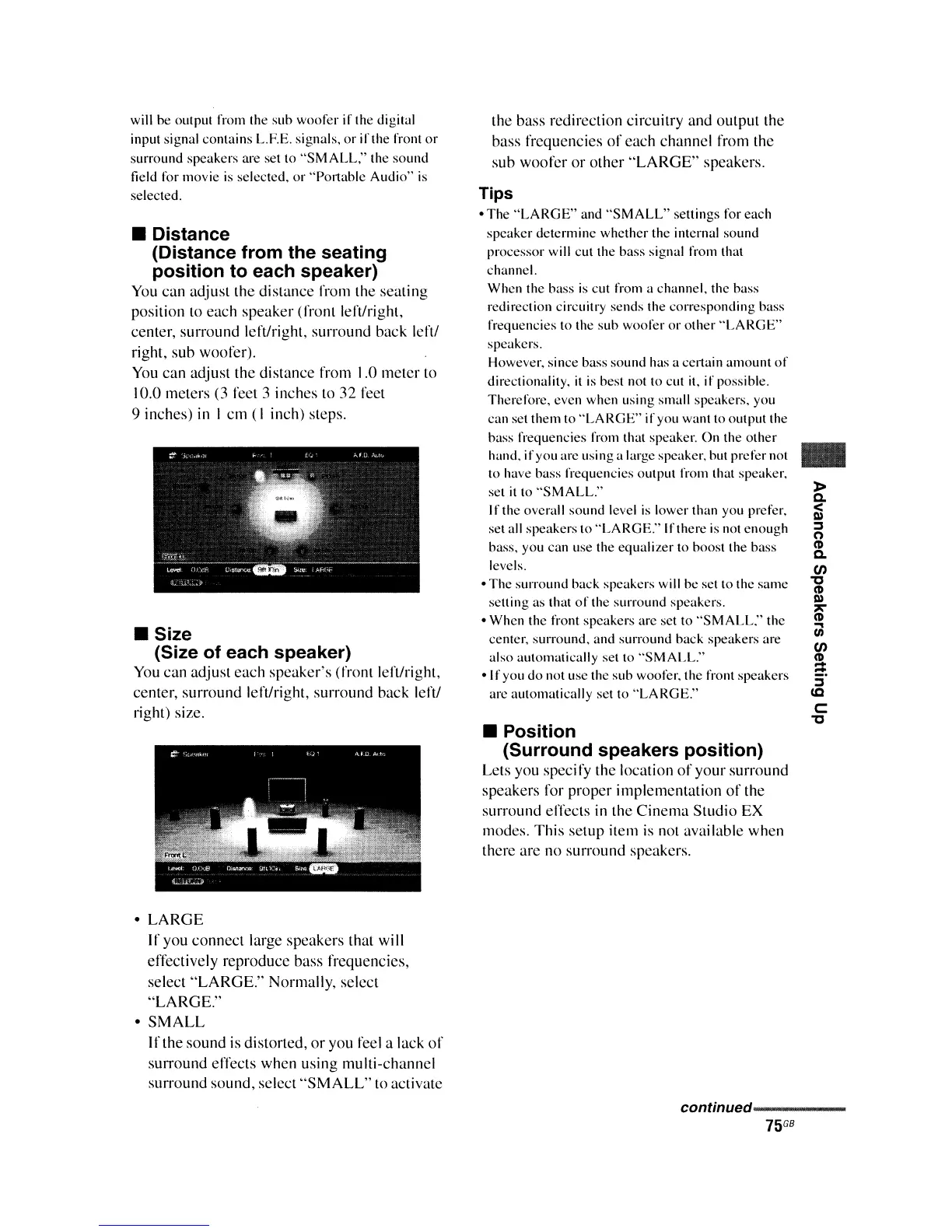
• Distance
(Distance from the seating
position to each speaker)
You
can adjust the distance from the seating
position to each speaker (front lert/right,
center, surround left/right, surround back lert/
right, sub woofer).
You
can adjust the distance from 1.0 mcter to
10.0 meters (3 fcct 3 inches to 32 fect
9 inches)
in
I cm (I inch) steps.
• Size
(Size of each speaker)
You
can adjust cach speaker's (front lert/right,
center, surround Icft/right, surround back lert/
right) size.
•
LARGE
If you connect large speakers that will
effectively reproduce bass frequencies,
select
"LARGE."
Normally, selcct
"LARGE."
•
SMALL
If the sound is distorted,
or
you feel a lack
of
surround effects when using multi-channel
surround sound, select
"SMALL"
to activate
the bass redirection circuitry and output the
bass frequencies
of
each channel from thc
sub woofcr
or
other
"LARGE"
speakers.
Tips
• The
"LARGE"
and
"SMALL"
sellings for each
speaker determinc whether thc internal sound
processor will cut the bass signal from that
channel.
When the bass
is
cut from a channel, thc bass
redirection circuitry sends the corresponding bass
frequencies to the sub woofer
or
other
"LARGE"
speakcrs.
However, since bass sound has a cel1ain amount
of
directionality.
it
is
best not to cut
it,
if
possible.
Therefore, even whcn using small speakers. you
can set them to
"LARGE"
if
you want to output the
bass frequencies from that speaker. On the
other
hand.
if
you arc using a large speaker, but prefer not
to have bass frequencies outpUI from that speaker.
set
it
to
"SMALL."
If the overall sound level
is
lower than you prefer.
set all speakers to "LARGE." Ifthere is not enougb
bass. you can use the equalizer
10 boost the bass
levels.
• The surround back speakers will be set to the same
setting as that
of
the surround speakers.
• When the front speakers are set to
"SMALL."
the
center, surround. and surround back speakers are
also automatically set to
"SMALL."
• If you do not use the sub woofer. the front speakers
are automatically set to "LARGE."
• Position
(Surround speakers position)
Lets you speci
fy
the location
of
your surround
speakers for proper implementation
of
the
surround effects
in
the
Cinema
Studio EX
modes. This setup item
is
not available when
there are no surround speakers.
..
»
Q.
<
III
;::,
o
CD
Q.
00
't'
CD
III
"1':'
CD
U;
00
CD
:;
;::,
lC
C
't'
continued------















 To Next Page